
Keep your access under your control
Access your passwords on your devices without entrusting them to a centralized cloud vault. You keep control of your data and access.
A password manager built to keep your passwords and sensitive data under your control, on your devices, with a modern and practical user experience.
Join the community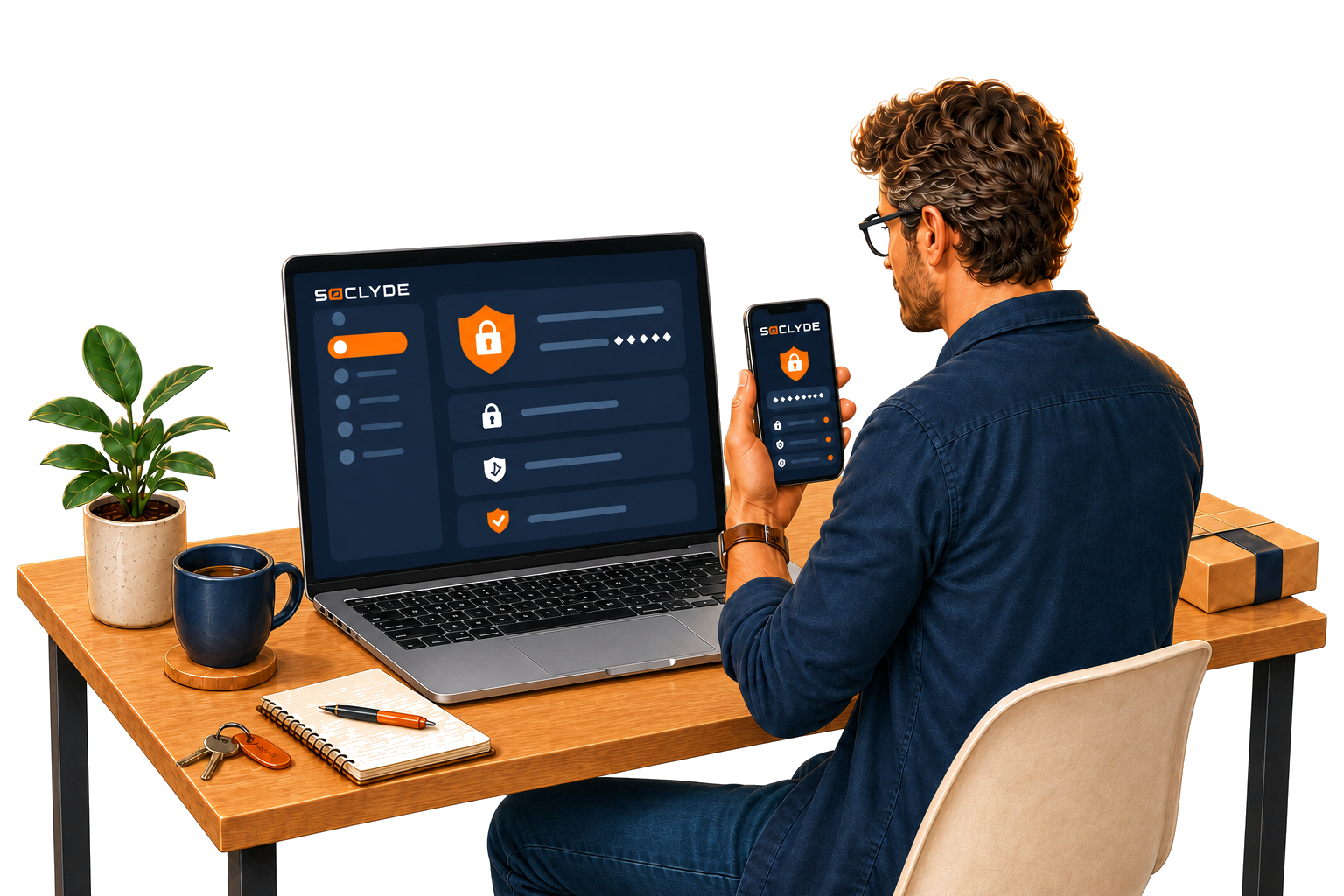
Many password managers centralize your data in the cloud. Soclyde helps you keep your access under your control with a local-first approach designed for individuals and small teams.
Access your passwords on your devices without entrusting them to a centralized cloud vault. You keep control of your data and access.
Keep your access up to date on your computer and phone without placing your passwords on a third-party server. Synchronization happens directly between your devices, with encryption.
Get started without an account, email address, or server to configure. Soclyde fits into your daily work from the first few minutes.
Set up professional-grade protection without a dedicated IT team, a server to manage, or a complex project.
Secure your access without a dedicated IT team.
What Soclyde brings you

Keep control of company access without a centralized cloud vault, while protecting sensitive credentials on your own machines.
What Soclyde brings you
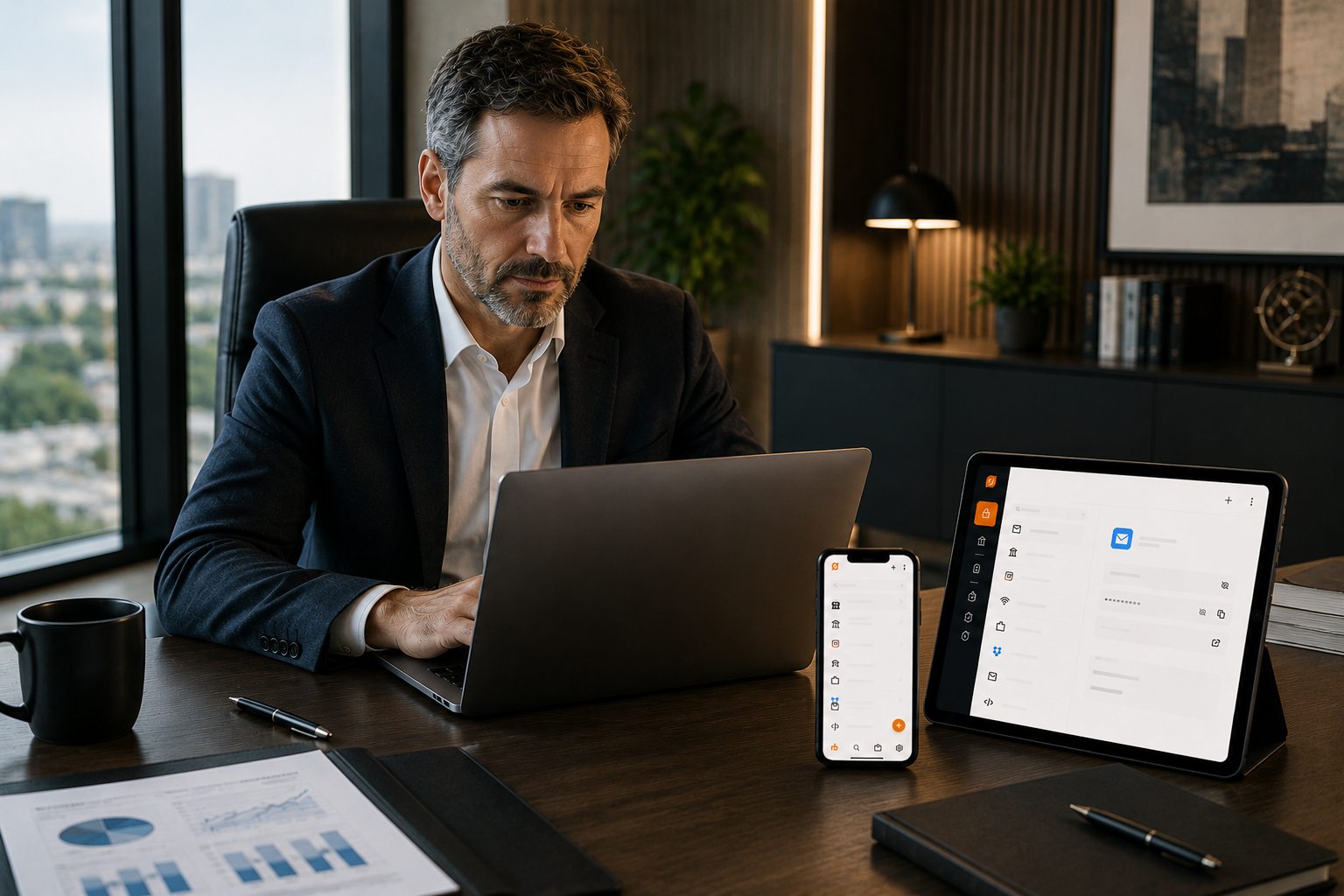
Share the access your collaborators need without exposing team credentials to a third-party server.
What Soclyde brings you
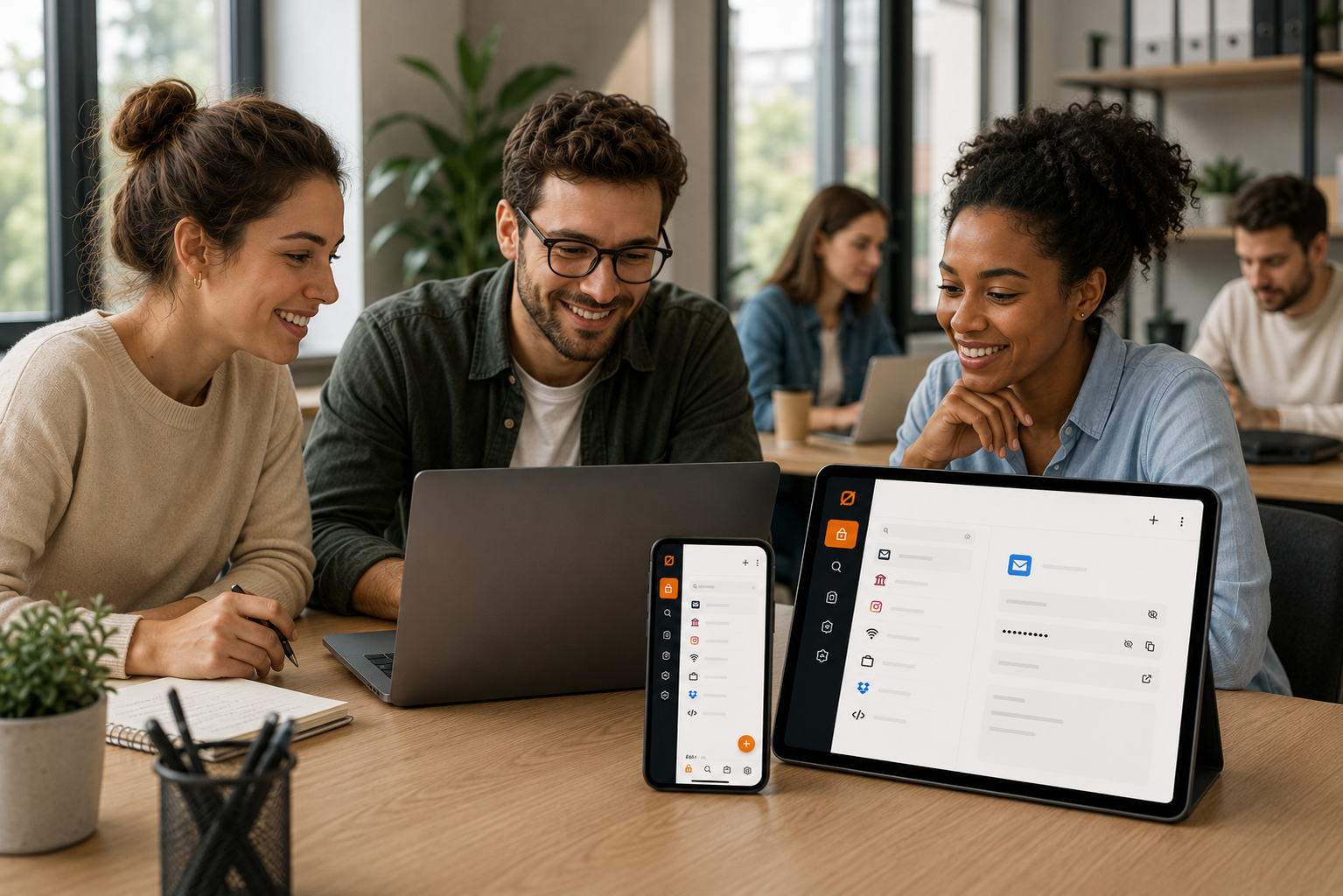
Whether you are a lawyer, doctor, accountant, or consultant, protect access and client data with a local-first approach.
What Soclyde brings you
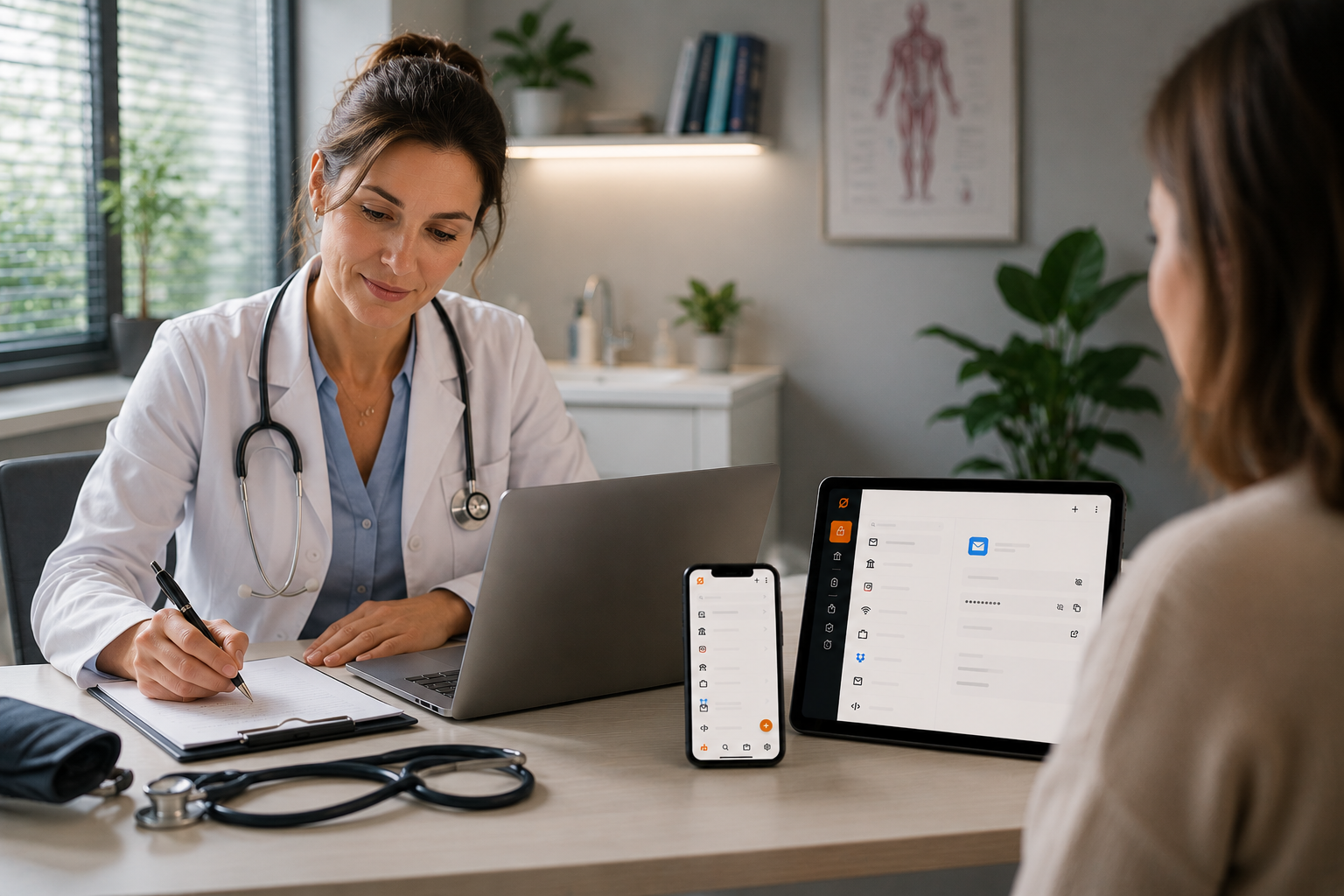
Install in one click without servers, VPNs, or certificates to manage: encrypted synchronization stays direct between devices.
What Soclyde brings you
If Soclyde delivers on its local-first promise without forcing cloud usage, I want to be among the first testers.
I am looking for a solution my team can deploy simply, with transparent subscription pricing and no dependency on an external server.
What matters most to me is keeping full control of access on our own devices, even before the official launch.
Every role has its own confidentiality constraints. Discover how Soclyde adapts to your profession's requirements.
Synced across your devices. Never on our servers.
Protect my passwordscentral server to manage
complex setup
control over your access
access to your data
Centralize employee and client credentials in a secure environment you fully control. Soclyde removes third-party server risks while keeping day-to-day workflows fluid for demanding professional teams.
Whether you handle banking access, confidential client files, or sensitive administrative credentials, Soclyde adapts to your workflows.
For accountants and finance teams, banking and tax credentials remain protected with a fully controlled local infrastructure.
Lawyers, notaries, and accountants can secure client access without entrusting keys to external servers.
Keep ownership of business credentials, internal permissions, and sensitive data in daily operations.
Join the communityFor medical and paramedical practices, software access stays encrypted and locally managed to protect patient privacy.
Consolidate critical team credentials in a local space, without a centralized cloud vault operated by Soclyde.
As credential management gets harder, users often reuse or simplify passwords, putting security at risk.
The same password can expose several accounts when a service is compromised.
Access shared by email, messaging, or documents is difficult to control.
A centralized vault concentrates sensitive data in third-party infrastructure.
A vault on your devices remains available without an internet connection.
A password manager helps create and retrieve different access credentials for each service.
Soclyde uses end-to-end encryption to protect data as it moves between authorized devices. Your data is encrypted on your devices before synchronization, and Soclyde cannot access the passwords in your vault. The vault remains local rather than being stored in a centralized cloud vault operated by Soclyde. You do not need to know the underlying algorithms or key details to use the product.
Without one, you are more likely to reuse or simplify passwords, keep them in files or notes that are difficult to protect, and lose visibility over shared access. When a service is compromised, a reused password can expose several accounts. A password manager helps you create a unique password for every service, keep them in an encrypted vault, and find them more easily.
End-to-end encryption protects data while it moves between your authorized devices. The vault remains local on your devices, and Soclyde cannot access the passwords it contains. This architecture lets you use a multi-device password manager without keeping vaults in a centralized cloud server operated by Soclyde.
Each authorized device keeps a complete copy of your vault. If you lose one device, your data remains available on the others. When you add a new authorized device, you can restore the vault from an existing copy. You can also export your vault to keep an additional copy.
This is a legitimate question that every user should ask about their password manager. With Soclyde, the answer is reassuring: since your data is stored locally on your devices in a standard encrypted format, it does not depend on our servers to exist. If Soclyde were to cease operating, you would retain full access to your passwords. This is a guarantee cloud solutions cannot offer, because if their servers go offline, your data disappears with them.
Soclyde’s architecture limits exposure of your passwords: the vault stays on your devices and Soclyde cannot access it. This local approach may support some confidentiality needs and reduce dependence on cloud subcontractors. It does not, by itself, establish GDPR compliance: that depends on your organization, your usage, and the services involved.
The main difference lies in the storage architecture. Cloud password managers rely on centralized infrastructure to synchronize vaults and provide multi-device access. Soclyde keeps the vault on authorized devices and synchronizes it directly between them, without a centralized cloud vault operated by Soclyde. This approach prioritizes local control and reduces dependence on a remote service to access your passwords.
Soclyde is free for use on a single device. The free version includes vault management, autofill, import, and export. Vault storage has no Soclyde quota; the practical limit is the available space on your device. Multi-device synchronization and collaboration features are part of Premium. Soclyde does not monetize your data and displays no advertising.
Soclyde was designed for small businesses without a dedicated IT team. It requires neither a central server to manage nor manual network configuration. An SMB can install it on its workstations, search for access, organize it into groups, and share useful credentials with different permission levels without placing its vaults on a centralized cloud server.
Yes, completely. Access to your passwords never depends on an internet connection. Since your data is stored locally on your devices, you can view, copy, and use all your credentials even where there is no network, on a plane, or during an internet outage. This is a major advantage over cloud password managers, which can become inaccessible if their servers fail or the network goes down.
Multi-device synchronization happens automatically between your authorized devices, in encrypted form and without manual network configuration. Vault data travels directly between the relevant devices instead of being placed in a centralized cloud vault operated by Soclyde. When you add a device, you can restore the vault from an existing copy and access your credentials on your computer, phone, or other authorized devices.
Migrating from another password manager is designed to remain simple. You can export your credentials from your current tool and import a format supported by Soclyde into your encrypted local vault. Soclyde plans imports from multiple password managers; exact compatibility depends on the supported source format. The operation takes place locally so your data remains on your devices.
Soclyde is available on Windows, macOS, Linux, iOS, and Android. The application is optimized for each platform to provide a smooth native experience, whether you use a desktop computer, laptop, or smartphone. Synchronization works across all your devices, regardless of the operating-system combination you use.
KeePass is an excellent local password manager, but it has two major limitations: an outdated and complex interface, and no native multi-device synchronization. To synchronize KeePass across several devices, you must manually configure a third-party service such as Dropbox, Google Drive, or a WebDAV server. This reintroduces precisely the cloud issue you wanted to avoid and requires technical skills. Soclyde offers the same local-storage philosophy as KeePass, with a modern interface and native multi-device synchronization, without any manual configuration.
A password manager stores, organizes, and protects your credentials in an encrypted digital vault. It helps you create unique and complex passwords for every service without having to memorize them, use autofill, and find your access quickly. Soclyde keeps the vault on your devices rather than in a centralized cloud vault operated by Soclyde, so your passwords remain under your local control.
Join the Soclyde community and follow the launch of a local-first password manager built without compromise.
Join the communityEnd-to-end encryption. Automatic sync. Off-cloud.
Install and get started