
Protect essential access
Secure the accounts and tools your business relies on every day.
Security, simplicity, and total control. Discover how Soclyde protects your data on your devices.
Get updates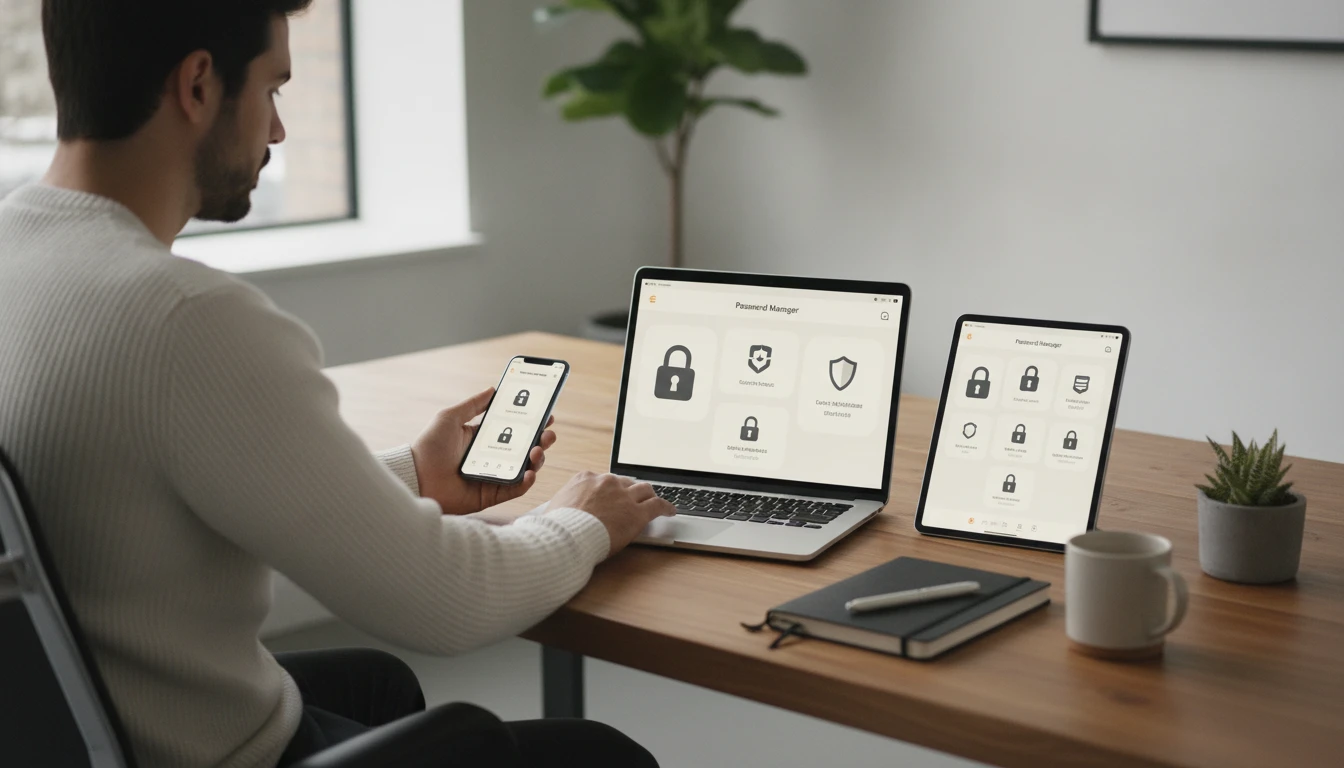
Your vaults live physically on your devices—nothing sits in a centralized cloud vault operated by Soclyde.
Device vault
Each device manages its own secured vault.
Encrypted vault
Your passwords remain encrypted on your authorized devices.
Search & groups
Search your access, create groups, and organize credentials by group.
No centralized cloud vault
The vault remains on your devices rather than in a centralized cloud vault operated by Soclyde.
0
infrastructure to deploy
1
unique password to remember
5
compatible platforms
100%
Your data stays on your devices
SECURITY WITHOUT COMPLEXITY
Strengthen your company’s security without adding complexity to your daily work.
Assess your needs
YOUR DATA ON YOUR DEVICES
Your vault stays under your control, on your devices.
Secure the accounts and tools your business relies on every day.
Access your information even when a connection is not available.
Manage your vaults without depending on third-party infrastructure.
FOR SMALL BUSINESSES
Soclyde strengthens your company’s security without requiring any infrastructure.
Discover the Soclyde approach
Protect your professional access with a solution that is easy to adopt.
Share useful access with a few colleagues using the right permissions.
Avoid reused passwords and keep your organization clear.
HOW DOES IT WORK?
Install Soclyde on Windows, macOS, Linux, iOS, or Android from your store.
Keep your credentials in one encrypted space under your control.
Share only the access people need, with permissions that fit your team.
Access what you need at the right time, in the office or on the move.
BACKUP AND RECOVERY
Each device keeps an encrypted copy of your vault. The more devices you use, the more backups you have.
Each authorized device keeps an encrypted copy of the vault.
Replication naturally grows with your device fleet.
Restore a complete copy of the vault on a new authorized device from an existing copy.
SIMPLE MIGRATION
Import export formats from competing password managers and bring your access into Soclyde without a complex migration.
Import your data from the export formats used by your current tools.
Your data stays on your device during the import.
Quickly find your access in an organized Soclyde vault.
ON ALL YOUR DEVICES
Choose your environment and download Soclyde directly from the official source.
Desktop application
Coming soonDesktop application
Coming soonDesktop application
Coming soonMobile app
Coming soonMobile app
Coming soonMAKE THE RIGHT CHOICE
A simple overview of what changes for your business in practice.
QUESTIONS FROM SMALL TEAMS
The essential answers to help you decide with confidence.
No. Creating a vault requires neither an account nor an email address. You simply define one unique password to remember.
This password is the key to your vault. Keep it safe: Soclyde cannot recover it for you.
Your vaults are stored locally on your devices. Soclyde does not require cloud infrastructure to keep your passwords.
Yes. Your data remains available offline on authorized devices, during an outage or while traveling.
Share only the access people need and define permissions that fit your organization.
You can review shared access and remove permissions that are no longer needed, according to your team’s rules.
MOVE FORWARD WITH CONFIDENCE
Soclyde fits into your daily work with an approach that is easy to understand for owners, freelancers, and small teams.
Start with a secure vault without deploying a server or configuring infrastructure.
Keep your data under your control, independently from a centralized cloud service.
Share useful access and keep a clear view of permissions.
READY TO MOVE FORWARD?
Answer a few questions to help us understand your needs.