The software people seek can hide another function
On August 31, 2026, Kaspersky described a malicious installer that deployed a modified version of QN Wallpaper to load the ValleyRAT backdoor through DLL sideloading. The installer disabled Windows Defender and added startup persistence. Kaspersky says its analysis began with a single sample submitted by a customer.
The figures of more than 100,000 detections and 1,500 unique users refer to all ValleyRAT activity Kaspersky observed in 2026, not this specific delivery route. The vendor did not provide a victim count attributable to the QN Wallpaper installer.
Why a signature is not enough
The signed QnWallpaper.exe binary loaded a malicious libcef.dll placed in its directory. The process signature did not make the neighboring library safe. Kaspersky also says users added the software to security exclusions to avoid alerts; that exception could let the chain run without inspection.
ValleyRAT can record keystrokes, read the clipboard, capture the screen, and load other modules. On a business workstation, those functions can expose passwords shown temporarily, recovery codes, customer data, and active browser sessions. MITRE describes DLL side-loading as execution through a library loaded by a legitimate application.
Practical checks for a Windows workstation
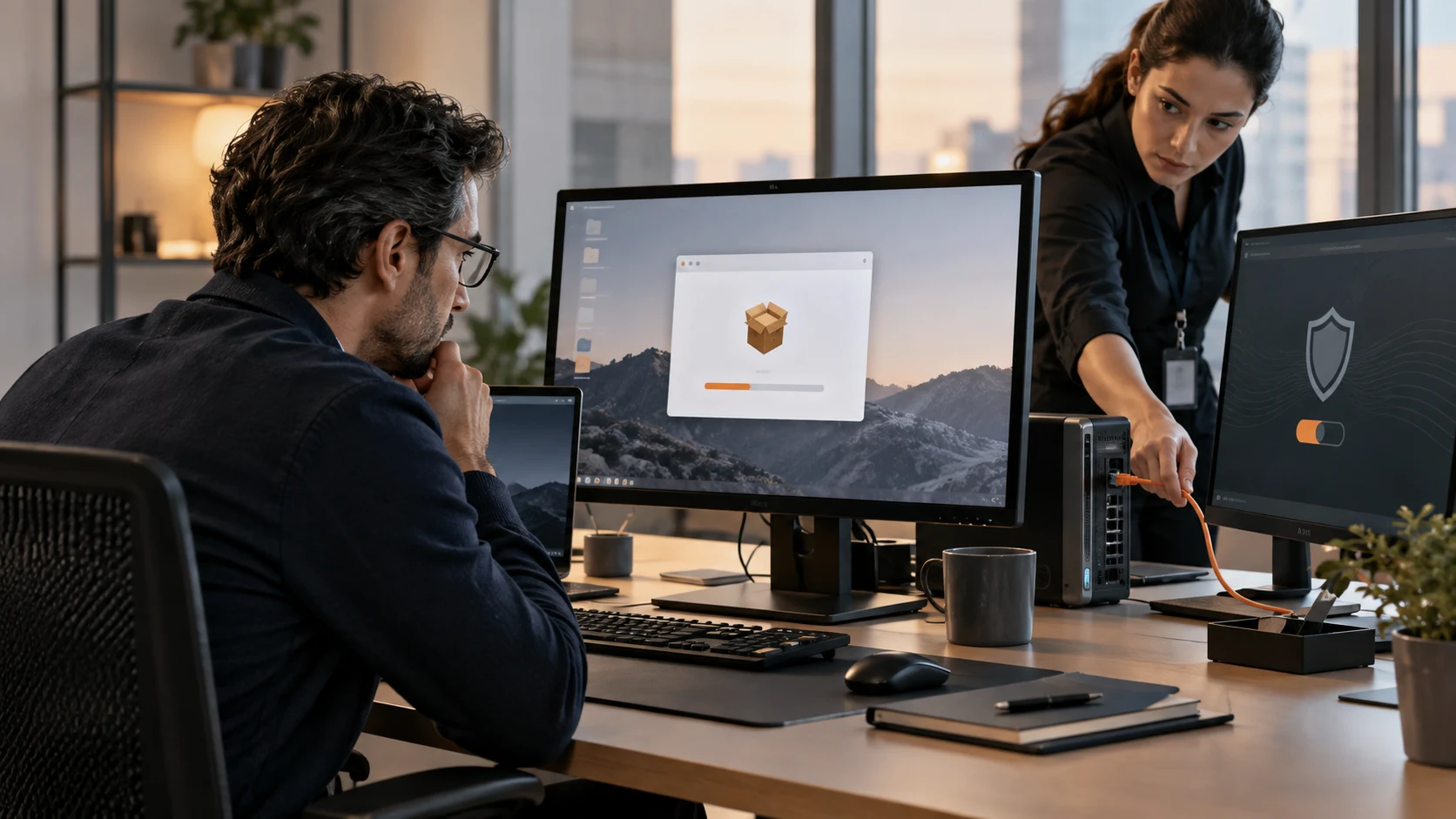
Do not install QN Wallpaper from an unverified link or create an antivirus exclusion to silence an alert. On business devices, restrict installation to approved software and monitor unusual startup changes and modifications to Microsoft Defender settings.
If the software was installed, isolate the workstation before changing passwords from it. To plan secret rotation, read Soclyde’s infostealer guide and our team password-sharing guide.
- Allow software installation through a known list and process.
- Do not add downloaded software to an antivirus exclusion just to make it run.
- Remove local administrator rights when the work does not require them.
- Revoke sessions and rotate secrets accessible from it: email, cloud, VPN, browser, and vault.
- Rebuild from a trusted image when persistence or access scope cannot be ruled out.
What Soclyde can and cannot do
A local-first vault does not make an infected workstation trustworthy. Soclyde can still help keep secrets unique and speed up rotation after a device is isolated. A replaced password should not be copied into a temporary file or shared in a conversation.
Soclyde's infostealer guide explains the boundary between the vault, browser, endpoint, and sessions. A secure password generator can help create unique replacement secrets after the device is clean, but it cannot detect ValleyRAT or clean an infected device.
The takeaway
Security starts before installation. QN Wallpaper shows why a valid signature is not a guarantee against DLL sideloading. Reject unjustified antivirus exclusions, isolate a suspect workstation, and rotate secrets only from a clean device. For that rotation, read the team-sharing guide or contact Soclyde.