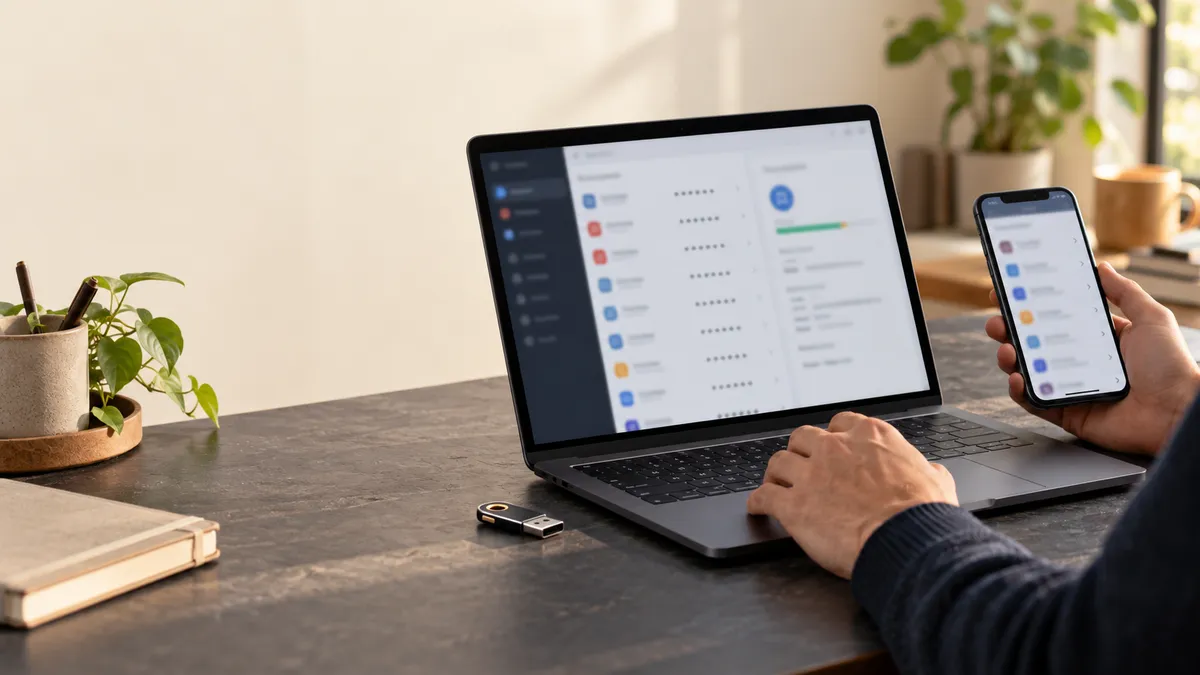
A very long password can still fail if it is entered on a fake website, reused on a service affected by a breach or stored in an accessible file. A realistic strategy combines several layers of protection and limits the consequences when one layer fails.
This guide presents a practical method for individuals and small teams. It does not promise zero risk. Its goal is to make every account harder to compromise, prevent one incident from spreading and speed up recovery.
1. Why password security still matters
Passkeys and passwordless authentication are growing, but passwords remain common in email, banking, social networks, business software, administration consoles and many devices. They are also often used as a fallback when a newer method is unavailable.
Email deserves absolute priority
Your mailbox can often reset the passwords for your other accounts. Its password should therefore be unique, long and protected with strong MFA. Apply the same care to your domain account, bank account and password-manager administration.
2. How accounts are actually compromised
Attackers do not always begin by guessing every possible combination. They start with low-cost options: leaked passwords, predictable variations, social engineering, stolen sessions or access to a device.
Reuse and credential stuffing
When an email address and password pair is exposed, automated tools can test it on other services. This works because the same secret was reused. Changing a few characters or adding the name of the service does not create a genuinely independent password.
Phishing, malware and recovery paths
A fake login page can transmit the password immediately, and some attacks relay MFA prompts in real time. An infostealer may also target saved passwords, browser cookies and session tokens. Finally, an outdated recovery email, phone number or trusted device can provide a side door into the account.
3. What makes a password strong in 2026
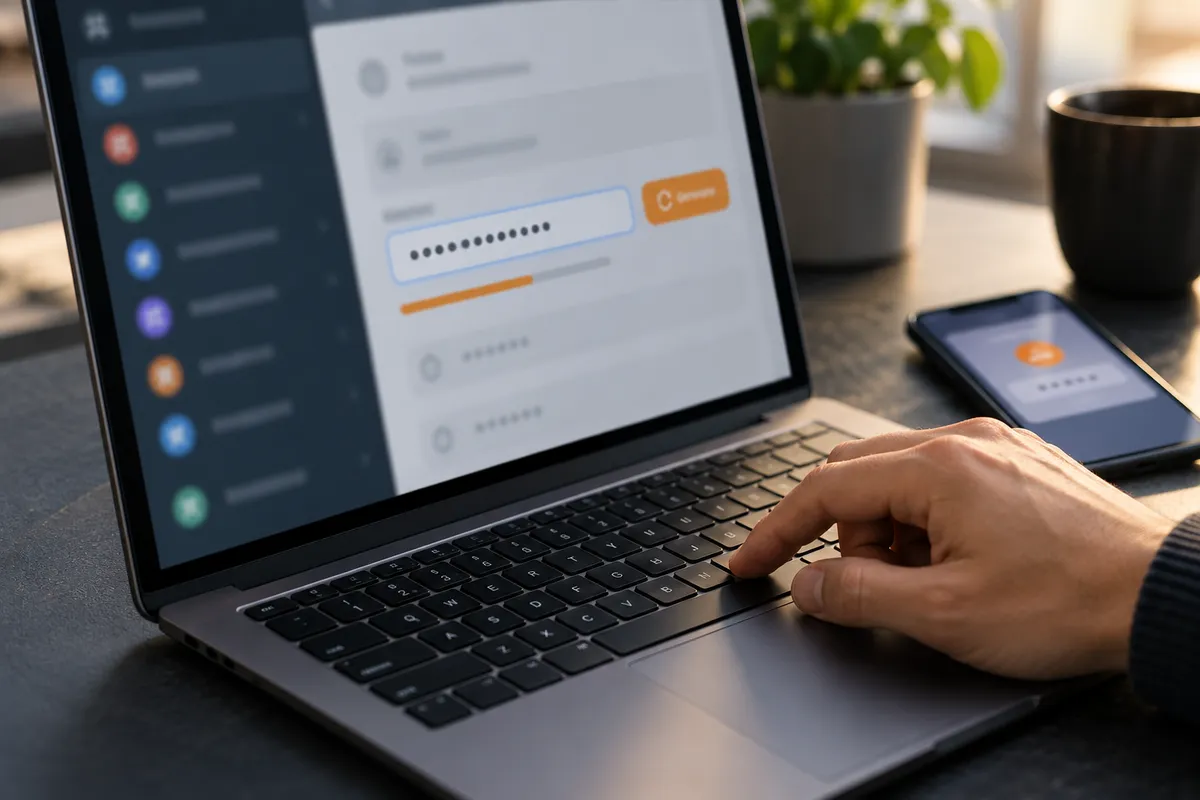
A robust password is long, unpredictable, unique and stored properly. For generated passwords, use a long random value when the service allows it. For a secret you must remember, use several unrelated words chosen at random rather than a familiar sentence or a personal detail.
Length is useful, but not sufficient
Longer secrets increase the work required to guess them, but length cannot compensate for reuse, phishing or a compromised device. A password should also be protected by the service’s MFA and recovery controls.
4. Creating strong passwords and passphrases
Use a password generator for accounts that do not require memorisation. Choose a passphrase made of random words for the vault’s main secret or another credential you must type regularly. Never turn a known phrase into a predictable pattern by adding an annual number or a symbol at the end.
Soclyde provides a password generator and a passphrase generator for these two use cases.
5. Where to store passwords securely
A password in an email, a spreadsheet or an unprotected note is difficult to control and easy to copy. A password manager keeps credentials organised, supports unique secrets and reduces the temptation to reuse them.
Evaluate the vault’s encryption, access secret, recovery process, backups, autofill, synchronisation and protection of the devices that open it. No storage model removes the need to secure the endpoint itself.
6. How a password manager works
A manager stores credentials in a protected vault, lets you search them and can fill them into the correct service. The best choice depends on your threat model, your devices, the people who need access and the recovery procedure you can realistically maintain.
7. Cloud, local and local-first: the differences
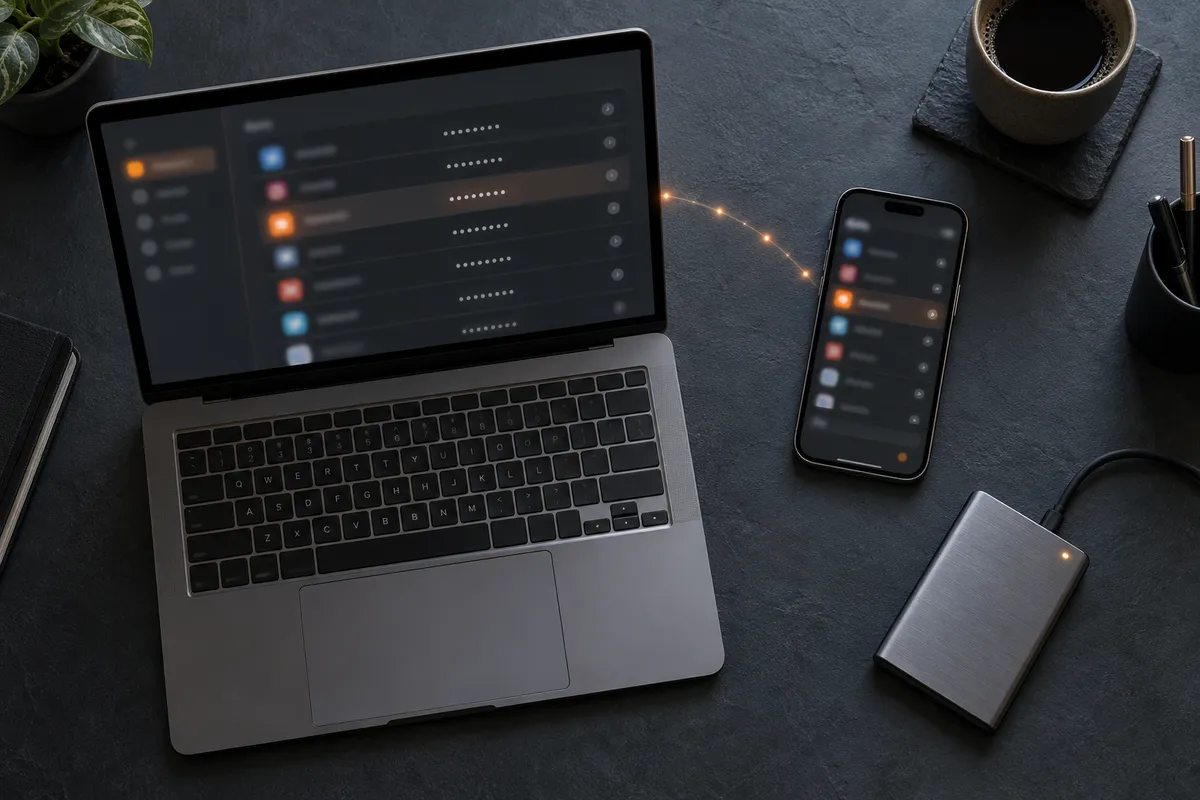
A cloud vault can make multi-device access convenient but adds a central service to evaluate. A local vault keeps the file under your control but makes backup and synchronisation your responsibility. A local-first approach keeps the encrypted vault on user devices and can reduce centralisation while still requiring careful device pairing, backups and recovery.
Soclyde is designed around a local-first model: its encrypted vault remains on the user’s devices rather than in a central cloud vault operated by Soclyde. This limits one specific type of centralisation; it does not make devices, backups or user behaviour risk-free.
8. Add protection with MFA
Enable multi-factor authentication first on email, financial accounts, social networks, administration consoles and the account that can reset other credentials. Keep recovery codes in a controlled location and review trusted devices and recovery methods.
9. Reducing phishing and credential theft
Check the domain before entering a secret, open the service from a known bookmark and never approve a login request you did not initiate. Autofill can help when it verifies the site before offering a credential, but it cannot replace attention to the device and the login request.
10. Finding out whether a password was compromised
Use the service’s alerts, your manager’s notifications and a recognised breach-checking service. A negative result does not prove that a secret is safe. Never enter an active password into an unknown checker.
11. What to do after a breach or hack
- Take back control through the service’s official recovery process.
- Revoke active sessions and trusted devices.
- Replace the compromised secret with a long, random and unique one.
- Find every account where the old secret or a variant was reused.
- Review recovery addresses, phone numbers, devices, applications and MFA factors.
- Inspect forwarding rules, authorised applications, purchases and administrator changes.
- If the device may be infected, isolate and clean it before entering new secrets.
12. Sharing access and maintaining good hygiene
Do not send a password as an ordinary message. Prefer named accounts and least privilege whenever the service allows it. When an access genuinely must be shared, use a sharing feature with controlled recipients, withdrawal of access and a process for renewing the secret.
For a small organisation, the SMB security assessment helps identify priorities without entering sensitive data.
Building protection in layers
Password security is not about finding one perfect formula and using it everywhere. A durable strategy combines long and unique secrets, controlled storage, a suitable manager, strong MFA, updated devices, phishing awareness and a known response process.
Start with email and accounts that can reset or administer others. Replace reused passwords, enable MFA, check recovery methods and back up the vault. Soclyde’s local-first approach keeps encrypted vaults on user devices and reduces centralisation, while leaving endpoint and backup security essential.