Centralize your agency’s client access with a password manager built for communication teams
A communication agency may manage social media, ad campaigns, CMS platforms, hosting, analytics and creative tools for dozens of clients. When credentials circulate in chat, browsers or spreadsheets, the risk also reaches the accounts entrusted by clients.
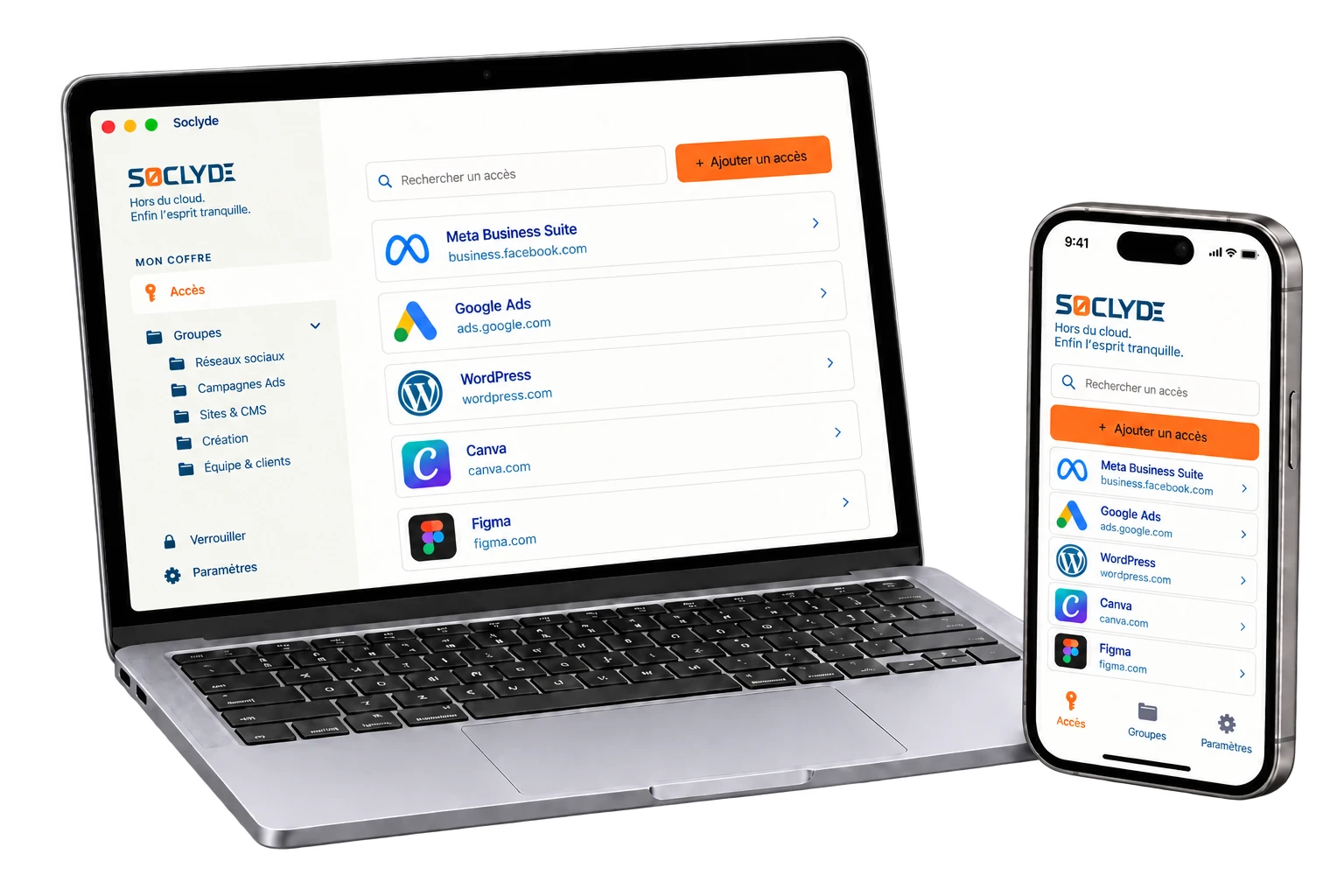
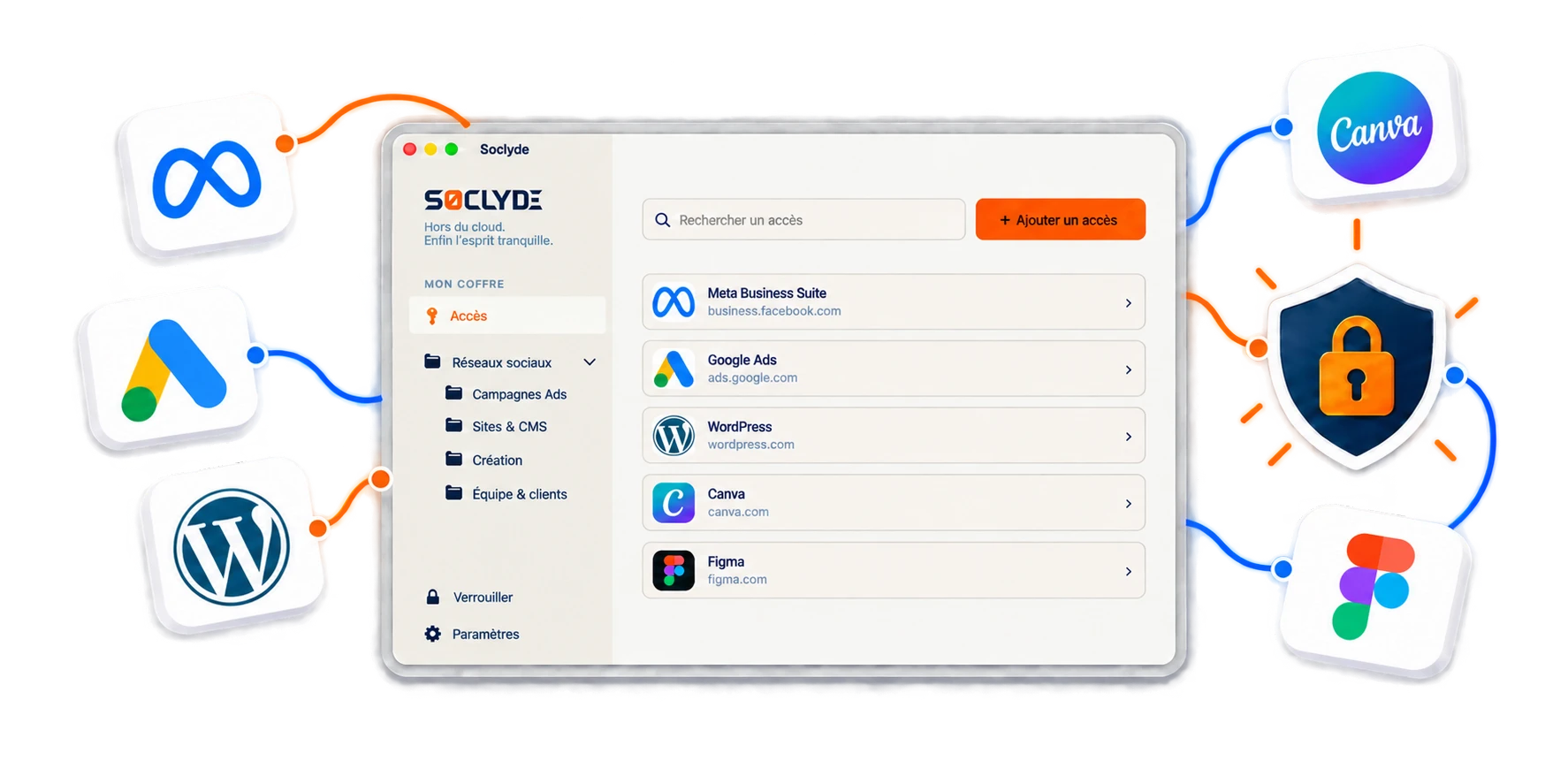
Soclyde brings internal and client access together in a vault organized for teams. Passwords remain on the agency’s authorized devices, without a remote vault hosted by Soclyde, with direct synchronization and project-based permissions.
- Local vaultAccess stays on the agency’s devices
- Team synchronizationNo central password server
- Client-based accessEach team sees only what it needs
- Fast rolloutNo infrastructure to maintain
- Controlled sharingFor employees, interns and freelancers




100% LOCAL0% CLOUD
A campaign should never depend on a password saved in one colleague’s browser
Project managers, social media teams, acquisition specialists, developers and designers do not use the same accounts.
Soclyde structures shareable credentials in a locally stored vault whose permissions evolve with projects and teams.
Your agency’s access on
all your devices.
Soclyde works on Android, iOS, Windows and Mac, in the office, at a client site or remotely.
Android
Native app
Mobile optimized
iOS
Native app
iPhone and iPad
Windows
Desktop app
System integration
Mac
Native app
macOS optimized
When the vault is hosted elsewhere, part of your clients’ access is too
A cloud manager adds external infrastructure to the storage of agency and client credentials.
With a cloud password manager, credentials also rely on external infrastructure.
This model may suit many teams, but adds a provider to the storage of sensitive advertising, social, website and domain accounts.
The more professional vaults a service gathers, the more valuable a target it can become.
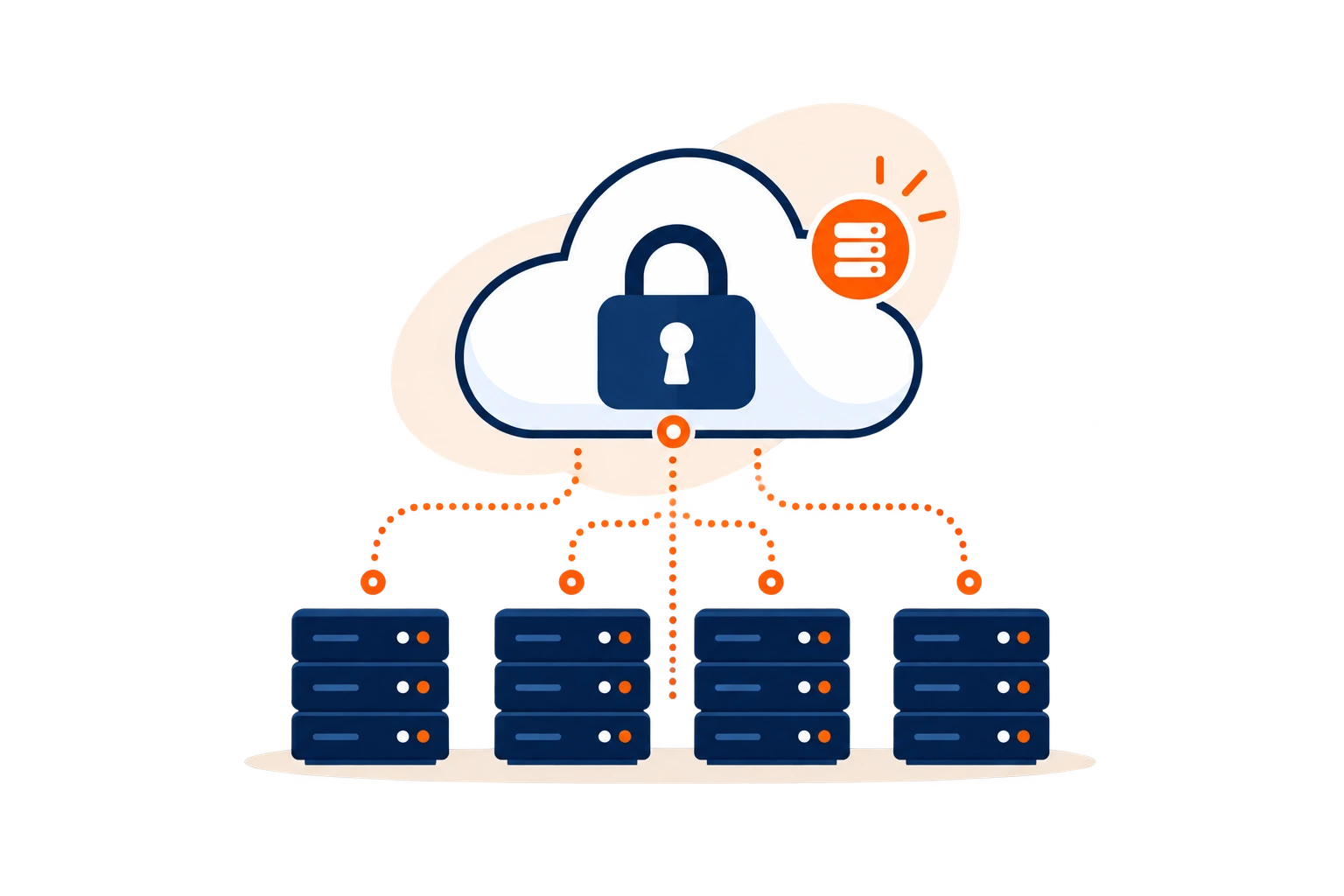
Cloud model (hosted)!
- Infrastructure outside the agency
- Provider incident can affect many customers
- Another intermediary holds the vault
Concentration effectA platform that gathers many professional vaults also concentrates value for attackers.
Soclyde model (local)✓
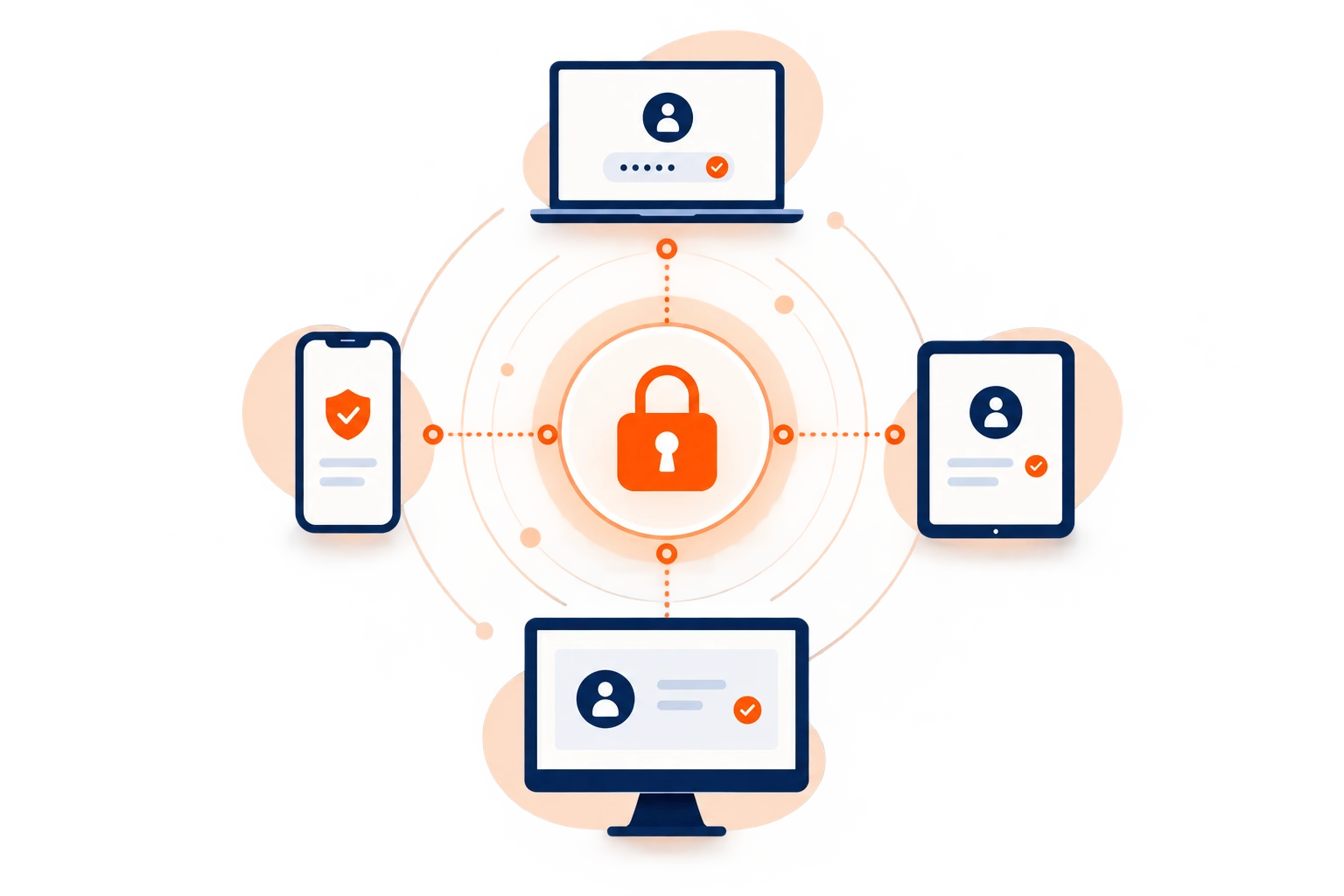
- Vault kept on devices
- Direct synchronization between authorized devices
- Offline availability
A local vault without a server to administer.
Soclyde removes the central cloud vault without turning the agency into a system administration team.
No central cloud vault
Direct synchronization
Offline access
Permission control
Agency reality
Le vrai chaos commence quand un même client possède des accès dans cinq outils et trois conversations
Access multiplies with every client, channel and provider.
Without shared organization, the agency depends on individual habits.
Scattered credentials
Chats, browsers and spreadsheets create competing versions.
Critical client accounts
Social media, ads, websites and domains affect client operations and reputation.
Changing teams
Employees, interns and freelancers rotate between campaigns.
A cross-client risk
One compromised account can disrupt several campaigns and clients
Agency accounts can publish content, spend advertising budgets, change websites or administer domains.
The priority is to reduce dispersion, assign only useful access and remove rights at the end of a project.
Everyday risks
Agency accounts can act directly on behalf of clients.
Four factors make access control essential.
Security begins with clear access assignment.
Des comptes gérés pour plusieurs clients
Chaque marque ajoute ses propres plateformes, droits et méthodes d’accès.
Des campagnes qui exigent de la réactivité
Une urgence ne doit pas transformer un mot de passe en message transféré à toute l’équipe.
Des freelances intégrés aux projets
Les besoins d’accès peuvent être très courts et doivent suivre la durée réelle de la mission.
Des équipes qui changent souvent de périmètre
Nouveaux clients, nouveaux projets et départs imposent de revoir rapidement certains droits.
Access to protect
Client access to protect every day
Each tool category needs clear organization by client, project and role.
Social media
Meta Business Suite, LinkedIn, TikTok, YouTube and publishing accounts.
These accounts directly affect the client’s public voice.
Advertising and analytics
Google Ads, Meta Ads, measurement tools and dashboards.
They expose budgets, audiences and performance data.
Websites, CMS and hosting
WordPress, domains, DNS, hosting and deployment tools.
Incorrect access can affect website integrity and availability.
Creation and collaboration
Creative suites, document storage and project tools.
Rights should follow the actual project team.
When an assignment ends
A departing employee or freelancer should not take client access with them
Centralization keeps credentials within the agency and adapts permissions when a project ends.
Without a shared vault, access may remain in a personal browser, private message or copied file.
A clear offboarding process reduces forgotten accounts and reliance on individual memory.
Structured offboarding
- Identify held access
- Remove unnecessary permissions
- Reassign shared accounts
- Update relevant secrets
- Maintain project continuity
The vault preserves continuity while unnecessary rights are removed.
Les mots de passe transmis par messagerie ou stockés sur plusieurs appareils rendent ce contrôle incertain : une ancienne copie peut rester utilisable après la fin du projet. L’agence perd alors la certitude de savoir qui connaît encore le secret.
Use case
Find the logins for your marketing campaign tools
At campaign launch, the team switches between social media, email tools, and the client’s reporting dashboards.
The situation
Launch is a coordinated effort; a missing password or one sent to the wrong thread slows everyone down.
Find the credential
Bring platform credentials together in the Soclyde vault and find the ones needed for the campaign.
Sign in to the service
With Premium sharing, colleagues can find logins in Soclyde instead of a chat thread and focus on the campaign.

Your passwords stay encrypted in a vault on your devices, without a centralized Soclyde cloud vault. Keep business logins available and better organized day to day.
Compare approaches
Modern collaboration or local control: agencies should not have to choose
Soclyde combines a local vault, device synchronization and team sharing without requiring a server to administer.
For a communication agency, the choice depends on the client portfolio, project turnover, external providers, devices and the desired level of control over credentials. Cloud and local solutions address these needs differently.
| Criterion | KeePass | Bitwarden / LastPass / 1Password |  |
|---|---|---|---|
| Storage outside a cloud vault | ✓ Yes | × No | ✓ Yes |
| Team synchronization | ▲ Manual | ✓ Yes | ✓ Direct |
| No server to maintain | ▲ Partly | ✓ Yes | ✓ Yes |
| Offline access | ✓ Yes | ▲ Limited | ✓ Yes |
Cloud managers simplify sharing
They also add intermediary infrastructure that stores and synchronizes vaults.
Traditional local tools need more coordination
File sharing and version conflicts can slow teams working across several devices.
Soclyde pillars
Access management that fits agency pace
Soclyde organizes secrets around devices, teams and assignments.
Local vault
Secrets remain encrypted on authorized devices.
Soclyde does not operate a centralized cloud vault holding your passwords.
Direct synchronization
Access stays up to date between authorized devices.
Sharing does not depend on a central cloud vault.
Project permissions
Each person receives the access required for their role.
Rights can evolve with projects.
Offline use
Previously synchronized credentials remain available.
Teams keep working in the office, on client sites and while travelling.
Use cases
Situations that shape agency life
New client, freelance support, urgent campaign or team change: access needs to follow without becoming scattered.
Client onboarding
Group access by scope from the start.
The team begins with a clear structure.
Freelance support
Share only the tools required for the assignment.
Rights follow actual needs.
Urgent campaign
Find useful access without searching for the latest message.
Accounts remain available to authorized people.
Project handover
Reassign access when the project manager changes.
Digital knowledge stays with the agency.
Remote work
Use access already synchronized on authorized devices.
The vault remains available without a password server.
End of assignment
Remove permissions that are no longer needed.
The access scope stays aligned with active projects.
Client trust
Client trust also depends on control over entrusted access
Agencies receive access that can act on behalf of clients. This calls for documented organization and limited permissions.
The local vault reduces dependence on centralized infrastructure operated by a password-manager provider.
What local architecture simplifies
- Vault kept on devices
- Permissions aligned with assignments
- Offline access
- No central cloud vault operated by Soclyde
A local vault does not replace multi-factor authentication, permission reviews or rotation of exposed secrets.
Security depends on the agency’s full set of practices.
Comparisons
KeePass, Bitwarden, LastPass and 1Password: how vault architecture makes a difference
SoclydeVSKeePass
What to know about KeePass
Strong local storage, with synchronization and sharing left to organize.
The Soclyde approach
Soclyde targets a smoother team experience while retaining local storage.
SoclydeVSCloud managers
What to know about Cloud managers
Smooth sharing, but a vault hosted on third-party infrastructure.
The Soclyde approach
Soclyde removes that centralized cloud vault from its architecture.
SoclydeVSSoclyde
What to know about Soclyde
Local vault, direct synchronization and team permissions.
The Soclyde approach
An approach designed for small professional organizations.
FAQ
Communication agency FAQ
Which password manager should a communication agency choose?
Choose a solution that supports multiple users and devices and separates access by client. Soclyde adds a local vault that is not hosted in the provider’s cloud.
How should an agency organize passwords for several clients?
Create an organization by client or project, limit access to the people concerned and document who takes over when a project manager or provider changes.
Should Meta, Google or LinkedIn account passwords be shared?
When a platform supports individual accounts, roles or Business Managers, prefer those options. Share a password only when it is authorized and necessary.
Where should client CMS and hosting access be stored?
Avoid email, messages and unprotected notes. A dedicated manager groups access and controls who can use it. Soclyde keeps the vault on authorized devices.
How can we avoid sending passwords through Slack, Teams or email?
When sharing is legitimate, grant access through a team vault instead of copying the secret into a conversation. This limits how widely the password circulates.
What should we do when a freelancer’s assignment ends?
List the accounts they used, remove permissions that are no longer needed and change shared secrets when necessary. Reassign the access the next owner needs.
Can a password manager without cloud storage work for a remote agency?
Yes, if authorized devices can synchronize as designed. Endpoints, backups and authentication methods must also be secured properly.
How can we protect clients’ advertising accounts?
Use named accounts and multi-factor authentication where available, limit roles and keep only necessary secrets in a dedicated manager.
How can we protect domain names and DNS access?
Use unique passwords, enable strong authentication, limit the number of administrators and define how rights are removed when teams change.
Is KeePass suitable for a communication agency?
KeePass can provide local storage, but the team must organize synchronization, backups and file sharing across several people and devices.
Are passwords saved in Chrome or Edge enough?
They can help individuals, but an agency also needs a shared view of permissions, separation by client and a clear process for removing access.
How should an agency handle passwords when onboarding a client?
Collect only the necessary access, prefer named invitations when platforms support them and store shareable secrets in a client-specific space from the start.
Does Soclyde require an agency server?
No. Soclyde is designed to synchronize authorized devices without a central password server to install or maintain.
Where are passwords hosted with Soclyde?
Soclyde does not host the vault: it stays on authorized devices. This differs from a conventional cloud password manager.
Is Soclyde enough to secure all client accounts?
No. A password manager is one part of security. Agencies should also use multi-factor authentication, secure their devices, use platform-native roles and maintain offboarding and handover procedures.
Stop searching for who has the password when a client needs it
Bring internal and client access together in a local vault designed for campaigns, launches, freelancers, handovers and team changes, without entrusting the database to a cloud host.
Between cloud managers that host the vault and local files that require manual organization, Soclyde offers a different approach: keep passwords on authorized devices, synchronize them simply and manage permissions without a central server.
- Organize access by client and project
- Local vault on authorized devices
- Synchronization across agency workstations
- Easier revocation when teams change
Social media, Ads, CMS, hosting, domains and analytics shape agencies’ daily work. With Soclyde, shareable credentials stay organized in your environment, without a global cloud vault.