Protect your e-commerce and third-party service access with a local password manager
An e-commerce site relies on much more than a back office: Shopify, PrestaShop, WooCommerce, marketplaces, payment providers, hosting, domains, email, advertising, logistics and analytics. When credentials circulate through browsers, Slack, Teams or shared files, one mistake can expose a critical part of online operations.
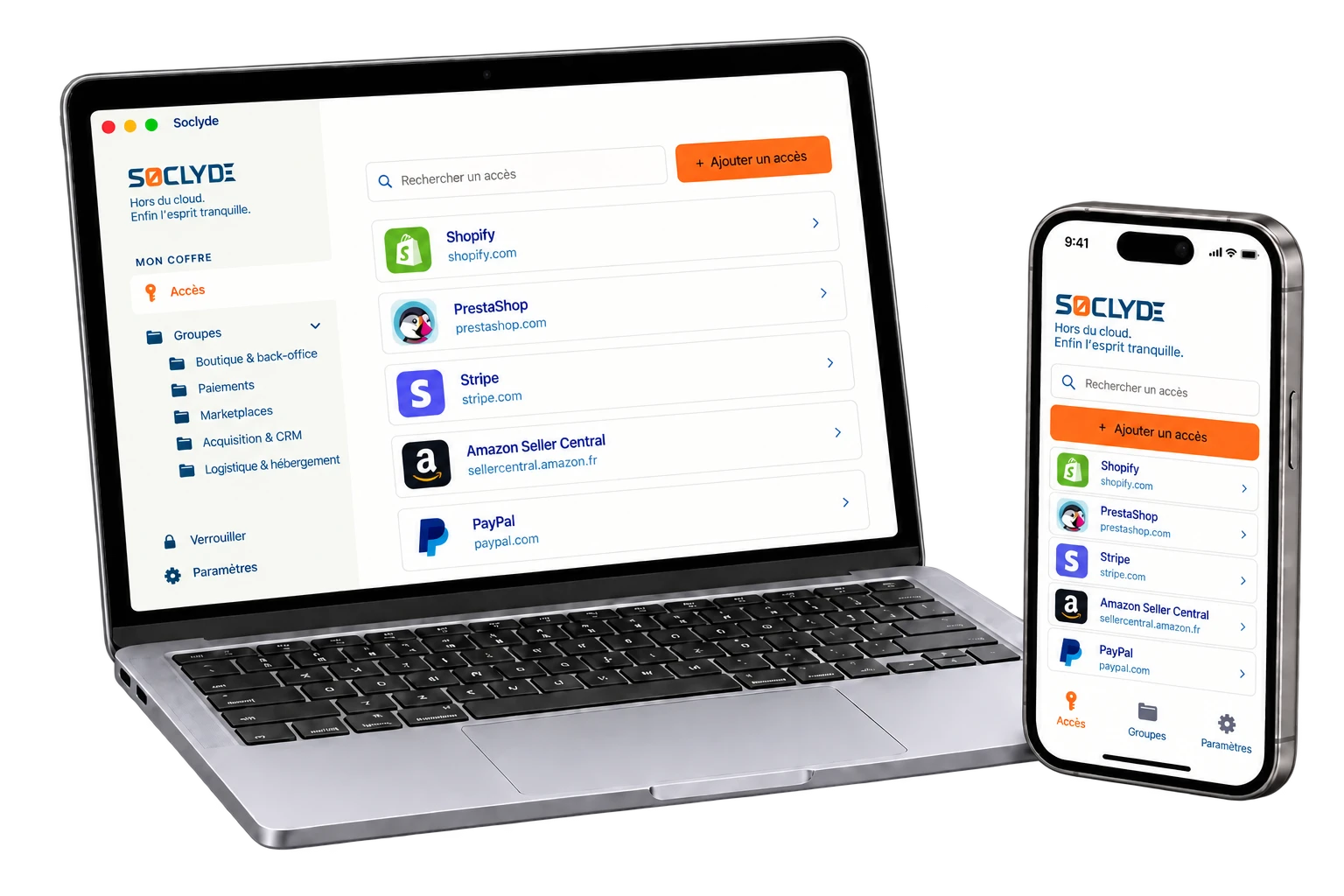
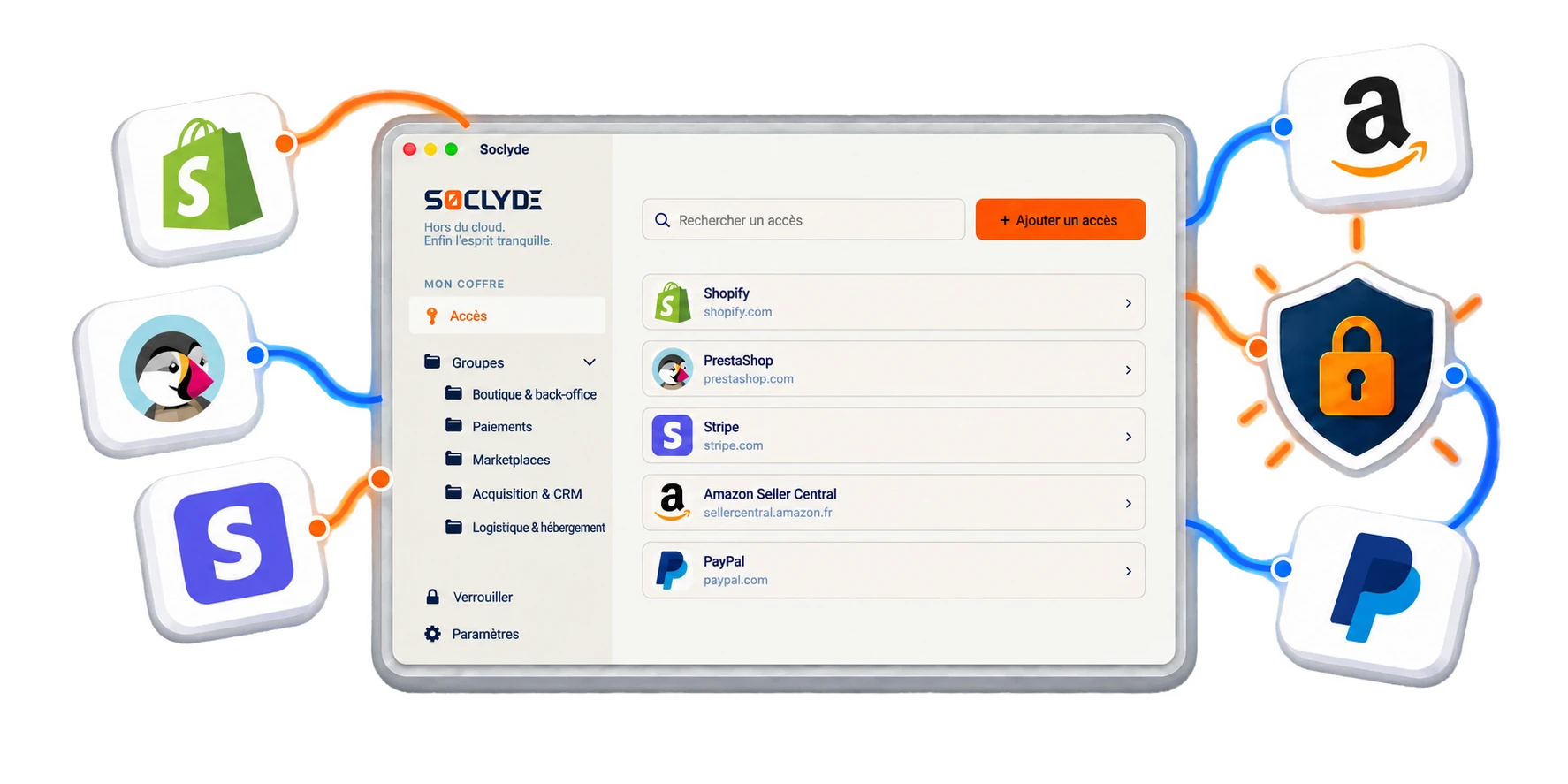
Soclyde helps e-commerce teams, brands and online stores group professional secrets in a local vault for shared use. Passwords stay on authorized devices, without a remote vault hosted by Soclyde, with permissions suited to teams, providers and sales channels.
- Vault outside the cloudAccess stays on your devices
- Team synchronizationNo central password server
- Scoped permissionsStore, acquisition, support and logistics
- Lightweight setupNo vault infrastructure to administer
- Controlled provider accessAgencies, freelancers and technical partners




100% LOCAL0% CLOUD
Your store can sell around the clock without everyone knowing every credential
Management, e-commerce, acquisition, support, logistics, developers and providers use different tools. Access should follow each role without giving everyone the keys to the entire sales chain.
Soclyde organizes shared secrets in a locally stored vault. Permissions can change with campaigns, providers and organizational changes.
Your store access on
every device.
Find your credentials at the office, on the move or while working remotely.
Android
Native app
Mobile optimized
iOS
Native app
iPhone and iPad
Windows
Desktop app
System integration
Mac
Native app
macOS optimized
Your store already depends on many services: its password vault need not add another dependency
With a cloud password manager, online-store credentials also rely on external infrastructure.
This model suits many businesses, while adding a provider to the storage of access for back-office, marketplaces and business tools.
A store vault concentrates accounts directly connected to revenue.
Cloud model (hosted)!
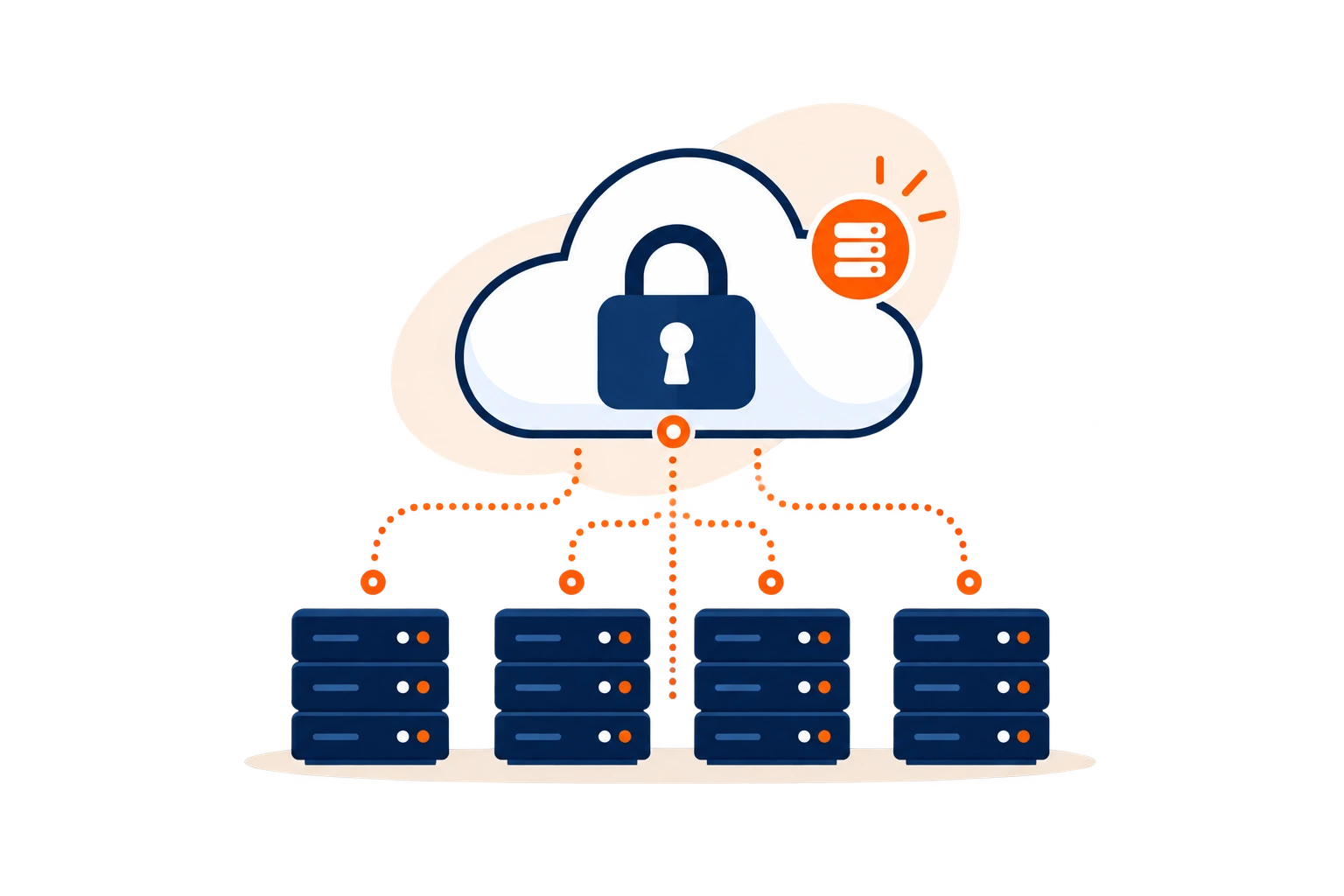
- The vault is stored on infrastructure outside the company.
- A provider incident may affect several credentials at once.
- Hosting adds another party to the e-commerce trust chain.
Concentration of critical accountsBack office, payments, advertising, domains and marketplaces form a strategic set of accounts.
Soclyde model (local)✓
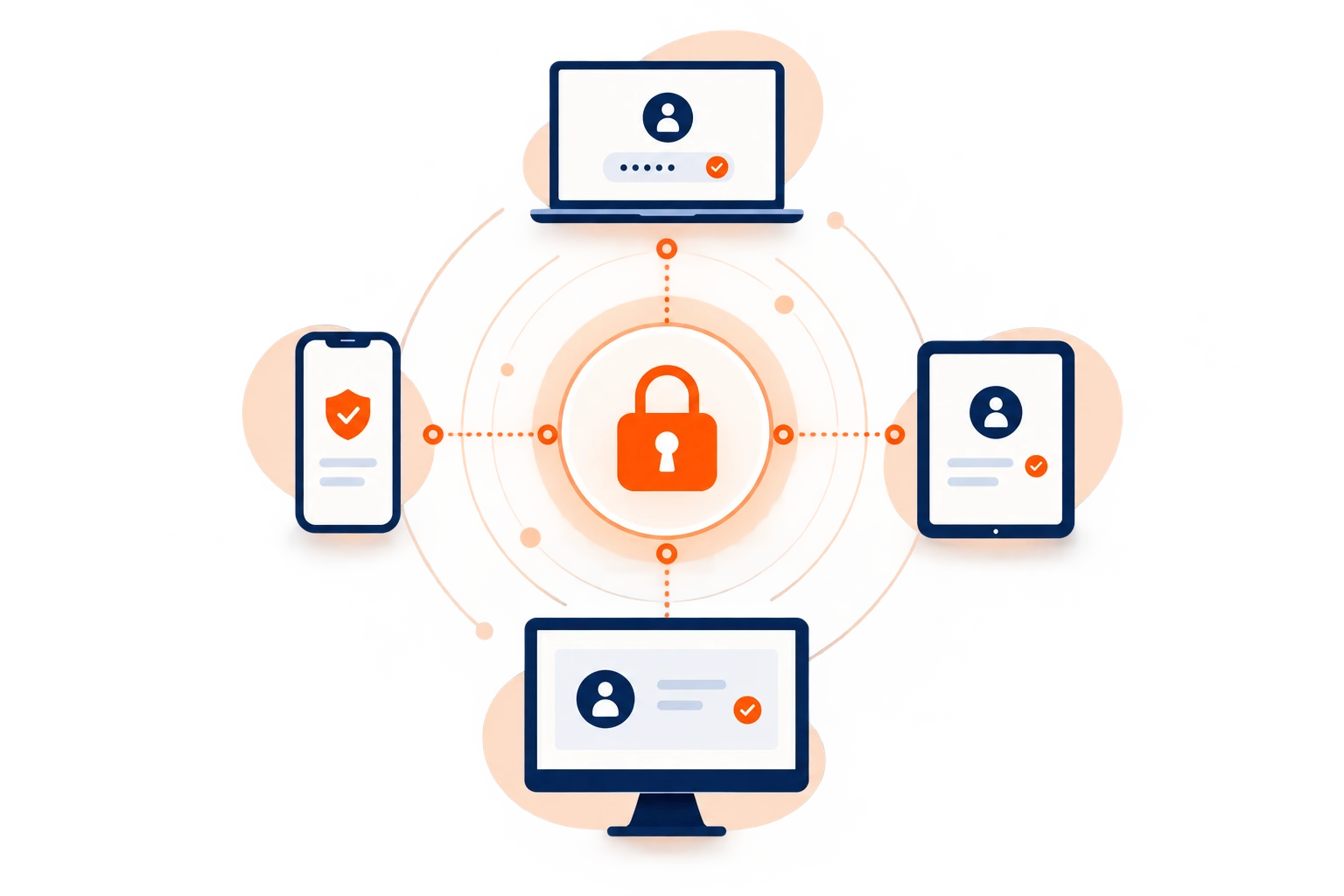
- Passwords stay on the company’s authorized devices.
- Soclyde does not host a global database of user vaults.
- The team directly controls where its credentials are stored.
Your vault stays on your side of the e-commerce operation.
Back-office, marketplace and business-tool access stays on authorized devices, without a remote vault managed by Soclyde.
No global cloud vault
Fewer intermediaries
Access kept locally
Control over storage
Each sales channel brings its own tools
A store may run on twenty tools: without a system, credentials become invisible debt
Back office, marketplaces, payments, hosting, domains, CRM, email, advertising and logistics multiply accounts.
Needs change with campaigns, providers and busy periods.
A provider finishes a project
Back-office access may remain active without a clear inventory.
A contract ending does not automatically revoke accounts.
A marketplace password circulates
Informal sharing makes it hard to know who still has access.
The same secret may remain in several conversations.
One person holds technical access
An absence can block urgent work or delay sales.
Continuity may depend on personal accounts or old messages.
Accounts directly connected to sales
Back office, payments and domains: some passwords are worth far more than a simple login
Risk grows when store credentials are spread across marketing, technical, support and provider teams.
A compromised account can change a catalogue, divert a campaign, interrupt payments or make a domain unavailable.
Sensitive e-commerce access
Access spreads across marketing, technical, support and provider teams.
Team changes and busy periods make access reviews essential.
Access should follow responsibilities and the tools being used.
Accounts linked to sales
Store, payment, advertising and marketplace access.
Many tools
Domains, hosting, CRM, email and logistics.
Temporary providers
Agencies and freelancers need access for a limited time.
Busy periods
Teams need to find the right access quickly.
Keys to the e-commerce chain
From product page to payment, every link in the sales chain has its own keys
Organize access by function and sensitivity.
Shopify, PrestaShop, WooCommerce and back office
Store administration, catalogue, orders and customer accounts.
Stripe, PayPal and payment providers
Payments, refunds and financial settings.
Marketplaces and seller accounts
Amazon, Cdiscount and other sales channels.
Domains, DNS, hosting, ERP, PIM and logistics
Technical services that keep the store available.
When an employee or provider leaves the store’s ecosystem
Ending a project should also close the digital doors opened during it
When an employee or provider leaves, identify accounts used, remove unnecessary permissions and reassign access.
A developer or marketplace lead may know back-office, domain, campaign, payment or hosting access. Returning a laptop or closing an email account may not be enough.
When passwords are saved in browsers, tickets or messages, revocation is hard to verify.
Access to review before a collaboration ends
- List the e-commerce accounts used
- Remove unnecessary permissions
- Reassign access to the incoming team
- Review shared accounts and recovery methods
- Rotate genuinely shared secrets when needed
Secrets copied into browsers and conversations make access reviews uncertain.
Remove unnecessary permissions and rotate shared secrets when needed.
Use case
Manage online store logins as orders come in
Processing an order can take your team from the online store to an order management tool and then to a carrier portal.
The situation
Sales keep moving, but passwords shared in a spreadsheet or chat thread quickly become hard to track.
Find the credential
Bring your store and order management credentials together in the team’s Soclyde vault.
Sign in to the service
With Premium sharing, colleagues can find the logins they need in Soclyde without making extra copies of the password.

Your passwords stay encrypted in a vault on your devices, without a centralized Soclyde cloud vault. Keep business logins available and better organized day to day.
Choose for your e-commerce stack
Your password manager should remain simple as your store adds tools and providers
Soclyde combines local storage, device synchronization and team sharing without a central server to operate.
The choice depends on users, sales channels, providers, devices and the desired level of control over the vault.
| Criterion | KeePass | Bitwarden / LastPass / 1Password |  |
|---|---|---|---|
| Vault kept outside the cloud | ✓ Yes | × No | ✓ Yes |
| Synchronization across devices | ▲ Needs organizing | ✓ Yes | ✓ Automatic |
| No server to administer | ▲ Depends on setup | ✓ Yes | ✓ Yes |
| Control over storage location | ✓ Local | × At the provider | ✓ Local |
| Offline access | ✓ Yes | ▲ Depends on service | ✓ Yes |
| Team use without an internal server | ▲ Needs organizing | ✓ Yes | ✓ Yes |
Cloud makes collaboration easy, while hosting the vault outside your environment
Cloud managers offer smooth synchronization and sharing. In return, credentials also rely on a third party’s infrastructure.
A local file gives control, but can slow down a multichannel team
With several teams, devices and providers, synchronization, backups, version conflicts and permissions need to be organized.
The 4 Soclyde principles
Four principles to keep your store’s keys as organized as its e-commerce stack
Find useful access quickly without giving everyone every key.
Organize by tool and team
Structure credentials around the store, marketplaces, acquisition, support and operations.
Each person can find useful secrets without browsing a global inventory.
Keep the vault out of the cloud
Access stays on authorized company devices, without a remote database hosted by Soclyde.
The team controls where its secrets are stored.
Synchronize without a central server
Changes reach authorized devices.
Teams avoid manual file copies and version conflicts.
Limit provider access
Permissions can change with projects, agencies, freelancers and technical partners.
Unneeded rights can be removed when work ends.
When commerce cannot stop
Black Friday, outages and product launches: the right access must be ready before sales stop
Prepare critical access before every minute matters.
Launching a new channel
Organize marketplace, product-feed or advertising access from the start.
Keep secrets out of email and shared documents.
Black Friday or sales
Find access needed for campaigns, the store, inventory and support.
A structured vault reduces urgent requests between colleagues.
Developer intervention
Grant access needed for a fix or migration.
Remove rights that are no longer needed when the project ends.
A manager is away
Continuity does not depend on one person’s browser or notes.
Authorized teammates can find access needed for operations.
Changing providers
Reassign essential secrets to the incoming team.
Use a controlled reference for the handover.
Multichannel growth
Keep a shared approach as new accounts are added.
Avoid accumulating files and hard-to-check conversations.
Customer data, payments and responsibilities
E-commerce security does not stop at checkout: it also starts with administrative accounts
E-commerce operations involve customer, order, address, purchase-history and operational data. Payment-provider administration consoles are sensitive too.
Security also depends on who holds access, where secrets are kept, how they are shared and when permissions are removed.
What local storage can help control
- Vault not hosted by Soclyde
- Clearer access separation by team
- Fewer secrets sent in conversations
- Review permissions when providers change
A local architecture does not automatically make a business GDPR or payment-provider compliant. It can reduce the number of parties involved in storing the vault.
Prefer named accounts, roles, MFA and activity logs where platforms provide them. Soclyde complements those controls for secrets that genuinely need to be stored or shared.
Compare solutions for an online store
Where should your vault live? That is the real choice behind e-commerce solutions
SoclydeVSCloud solutions
What to know about Cloud solutions
A hosted vault makes access across devices and team sharing easier.
The Soclyde approach
Credential storage then relies on external infrastructure.
SoclydeVSLocal files
What to know about Local files
A local file lets you directly choose where the database is stored.
The Soclyde approach
The team also needs to organize synchronization, backups and access.
SoclydeVSSoclyde
What to know about Soclyde
Soclyde keeps the vault on authorized devices.
The Soclyde approach
Devices synchronize without a central password server to maintain.
E-commerce FAQ
E-commerce: key answers for protecting accounts and tools
Which password manager should an e-commerce team choose?
Choose support for several users, devices and permissions. Soclyde provides a local vault that is not cloud-hosted by the vendor.
How should an online store organize access?
Group access by sensitivity and scope: back office, payments, marketplaces, acquisition, hosting, domains, support and logistics.
Where should Stripe, PayPal or payment-provider access be stored?
Use individual accounts and roles when the provider offers them. Avoid passwords in email or shared files, especially for accounts that manage refunds or settings.
How can marketplace access be secured?
Use individual or sub-user accounts when available, enable MFA and remove access promptly when a team or provider changes.
How can a Shopify or PrestaShop admin account be protected?
Use named accounts, enable multi-factor authentication and limit administrator rights. Store genuinely shared secrets in a dedicated manager.
What should happen when an agency or freelancer finishes a project?
List the tools, remove unnecessary permissions, rotate shared secrets when needed and reassign access.
How should a store’s domain and DNS access be protected?
Treat them as critical: use a named account, MFA, controlled recovery methods and keep the number of users low.
Can Shopify, Amazon or Stripe accounts be shared?
Prefer individual users, roles or delegated access when the platform supports them. Soclyde should not be used to bypass rules requiring individual accounts.
Is KeePass suitable for an e-commerce team?
KeePass can suit local storage. A team still needs to organize synchronization, backups, file versions and permissions.
Are passwords saved in Chrome or Edge enough?
They can help individuals, but a team also needs to manage permissions, handovers and access removal for former providers.
How should access be managed during Black Friday or sales?
Prepare access for on-call staff in advance and avoid widening permissions in a rush.
Does an offline password manager work for remote teams?
Yes, if authorized devices can synchronize as designed. Device security and authentication methods remain essential.
Does Soclyde require a server to administer?
No. Authorized devices synchronize without a central password server to install or maintain.
Where does Soclyde host passwords?
Soclyde does not host the vault: it remains on authorized devices, unlike a conventional cloud password manager.
Does Soclyde guarantee GDPR or PCI DSS compliance?
No. Compliance also depends on processing, providers, payments, devices and security procedures.
Your store needs to keep selling, not search for passwords.
Group your e-commerce access in a local vault designed for teams and providers.
Group Shopify, PrestaShop, WooCommerce, marketplace, payment, advertising, hosting, domain and business-tool access in a local vault for teams, providers and busy periods.
Soclyde keeps passwords on authorized devices, synchronizes them between those devices and organizes permissions without a central server.
- Organize access by tool and team
- Local vault on authorized devices
- Synchronization across devices
- Clearer permissions when providers change
Shared credentials stay organized in your environment without a global cloud vault.