Protect your agency’s sensitive access with a local password manager for insurance brokers
Insurance brokers and agencies use insurer portals, rating tools, CRMs, underwriting platforms, e-signature services, document systems and claims platforms every day. When credentials circulate in email, browsers or shared files, access to policyholder records becomes harder to manage.
Soclyde helps brokers, agents and insurance teams bring business secrets together in a local vault for team use. Passwords stay on authorized devices, without a remote vault hosted by Soclyde, with straightforward synchronization and permissions suited to portfolios, teams and partners.
- Off-cloud vaultAccess stays on your devices
- Team synchronizationNo central password server
- Portfolio-based permissionsEach colleague sees their scope
- Straightforward setupNo vault infrastructure to maintain
- Managed permissionsWhen someone leaves or a portfolio changes
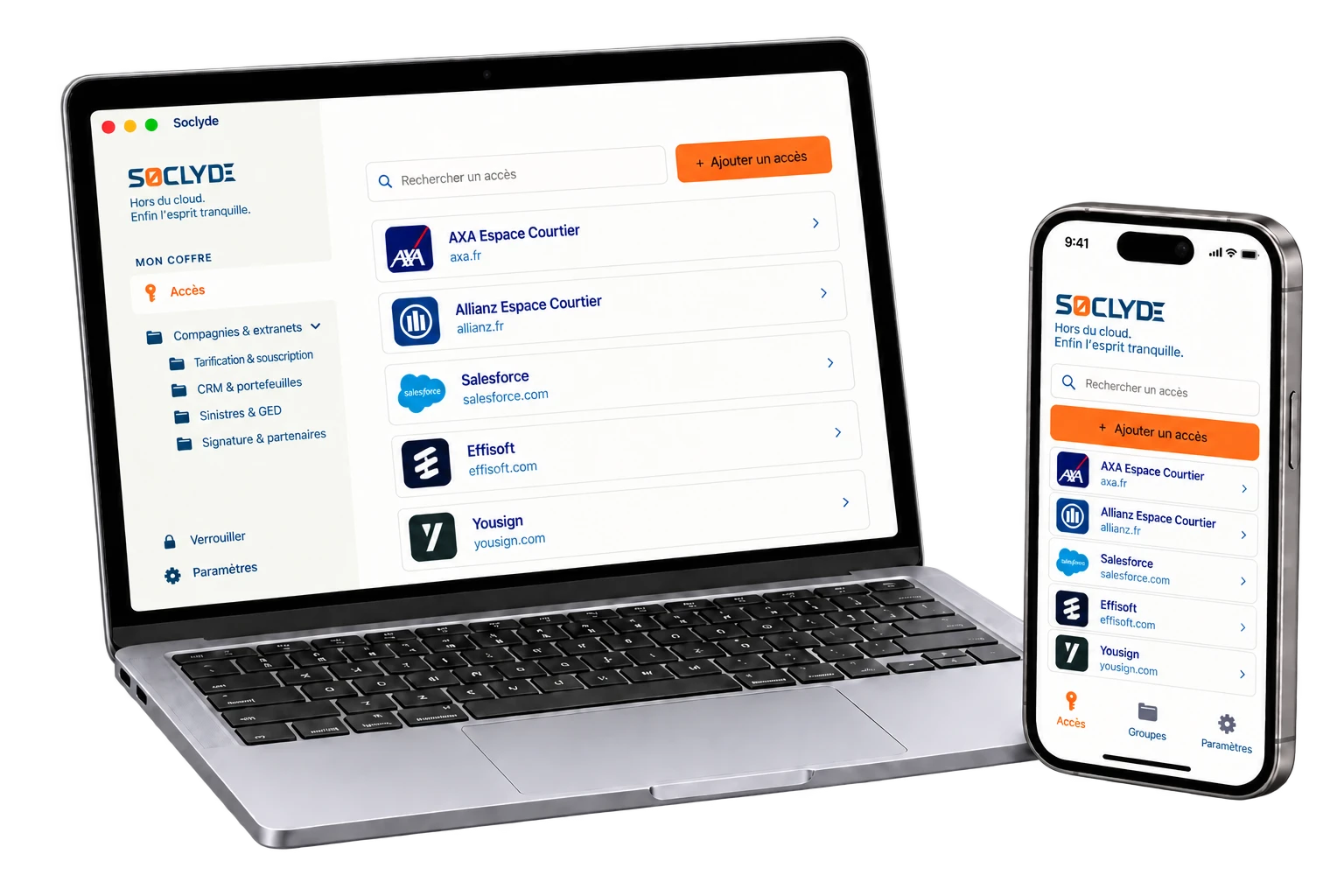




100% LOCAL0% CLOUD
A client portfolio should not depend on passwords kept by one person
Brokers, account managers, claims handlers and agency leaders do not always use the same services. Insurer portals, rating tools, CRMs, document systems, e-signature services and partner spaces need access aligned with portfolios and responsibilities.
Soclyde organizes shareable secrets in a locally stored vault. Permissions can change with portfolios, insurers, delegations, arrivals and departures, so everyone can find the access needed for their work.

Your insurance access on every device.
Soclyde works on Android, iOS, Windows and Mac. Find credentials at the office, with a client or while working remotely.
Android
Native app
Mobile optimized
iOS
Native app
iPhone and iPad
Windows
Desktop app
System integration
Mac
Native app
macOS optimized
Access to insurers is already sensitive; its vault may not need another host
With a cloud manager, agency credentials also rely on external infrastructure: the vault is no longer kept only in your environment.
Services such as 1Password, LastPass and Dashlane synchronize passwords through their own servers. This model can suit many organizations, but it adds a provider to the storage of access to insurer portals, client records, underwriting tools and claims platforms.
A vault containing many business accounts concentrates access with significant operational value.
A vault containing many business accounts concentrates access with significant operational value.
Cloud model (hosted)!
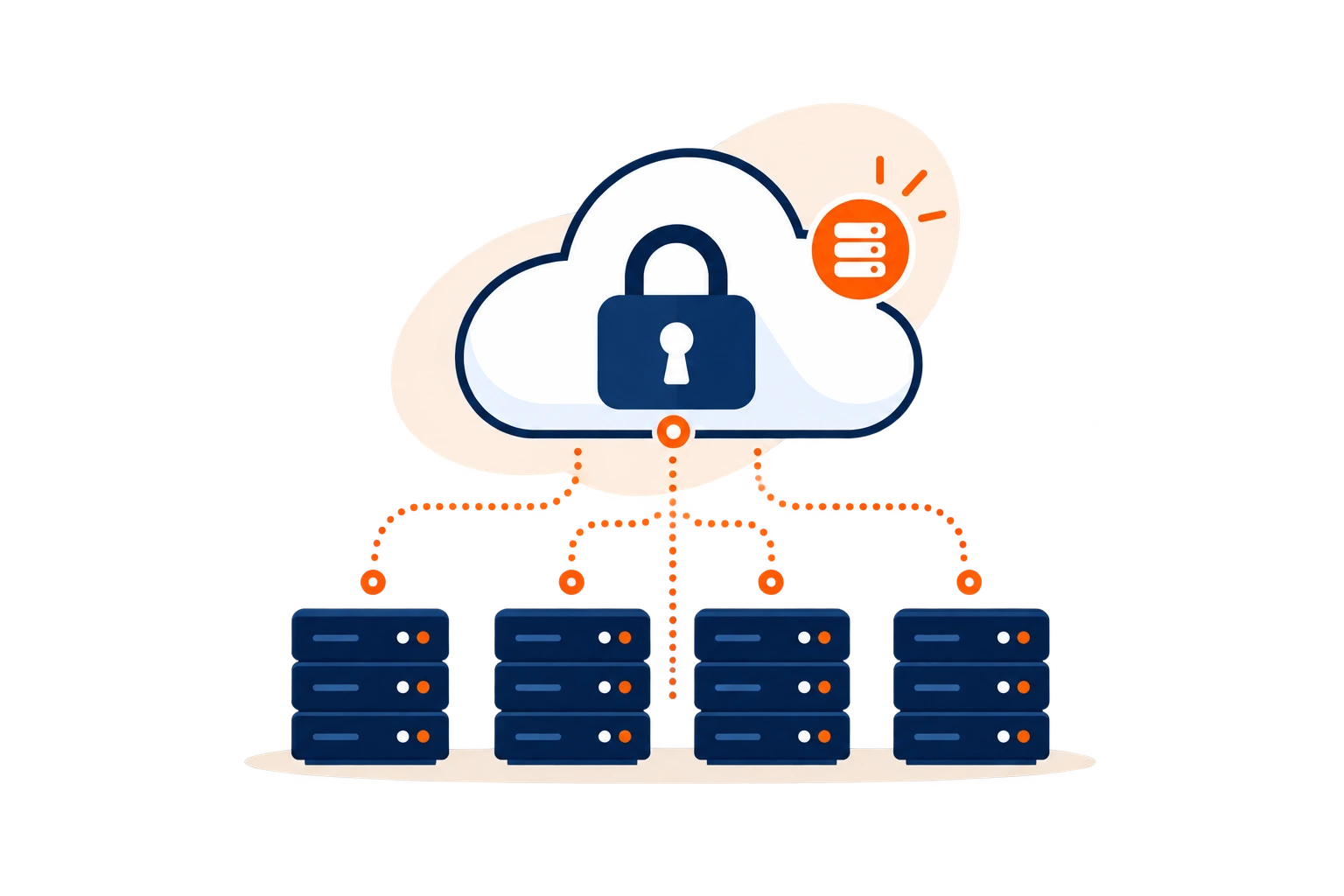
- The vault is stored on infrastructure outside the agency.
- A provider incident may affect many business accounts at once.
- Hosting adds another party to the agency’s trust chain.
Concentration of sensitive accessInsurer portals, rating tools, CRMs and claims platforms bring together access with significant operational value.
Soclyde model (local)✓
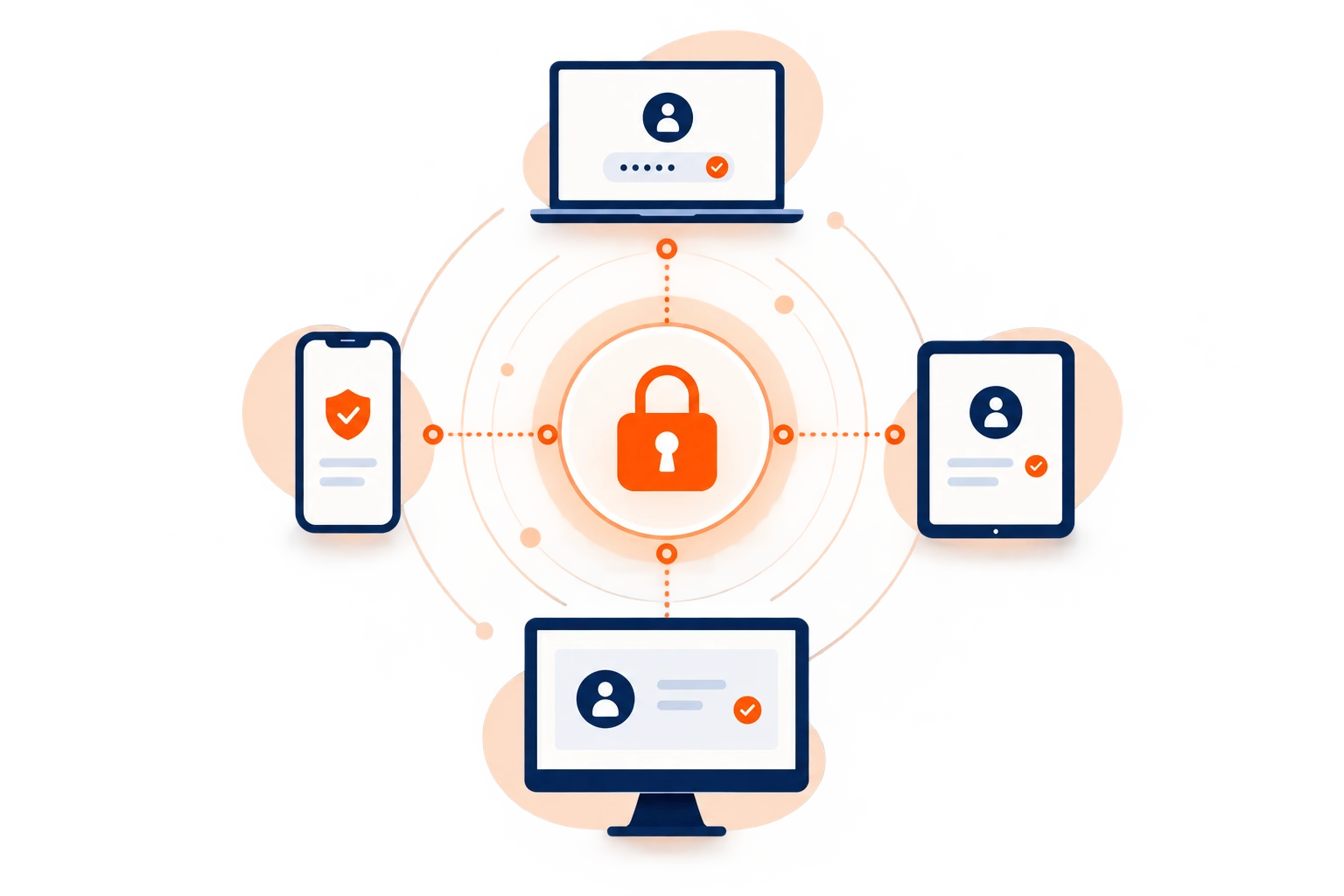
- Passwords stay on the agency’s authorized devices.
- Soclyde does not host a global database containing users’ vaults.
- The agency directly controls where its credentials are stored.
Your insurance vault stays in your environment.
Access to insurers and business tools does not have to be placed in a remote database managed by Soclyde. The vault stays on authorized devices, reducing the intermediaries involved in its storage.
No global cloud vault
Less reliance on a host
Business access kept locally
Direct control over storage
When one policyholder uses several platforms
Quotes, policies, claims, renewals: access grows faster than portfolios
Insurer portals, CRMs, comparison tools, rating systems, document management, e-signature, client spaces and claims platforms add accounts with every policy. Without a shared reference, agencies can lose track of who has which access and where the latest password is kept.
A colleague takes over a portfolio, covers an absence or adds an insurer partner: needs change quickly. Over time, credentials follow people rather than portfolios and responsibilities.
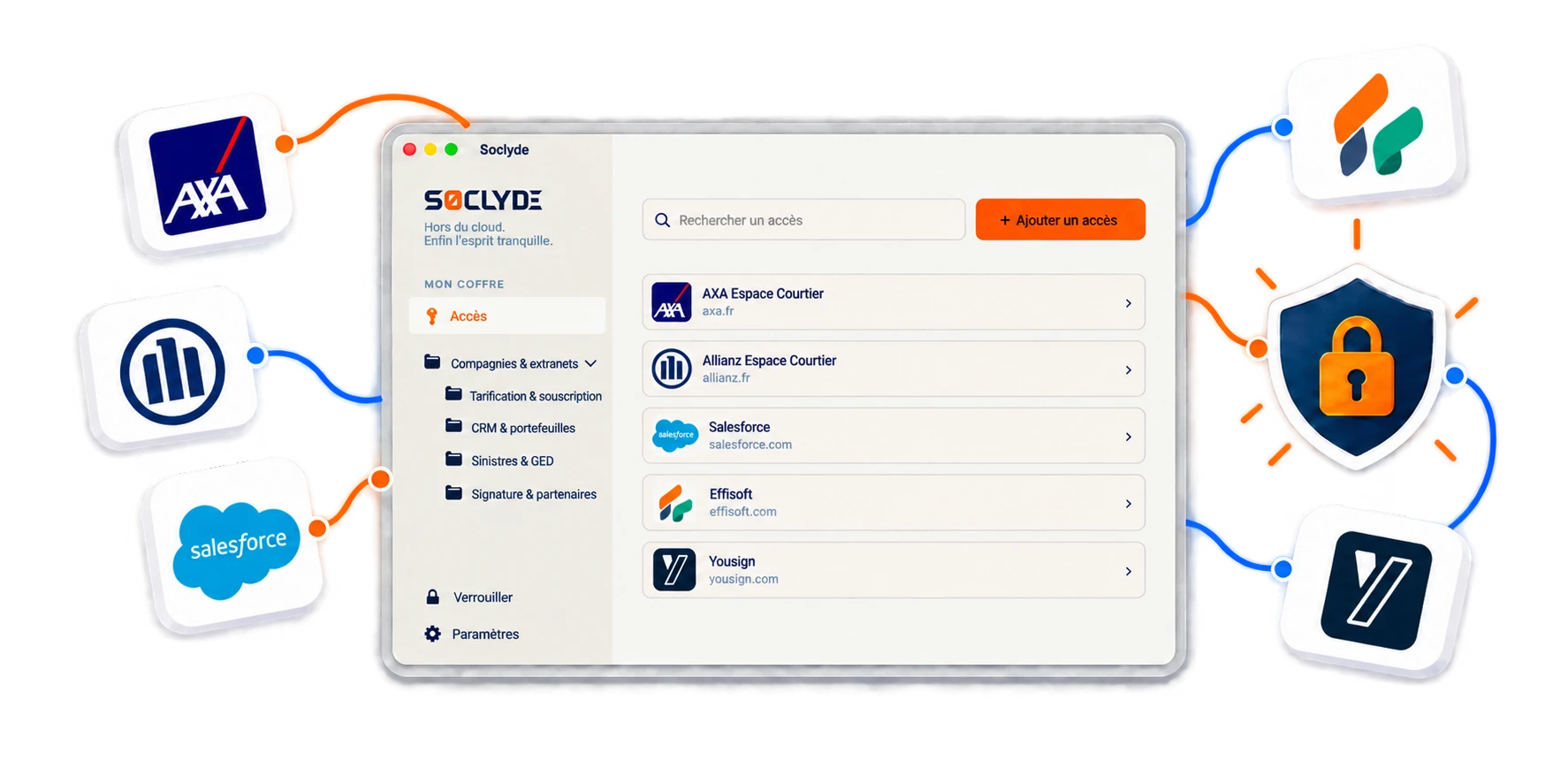
A portfolio changes hands
When a colleague takes over files, access to an insurer portal, rating tool or claims platform may be missing at the wrong time.
Continuity of client service also depends on having the right credentials available.
A shared insurer account
A password sent by email, messaging or browser may keep circulating after someone stops using the service.
Without organized permissions, it is difficult to know who still knows a shared secret.
Temporary access
A temporary colleague, intern or partner may need access for a limited period.
The agency needs a way to remove permissions when the need ends.
Behind a login, there may be an entire policyholder file
A compromised login can expose more than a sign-in page
For an insurance agency or brokerage, protecting passwords also helps protect client files and access provided by insurer partners.
Mobility, multiple insurers, underwriting and claims create regular points of attention. Confidentiality also depends on ongoing control of the accounts that provide access to these tools.
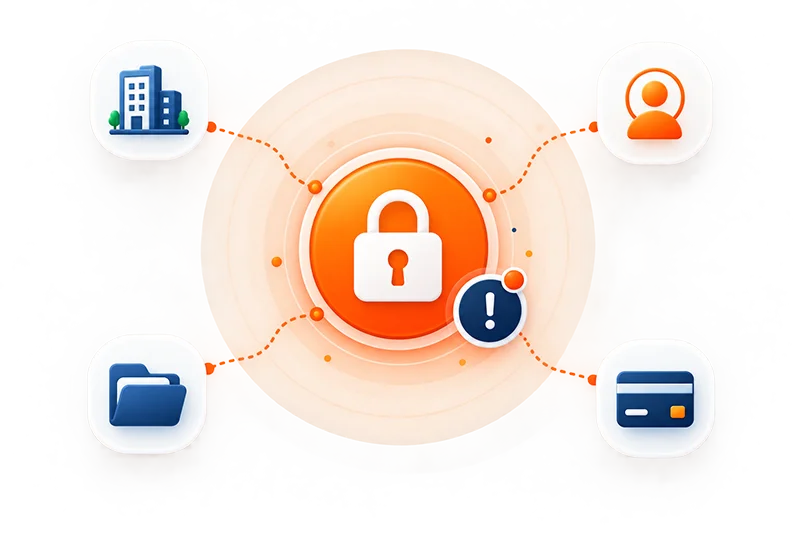
Everyday insurance access
Risk grows when credentials are scattered across portfolios, teams, offices and partners.
Mobility, multiple insurers, underwriting and claims create regular points of attention. Four common situations call for clear organization.
Policyholder confidentiality also depends on ongoing control of the accounts that open their files.
Several insurers per portfolio
Each partner adds portals, authentication methods and access levels.
Files handled by several people
Underwriting, policy management, claims and renewals involve different colleagues.
Sometimes sensitive information
Depending on policies, tools may contain financial, personal or wealth information.
Permissions change with portfolios
Arrivals, departures and reassignments require regular permission reviews.
Which accounts should insurance brokers protect?
From rating to claims, each step has its own digital keys
An insurance agency rarely relies on one platform. Underwriting, policy management, client relationships, e-signature, claims and insurer communication use different accounts. The challenge is knowing who may use each access and when a permission should be removed.
Insurer portals and rating tools
They provide product information, quotes, policy tracking and some policy-management functions.
Access should follow each insurer’s authorization rules.
CRM, portfolios and client tools
A CRM often contains contact details, correspondence history, active policies, reminders and sales information.
Permissions should match each colleague’s role.
Claims, documents and supporting records
Claims platforms and document spaces may contain sensitive files and policy documents.
These accounts deserve the same care as the records they open.
E-signature, client spaces and partners
These services support policy setup and administration.
Some accounts can also recover or reset other access.
When a colleague leaves or changes portfolios
A clean handover starts with knowing which access needs to change hands
When someone leaves or changes role, identify the accounts they used, remove permissions that are no longer needed and reassign access to colleagues taking over portfolios.
A colleague may know credentials for insurer portals, CRMs, rating tools, document systems, e-signature, claims or partner spaces. Returning a computer is not enough if passwords were copied elsewhere.
When secrets are saved in a browser, sent in messages or kept in personal notes, revocation is difficult to verify.
Access to review before a colleague leaves
- List the portals and tools they used
- Remove permissions tied to former portfolios
- Reassign access to colleagues taking over
- Review shared accounts and recovery methods
- Change shared passwords when needed
The goal is for access to follow portfolios and responsibilities.
Credentials sent by message or stored on several workstations make this review uncertain: an old copy may remain usable after someone leaves.
Useful accounts are reassigned, while permissions that are no longer needed are methodically removed.
Use case
Find insurer portal logins before calling a client
Before calling a client, you check the insurer’s portal to review their policy.
The situation
Every insurer has its own business portal; finding the right login among them can interrupt client follow-up.
Find the credential
Keep insurer portal credentials in your Soclyde vault and find the one for the company you need.
Sign in to the service
Open the portal, review the policy, and continue the conversation with the right details in front of you.

Your passwords stay encrypted in a vault on your devices, without a centralized Soclyde cloud vault. Keep business logins available and better organized day to day.
Choose for your organization
The best vault is one that stays simple as insurers, policies and users multiply
Soclyde combines local storage, device synchronization and team sharing without requiring a central server to operate.
For an insurance agency or brokerage, the choice depends on the number of colleagues, insurer partners, portfolios, remote work and team changes.
| Criterion | KeePass | Bitwarden / LastPass / 1Password |  |
|---|---|---|---|
| Vault kept off cloud | ✓ Yes | × No | ✓ Yes |
| Synchronization across devices | ▲ Needs organizing | ✓ Yes | ✓ Automatic |
| No server to administer | ▲ Depends on setup | ✓ Yes | ✓ Yes |
| Control over storage location | ✓ Local | × With provider | ✓ Local |
| Offline access | ✓ Yes | ▲ Depends on service | ✓ Yes, on authorized devices |
| Suitable for an agency without a dedicated IT team | ▲ Requires organization | ✓ Yes | ✓ Yes |
Cloud makes sharing easier, but hosts the vault outside the agency
Cloud password managers make synchronization quick and sharing simple, which can suit distributed teams.
In return, the agency’s credentials depend on infrastructure operated by a third party. The vault is no longer kept solely within your environment.
This model can be appropriate. The main question is whether the agency wants to outsource its vault or keep its database directly on its devices.
A local file controls storage but takes discipline to manage as a team
Tools such as KeePass keep the database locally and give you direct control over the file containing credentials.
With several colleagues, workstations and remote work, synchronization, backups and file versions still need to be organized.
Without a shared method, an agency can end up with parallel systems: some secrets in the vault, others in browsers, urgent messages and personal lists.
Four Soclyde principles
Four principles for managing insurance access without slowing the team down
Security should not slow down a quote, policy setup or claims process. Colleagues need to find the right access quickly while keeping permissions clear.
Organize by portfolio
Credentials can be structured around the insurers, services and teams that use them.
Each colleague can find the relevant secrets without searching a general password list.
Keep the vault off cloud
Access stays on the agency’s authorized devices, without a remote database hosted by Soclyde.
The agency retains control over where its business credentials are stored.
Synchronize without a central server
Changes reach authorized devices without central password infrastructure to administer.
The team avoids manual file copies and version conflicts.
Adjust permissions
Permissions can follow portfolios, teams, delegations and role changes.
Colleagues do not need to retain access that no longer matches their responsibilities.
When the portfolio changes
New insurer, new client, new team: access should evolve without creating blind spots
The value of a password manager becomes clear when the organization changes: a new colleague, portfolio transfer, new partnership, absence, remote work or departure. Soclyde helps prepare these transitions without returning to emails and personal lists.
A new colleague joins
Assign the access they need according to their portfolio and responsibilities from their first day.
The agency avoids sharing a broader set of passwords than the actual need requires.
Portfolio handover
The colleague taking over clients can find the necessary tools without asking several colleagues.
Client continuity depends less on a secret remembered in a browser or conversation.
A new insurer partnership
New portals and rating tools can be organized as soon as they go live.
The agency creates a clear reference before credentials start circulating informally.
Remote work and client meetings
Credentials already synchronized remain available on the colleague’s authorized devices.
Users can retrieve access already stored locally without depending on a remote vault.
Departure or role change
Useful access remains available to the people taking over portfolios.
The agency can remove unnecessary permissions without starting from scratch.
Agency growth
Each new insurer, product and hire adds accounts. Soclyde helps maintain a shared approach.
The organization can grow without passwords becoming a pile of files and messages that are difficult to audit.
Policyholder data, permissions and GDPR
Protecting policyholder files also means protecting the accounts that open them
Insurance agencies and brokerages process contact details, policies, supporting documents, financial information, correspondence histories and, depending on the products, other categories of personal data.
Protection is not only about documents: agencies also need to know who holds access, where passwords are kept, how they are transmitted and when permissions should be removed.
A local architecture does not automatically make an agency compliant with GDPR, insurance regulations or partner requirements. It can, however, reduce the number of parties involved in vault storage and make credential flows easier to understand.
What local storage helps clarify
- Vault not hosted by Soclyde
- Clearer separation of access by portfolio
- Fewer secrets sent in conversations
- Simpler revocation when colleagues leave or change roles
GDPR does not prohibit cloud services, and compliance is not limited to password storage. Agencies must also manage processing, processors, permissions, retention periods and appropriate security measures.
Insurer portals and business software often provide named accounts, roles and multi-factor authentication. Prefer these features when available. Soclyde complements them for secrets that genuinely need to be stored or shared.
The local model’s specific benefit is to avoid adding a vault-hosting service to the technical chain. This gives the agency an architecture that is more direct to understand and oversee.
Compare options for an insurance team
Choosing a password manager depends above all on where you are comfortable keeping your vault
SoclydeVSKeePass
What to know about KeePass
KeePass stores its database in a local file. Teams need to organize synchronization, backups and versions.
The Soclyde approach
Soclyde keeps local storage and synchronizes authorized devices without handling a shared file.
SoclydeVSBitwarden
What to know about Bitwarden
Bitwarden offers collaboration through the cloud or self-hosting, which requires server administration.
The Soclyde approach
Soclyde synchronizes authorized devices without a central password server to maintain.
SoclydeVSLastPass
What to know about LastPass
LastPass uses a cloud architecture designed for multiple devices.
The Soclyde approach
Soclyde does not gather users’ vaults in a global database.
SoclydeVS1Password
What to know about 1Password
1Password offers a collaborative experience around a cloud vault, a model that suits many organizations.
The Soclyde approach
Soclyde is for teams that want to collaborate without outsourcing their vault.
Insurance and brokerage FAQ
Insurance brokers and agencies: answers to protect business access
Which password manager should an insurance broker choose?
Choose a solution that supports multiple users and devices, portfolio-based access and clear permission management. Soclyde adds a local vault that is not cloud-hosted by the provider.
How should an insurance agency organize passwords?
Group access by insurer, service or portfolio, limit permissions to the people who genuinely need them and document who takes over rights when a colleague changes role.
How can access to insurer portals be protected?
Use individual accounts and multi-factor authentication when available, follow each insurer’s rules and avoid sending shared logins in messages.
Where should rating and underwriting credentials be stored?
Avoid unprotected notes, spreadsheets and conversations. A dedicated manager can group shareable secrets and control who can use them.
How can we avoid sending passwords by email or Teams?
When sharing is allowed, grant access through a team vault instead of copying the secret into a conversation. This limits how widely the password circulates.
What should we do when a colleague leaves?
List the accounts they used, remove permissions that are no longer needed, change genuinely shared secrets when necessary and reassign access to the colleagues taking over portfolios.
Can an off-cloud manager work for a remote insurance team?
Yes, if authorized devices can synchronize as designed. Workstations, backups and authentication methods must also be properly secured.
How can a password manager help protect policyholder data?
It protects the credentials that open tools containing this data. It should be complemented by individual accounts, strong authentication, limited permissions and suitable internal procedures.
Can an insurer portal login be shared among colleagues?
It depends on the service’s rules. Prefer named accounts or delegated access when available. Soclyde must not be used to bypass a rule requiring individual access.
Is KeePass suitable for a brokerage?
KeePass can work for local storage, but a team needs to organize synchronization, backups and sharing the file across workstations.
Are passwords saved in Chrome or Edge enough?
They can help individuals, but an agency also needs shared visibility of permissions, clean handovers and a process to remove access when someone leaves.
How can access be limited by client portfolio?
Give each colleague only the secrets needed for their duties and remove permissions when their portfolio or role changes.
Does Soclyde require an office server?
No. Authorized devices synchronize without installing or maintaining a central password server.
Where are passwords hosted with Soclyde?
Soclyde does not host the vault: it stays on authorized devices. This differs from a conventional cloud password manager.
Is Soclyde enough to guarantee GDPR or insurance compliance?
No. No password manager alone can guarantee compliance. The agency must also manage its processing, permissions, processors, professional obligations, authentication and workstation security.
Clients trust you with their risks. Keep the keys to their files from getting scattered.
Bring insurer portals, CRMs, rating tools, document systems, e-signature and claims platforms into an off-cloud vault designed for portfolios, handovers, remote work and team changes.
Between cloud managers that host the vault and local files that require manual organization, Soclyde offers a different approach: keep passwords on authorized devices, synchronize them simply and manage permissions without a central server.
- Organize access by portfolio and service
- Off-cloud vault on authorized devices
- Synchronization across agency workstations
- Clearer revocation when colleagues leave or change roles
Insurer portals, rating, CRMs, policies, claims and partner spaces shape everyday insurance work. With Soclyde, shareable credentials stay organized in your environment, without a global cloud vault.