The password manager that keeps your firm’s access local
In a law firm, a case file may be encrypted, organized and protected: if the credential that opens it circulates in an email, browser or shared note, professional secrecy remains exposed. From RPVA and email to document systems, client spaces and e-signatures, lawyers manage digital keys as sensitive as the documents themselves.
Soclyde gives law firms a local vault that teams can use to replace scattered credentials. Passwords stay on the firm’s authorized devices, with no remote database to host, while retaining the sharing, synchronization and ease of a modern professional tool. The firm keeps control of where its credentials are stored.
- Local storageAccess stays on your devices
- Direct synchronizationNo third-party remote server
- Controlled permissionsAccess according to each firm role
- Ready in momentsNo server or cloud account to create
- Stronger confidentialityDesigned for law firms
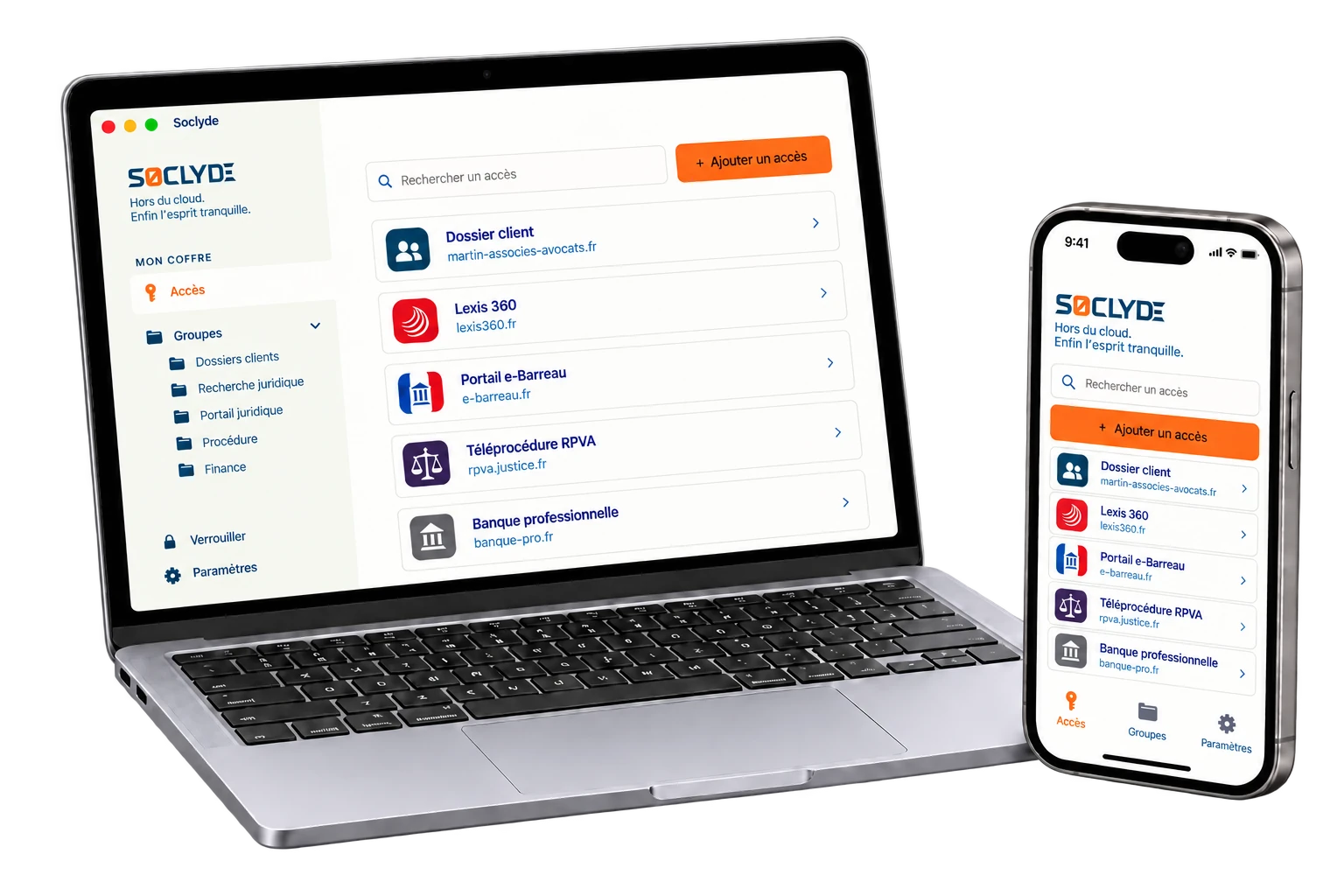




100% LOCAL0% CLOUD
A local vault for law-firm confidential access
In a law firm, a matter may involve a partner, an associate and an assistant without everyone needing access to the same services. RPVA, e-Barreau, email, document systems, client spaces and e-signatures should remain available according to each person’s role and the matter at hand.
Soclyde organizes that access without entrusting the vault to a third-party host. Credentials stay in the firm’s environment, while permissions make it possible to share what is needed, at the right time, with the right people. Storage stays local, collaboration stays simple, and access can follow a matter as it evolves without multiplying copies.
Available on
all your devices.
Soclyde is available on Android, iOS, Windows and Mac. Access your credentials securely wherever you are.
Android
Native app
Mobile optimized
iOS
Native app
iPhone and iPad
Windows
Desktop app
System integration
Mac
Native app
macOS optimized
Outsourcing the password vault adds a third party to your digital chain of trust
With a cloud manager, the vault also depends on infrastructure outside the firm: its storage is no longer under the firm’s sole control.
To synchronize credentials across devices, services such as 1Password, LastPass and Dashlane rely on servers hosting many users’ vaults. This model may suit some needs, but it adds an intermediary the firm must include in its risk assessment.
A service that concentrates many vaults naturally becomes an attractive target.
Hosted cloud model!
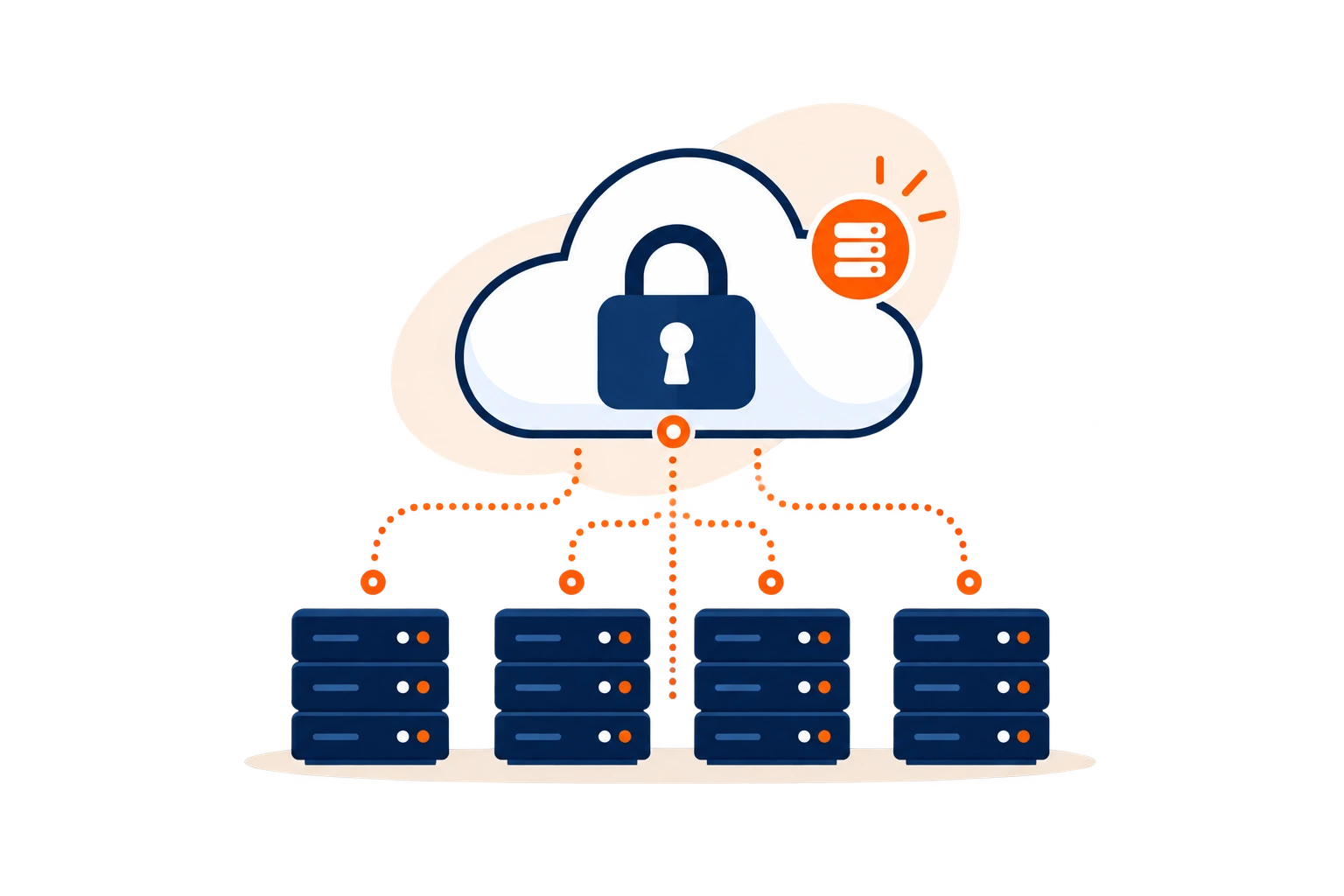
- The vault depends on infrastructure operated outside the firm.
- A provider incident may affect many users.
- Hosting adds another party to document in the chain of trust.
CONCENTRATION RISKKnown incidents in the sector are a reminder that a centralized service also concentrates attackers’ interest.
Soclyde local model✓
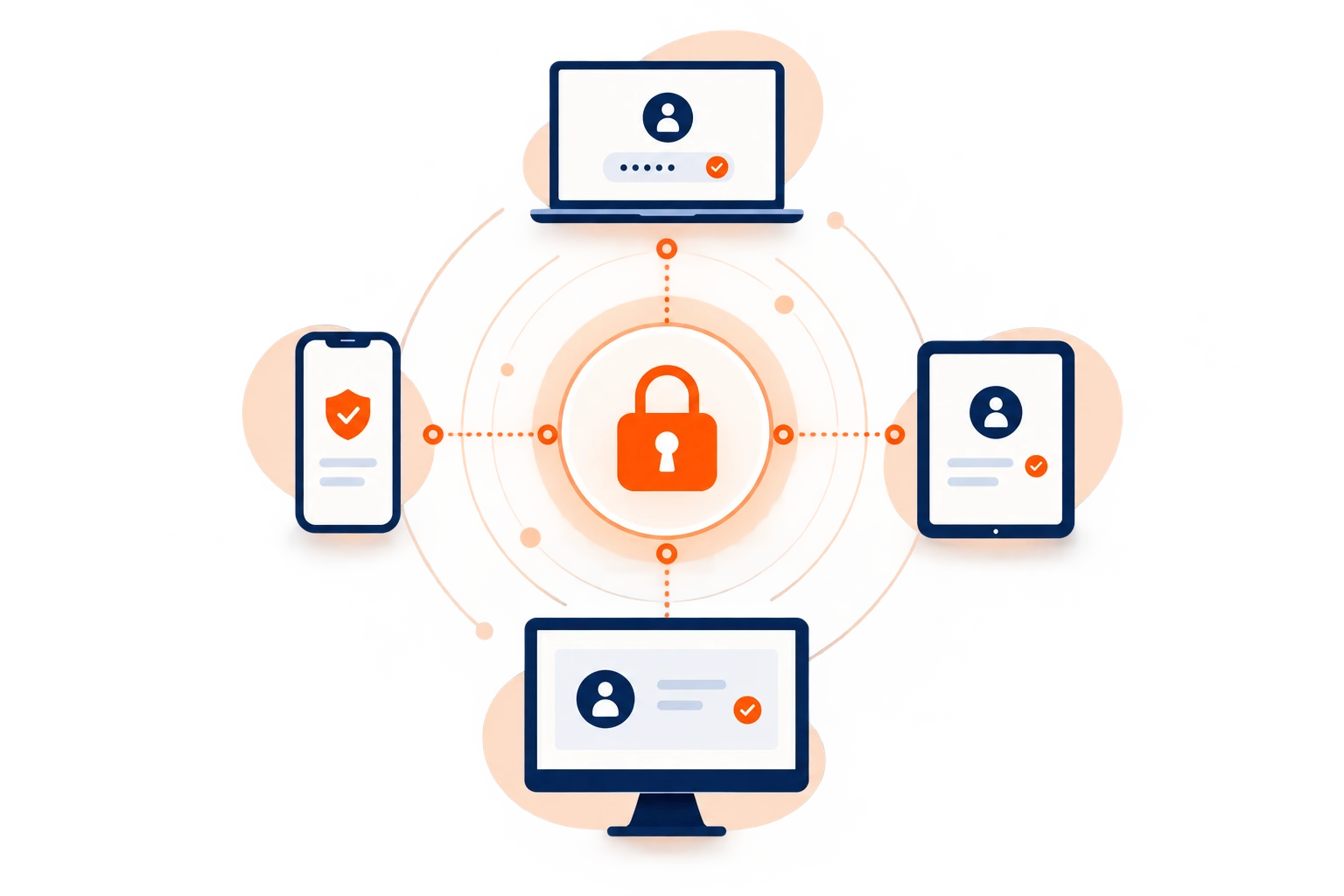
- Passwords stay on your authorized devices.
- Soclyde does not host a global vault.
- The firm removes a storage intermediary and keeps direct control of its local vault.
Soclyde removes the vault host.
The firm no longer needs to entrust its password database to a remote service. Access protection stays organized in its environment, with fewer intermediaries to account for in day-to-day operations.
No global cloud vault
Fewer intermediaries to oversee
Access kept locally
Direct control over storage
When access slips beyond the firm
A matter is confidential. The credentials that open it should be too.
RPVA, email, document systems, client spaces and signature services add credentials to manage. Without a shared reference, firms lose track of who can access which service.
A colleague joins, replaces someone, works with a client or leaves the firm: needs change quickly. Over time, credentials follow people rather than the organization.
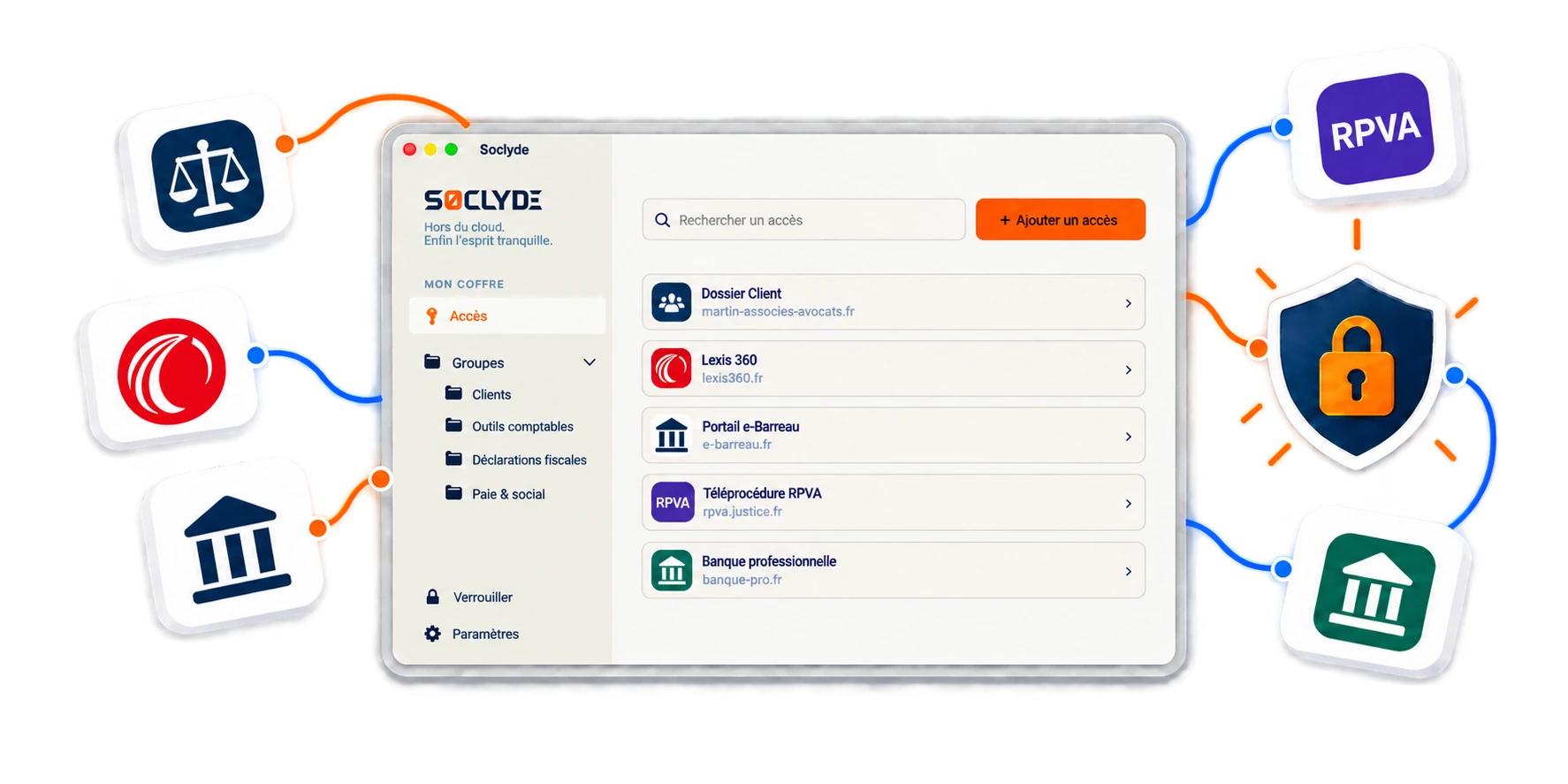
A colleague’s departure leaves orphaned access
It becomes difficult to know which accounts they held, which passwords were saved and which access remains active.
Centralization makes rights visible and reassignable.
Cloud solutions move the risk to a third party
Cloud managers simplify use but centralize professional access with an external provider.
Data then depends on its infrastructure and subcontractors.
Traditional local tools do not always follow the team
KeePass protects local data, but synchronization and sharing become complex across workstations.
Soclyde combines local storage, synchronization and ease of use.
A compromised access can expose more than a password
A compromised credential can open the door to several sensitive matters.
An email account, document login or professional service may open correspondence, files and sometimes connected tools. In a law firm, a single credential can therefore expose several items of confidential information.
For a law firm, managing credentials also means protecting access to client matters.
Sensitive professional access
Law firms concentrate client correspondence, confidential documents and legally sensitive information.
Firm size does not reduce the value of an attack. Four common situations require a clear system.
Confidentiality also depends on continuous control over the accounts that provide access to business tools.
Confidential case files
Correspondence, legal documents and client information are spread across several services.
Dozens of client companies
Each client adds portals, software and credentials to protect.
Work outside the firm
Meetings, travel and remote work require access across several devices.
Team changes
Arrivals, departures and replacements make permissions difficult to maintain without a shared reference.
Which passwords should a law firm protect
Which access should a law firm protect?
Every matter involves several services: professional correspondence, files, communications, collaboration tools or signatures. As a firm becomes more digital, credentials multiply. The firm needs to know where they are kept, who can use them and how to revoke an obsolete permission. That visibility matters whenever several people work on a matter.
RPVA, e-Barreau and legal services
These services support legal correspondence and procedures. Access should remain available to the right people without circulating unnecessarily.
A single compromised account can affect assignments, confidentiality and daily operations.
Client files, DMS and firm workspaces
Case management software, document systems and client spaces hold files, contracts, notes and correspondence related to matters.
Informal sharing makes traceability and revocation difficult.
Electronic signatures and external services
Yousign, DocuSign and partner platforms can be used to view, send or sign legally significant documents.
Access should be shared for the relevant matter and removed when the delegation ends.
Collaboration and electronic-signature tools
Microsoft 365, Google Workspace, Teams, SharePoint and signature tools open the firm’s documentary and legal assets.
They deserve protection comparable to legal software.
When a colleague leaves the firm
When someone leaves, your digital memory should not leave with them
Without centralization, copies multiply, forgotten accounts remain active and visibility disappears.
When an employee leaves a law firm, nobody can always say which access they held.
The firm becomes dependent on individual memory, which is incompatible with a durable organization.
What Soclyde secures when someone leaves
- Immediately remove permissions
- Reassign shared access
- Keep shared credentials organized
- Reduce dormant accounts
- Reduce reliance on individual memory
The goal is to keep access knowledge within the firm while unnecessary rights are removed methodically.
Excel files and shared lists quickly become unmanageable: nobody knows which version is correct, copies multiply, updates are forgotten and access gradually becomes impossible to trace.
Clients now expect a high level of security from their providers. Being able to demonstrate who has access, who shared it and who uses it is a professional requirement, not merely a best practice.
Use case
Find your law firm login before a case deadline
A deadline is approaching: you need to check a document in a professional portal between meetings.
The situation
At a law firm, searching an inbox for a password does nothing to move a case forward.
Find the credential
Find the portal login among the business credentials stored in your Soclyde vault.
Sign in to the service
Sign in and get back to reviewing the case. For a login shared with colleagues, Premium avoids copying the password into email or a document.

Your passwords stay encrypted in a vault on your devices, without a centralized Soclyde cloud vault. Keep business logins available and better organized day to day.
Why existing solutions do not always fit
Law firms often choose between cloud simplicity and local confidentiality. Soclyde removes that compromise.
Soclyde combines modern collaboration, local storage and a simple setup without a server to administer.
Cloud managers are simple but externalize data; local solutions offer full control but often require more technical work.
| Criterion | KeePass | Bitwarden / LastPass / 1Password |  |
|---|---|---|---|
| Off-cloud storage | ✓ Yes | × No | ✓ Yes |
| Multi-device synchronization | ▲ Manual or complex | ✓ Yes | ✓ Automatic |
| No server setup | ▲ Often no | ✓ Yes | ✓ Yes |
| Third-party vault hosting | ▲ To organize | ▲ Depends on provider | ✓ Yes |
| Offline access | ✓ Yes | ▲ Limited | ✓ Yes |
| Designed for firms without IT teams | ▲ Partly | ✓ Yes | ✓ Yes |
Cloud managers prioritize simplicity
Synchronization and sharing are smooth, but passwords transit or are stored on a third-party provider’s infrastructure.
Traditional local solutions are often too complex
KeePass keeps data local, but synchronization across workstations often requires regular setup and maintenance.
The 4 Soclyde pillars
A solution designed for modern law firms
Soclyde helps law firms, small businesses and SMEs regain control of access without turning security into a heavy IT project.
100% local storage
Your encrypted vault stays on your authorized devices.
This architecture reduces exposure and avoids third-party hosting.
Synchronization without a server
Access updates across authorized devices without cloud infrastructure.
You get a modern experience without giving up local confidentiality.
Radical simplicity
Fast setup, smooth use and no heavy IT project to maintain.
A few minutes are enough to secure the firm’s access.
Secure collaboration
Sharing, rights and visibility are designed for the firm’s team.
Access moves between the right people without becoming uncontrolled.
Everyday use cases
Soclyde is designed for the situations that shape a firm’s daily life
The value of a manager appears during onboarding, replacements, client work, departures and growth.
A new colleague joins
Access is available according to assigned rights from day one.
No email or verbal handover is required.
Sharing a client access
Access is shared cleanly, with visibility and control.
Colleagues can find shared credentials in the vault instead of passing them manually.
Leave and replacements
Access remains available on authorized devices.
The firm avoids last-minute searches for credentials.
Working outside the firm
Credentials remain available locally, even without an internet connection.
Colleagues keep their tools during client meetings or travel.
A colleague leaves
The vault keeps shared credentials available to colleagues taking over.
Change shared passwords in the relevant services where needed.
Firm growth
Each new client brings new credentials.
Soclyde structures growth without adding complexity.
Client data, confidentiality and compliance
Password security is not only an IT topic
A law firm handles client correspondence and confidential documents, as well as the credentials used to access them.
Confidentiality also covers the means of accessing documents: RPVA accounts, document access, collaboration accounts and electronic signatures.
Soclyde does not replace a security policy, but its local architecture makes the chosen storage model easier to explain and justify.
What local architecture simplifies
- No third-party hosting of access
- No storage subcontractor
- Less dependence on external infrastructure
- Architecture easier to explain to clients and auditors
GDPR does not prohibit cloud services, but it requires risk and processor control.
Audits and supplier questionnaires now routinely assess access management.
No third-party hosting or storage subcontractor makes the chosen architecture easier to justify.
Compare solutions for a law firm
Soclyde occupies a unique position between cloud tools and complex local solutions
SoclydeVSKeePass
What to know about KeePass
KeePass is robust for local storage but requires technical organization for synchronization and sharing.
In a law firm, version conflicts and manual handling can make collaborative use more difficult.
The Soclyde approach
Soclyde keeps local storage while offering a smoother team experience.
Synchronization across authorized workstations avoids files to move and version conflicts.
SoclydeVSBitwarden
What to know about Bitwarden
Bitwarden is popular and modern, but generally relies on cloud infrastructure or self-hosting.
Self-hosting requires a server, updates, backups and ongoing maintenance.
The Soclyde approach
Soclyde avoids that choice by remaining serverless.
The firm gets simple synchronization without self-hosting overhead.
SoclydeVSLastPass
What to know about LastPass
Massively centralized platforms become prime targets.
When infrastructure centralizes millions of users’ data, it becomes a strategic target.
The Soclyde approach
Soclyde reduces this risk by removing the single point of compromise linked to a global server.
Access remains distributed across the firm’s authorized devices.
SoclydeVS1Password
What to know about 1Password
1Password offers a premium experience, but its model remains cloud-based.
For regulated professions, external storage remains a central question.
The Soclyde approach
Soclyde targets firms that want modern simplicity without outsourcing professional access.
Sharing, rights and synchronization remain designed for daily team use.
Complete FAQ
Frequently asked questions from law firms
Which password manager should a law firm use?
Choose a solution that manages permissions, changing access rights and multiple devices. Soclyde adds a local vault without external cloud hosting.
Where should a law firm store passwords securely?
Use a dedicated manager rather than emails, notes or browsers. Soclyde keeps the vault on the firm's authorized devices.
How can lawyers in a firm share an RPVA or e-Barreau login?
Sharing a professional account must comply with the service's rules and the firm's organization. Where sharing an identifier is permitted, a manager avoids sending it in clear text, limits its distribution and lets the firm revoke access when it is no longer needed.
How can we avoid sending passwords by email or messaging?
Assign access directly in a shared vault with permissions instead of copying the secret into a message. The authorized user can then retrieve the identifier in their environment without creating extra copies.
What should happen to access when a colleague leaves the firm?
List the services they could access, remove unnecessary permissions, change genuinely shared secrets if needed and reassign useful access to the people taking over the matters.
Is a cloudless password manager suitable for lawyers?
Yes, if the firm wants to keep its vault in its own environment while working as a team. Endpoints, backups and authentication still need to be secured.
Can I use Soclyde at the firm, while travelling or at court?
Yes. Credentials already stored on an authorized device remain available locally. Lawyers can retrieve their access away from the firm, even without a network connection.
How can we secure digital access to client matters?
Use unique passwords, enable multi-factor authentication where available and limit permissions to relevant people. Avoid sending credentials in clear text. The firm should know who holds each access, revoke it when teams change and review permissions as matters evolve.
Is KeePass suitable for a law firm team?
KeePass works locally, but team use requires the firm to organize synchronization and backups.
Are passwords saved in Chrome or Edge enough?
They may suit individual use, but a firm needs a shared view of permissions, controlled sharing and a clear revocation process when teams or matters change.
How can we limit colleagues' access rights?
Assign credentials according to each person's role and matters, then review rights whenever those change.
Does Soclyde require a server at the firm?
No. Soclyde synchronizes authorized devices without a central server to install or maintain.
Where is Soclyde data hosted?
Soclyde does not host the vault: it remains on authorized devices. The vault's hosting country therefore does not arise in the same way as with a conventional cloud service.
Does Soclyde alone guarantee professional secrecy or GDPR compliance?
No. No password manager can guarantee compliance or professional secrecy on its own. Soclyde addresses vault storage, sharing and access management.
Why choose a local password vault?
To keep the credential database within the firm and reduce storage intermediaries. Local storage is relevant when the vault's location is part of the firm's security policy.
The confidentiality of your matters also deserves a password policy.
Between cloud services that host the vault and local tools that require technical setup, Soclyde offers another approach: keep passwords on the firm’s devices, synchronize them across authorized workstations and simplify sharing without a central server to maintain.
- Native local vault
- Synchronization across authorized devices
- Sharing according to permissions
- No password server to administer
Your credentials open email, matters and sensitive professional services. With Soclyde, they stay organized in your environment, without a global cloud vault or heavy infrastructure to maintain.