Protect your medical practice’s data with a local password manager
In a medical or paramedical practice, one password can open a patient record, secure mailbox, clinical application or billing service. When it circulates through email, a browser or a shared note, the confidentiality of health data becomes harder to control.
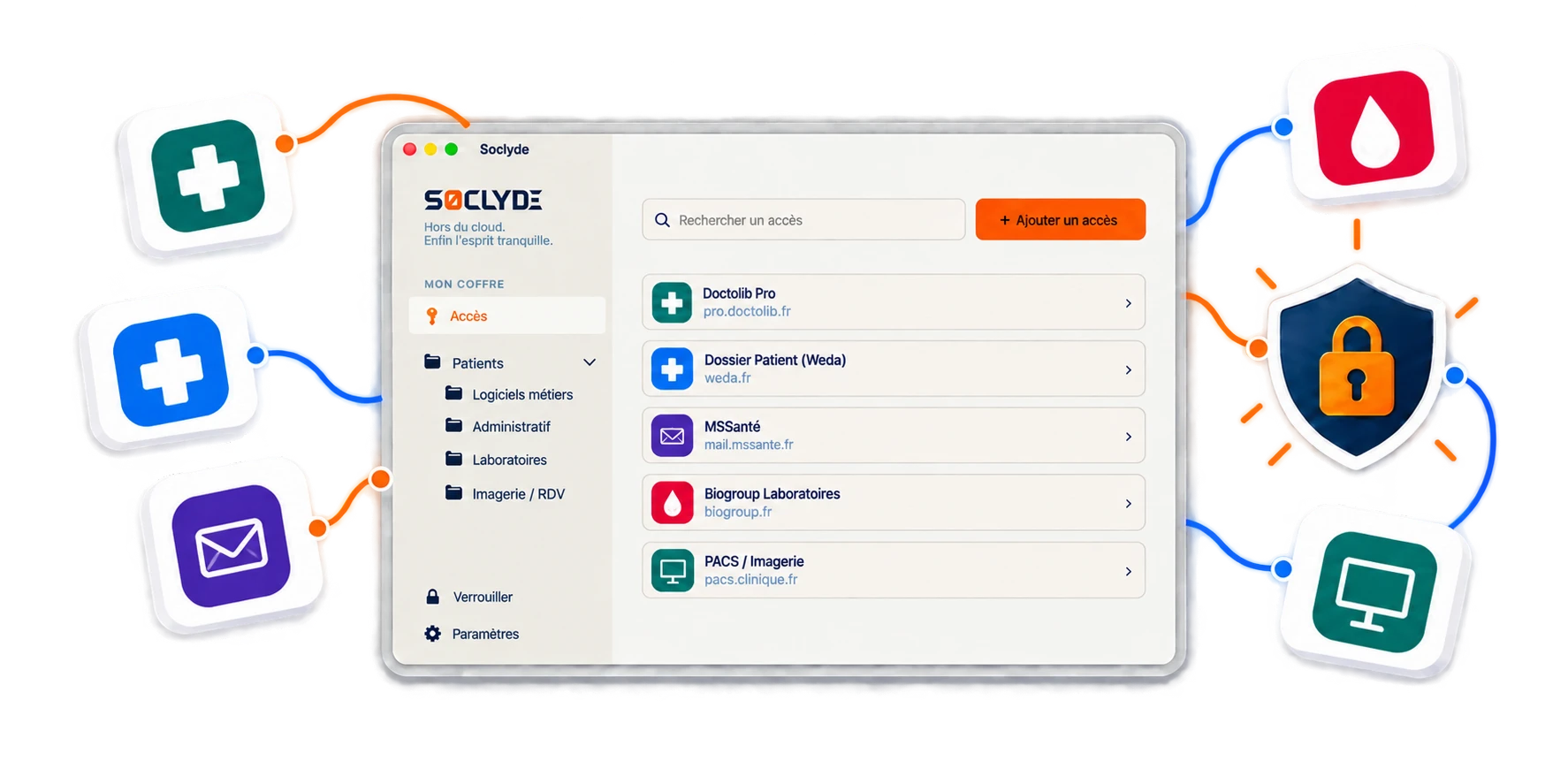
Soclyde helps healthcare professionals group these credentials in a local vault their team can use. Passwords stay on the practice’s authorized devices, without a remote vault database to host, while retaining the sharing and synchronization expected from a modern professional tool.
- Local storageAccess stays on your devices
- Direct synchronizationWithout a third-party remote server
- Controlled permissionsBased on each professional’s role
- Quick to startNo server or cloud vault account to create
- Stronger confidentialityDesigned for healthcare practices



100% LOCAL0% CLOUD
Access to health data stays within the practice’s perimeter
Doctors, physiotherapists, nurses, speech therapists and medical assistants do not always use the same tools or need the same permissions. Patient software, calendars, messaging, billing and partner portals must remain available to the right people without multiplying shared passwords.
Soclyde organizes access without entrusting the vault to a third-party host. Credentials remain in the practice’s environment while permissions can evolve with temporary cover, arrivals and changes in care organization.
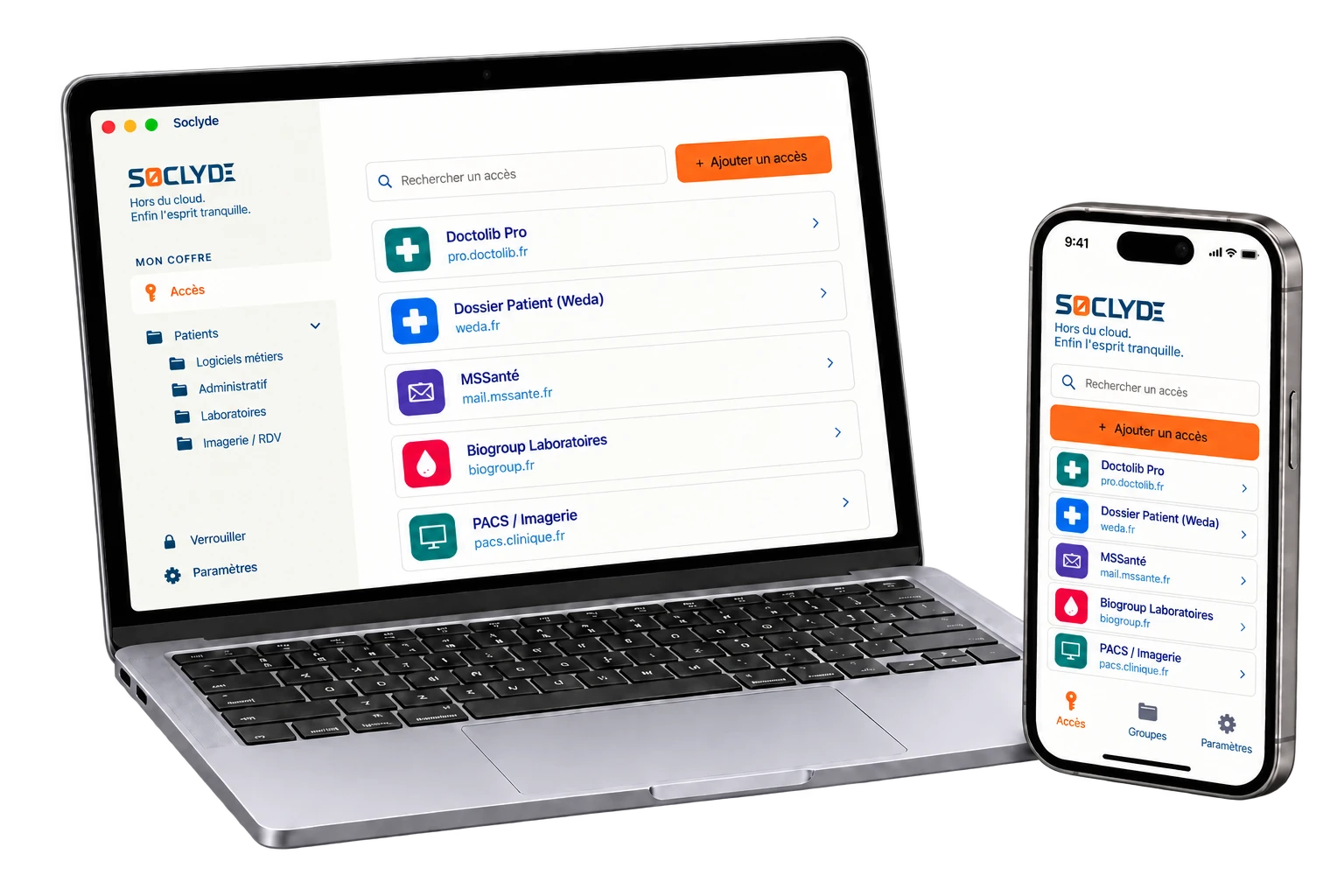
Your access on all your devices.
Soclyde works on Android, iOS, Windows and Mac. Find credentials in the practice, on visits or during temporary cover.
Android
Native app
Mobile optimized
iOS
Native app
iPhone and iPad
Windows
Desktop app
System integration
Mac
Native app
macOS optimized
Why storing a vault in the cloud adds an intermediary to practice security
With a cloud manager, practice credentials also rely on external infrastructure: the vault is no longer kept only in your environment.
To synchronize passwords, services such as 1Password, LastPass and Dashlane use servers hosting many users’ vaults. This model can suit some needs, but adds a provider to a healthcare practice’s chain of trust.
A service that groups many vaults naturally becomes an attractive target.
Cloud model (hosted)!
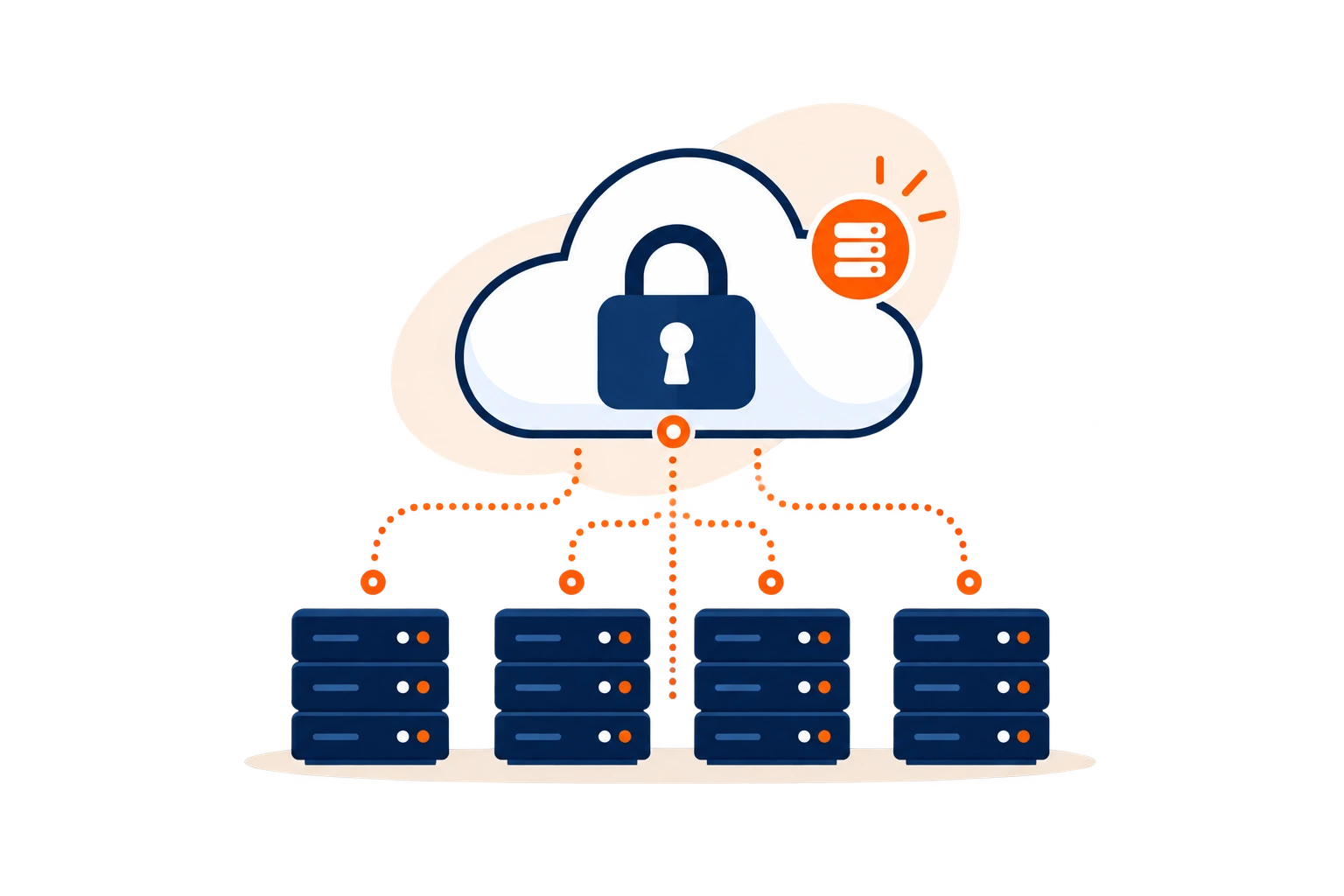
- The vault depends on infrastructure operated outside the practice.
- A provider incident can affect many users.
- Storage adds another party to account for.
Concentration riskKnown incidents in the sector show how centralized services can attract attackers.
Soclyde model (local)✓
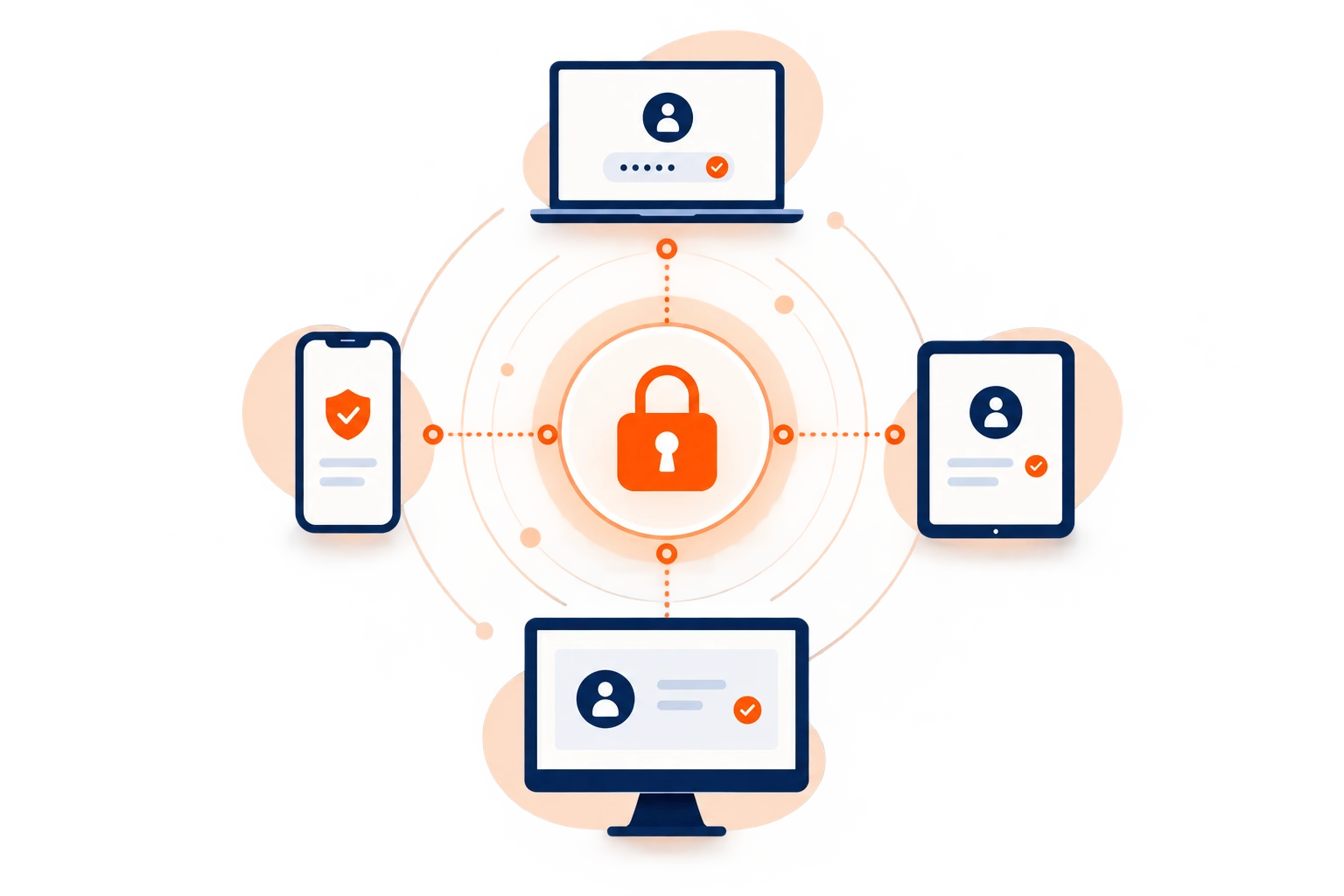
- Passwords stay on the practice’s authorized devices.
- Soclyde does not host a global vault of its users’ passwords.
- The practice retains direct control over where its credentials stay.
Soclyde removes vault hosting from the equation.
The practice does not need to entrust its password database to a remote service. Access stays organized in its environment, with fewer storage intermediaries to include in its security policy.
No centrally hosted vault
Less reliance on a third party
Data managed locally
Direct control over storage
When access becomes scattered across a practice
A patient record is sensitive. So are the credentials that open it.
Patient record software, secure messaging, calendars, billing and partner platforms: access multiplies as tools are added. Without a shared reference, the practice can quickly lose sight of who can open what and where each credential is kept.
A locum arrives, an assistant takes over, a professional works across sites: needs change quickly. Over time, passwords can follow individual habits instead of one practice-wide method.
A locum arrives, but the right access may not be ready
When a professional takes over, access to clinical software, calendars or portals may be missing when needed.
Continuity also depends on having the right credentials available in time.
A shared password can remain known after the need ends
An access shared by email, messaging, browser or note can keep circulating after someone no longer needs it.
Without dedicated permissions, narrowing the authorized group later is difficult.
A departure or team change calls for clear permissions
When an assistant, professional or locum leaves, the practice needs to identify which services they could still access.
A shared view helps remove rights and reassign access without relying on memory.
The digital keys to your care tools
One compromised credential can open several services containing sensitive data.
A mailbox, patient system, calendar or partner platform can expose health information, contact details and sometimes connected services. A single credential can therefore provide more than a simple technical entry point.
For a medical or paramedical practice, managing passwords also means managing the doors to everyday data and tools.
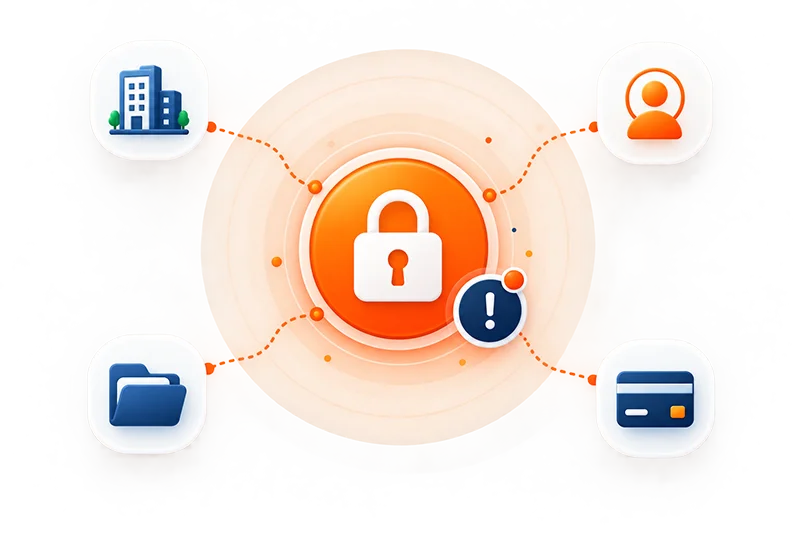
Mobility, temporary cover and more services create new points of attention. Four common situations need a clear framework.
Risk comes less from practice size than from scattered credentials.
Mobility, delegation and more services create new points of attention. Four common situations need a clear framework.
Confidentiality also relies on continuous control of access keys.
Connections from several locations
The practice, patient visits and temporary cover create different sign-in contexts.
Access sometimes shared in a hurry
An immediate need can circulate a password beyond its original purpose.
Several professions around the same care journey
Not everyone needs the same access or rights.
Teams and locums change
Each change requires a timely permissions review.
Which access should a medical or paramedical practice protect?
Patient confidentiality also depends on the credentials that open your tools.
Patient records, calendars, messaging, billing and partner platforms each add credentials to manage. The practice needs to know where they are kept, who can use them and how to remove access that is no longer needed.
Clinical software and patient records
Electronic patient records and care-management tools hold sensitive information. Their passwords should be stored carefully, not left in a browser or shared note.
Messaging and professional communication
Secure health messaging, professional mailboxes and collaboration tools provide access to conversations with patients, colleagues and partners. A mailbox can also be used to recover other accounts.
Billing, claims and online services
Billing, claims services and professional portals are part of everyday operations. The practice should know who uses each login and when to revoke it.
Calendars, telehealth and partner platforms
Appointments, telehealth, laboratories, imaging and care-coordination platforms can contain patient-related information. Assign necessary access without sending every secret in a message.
When a professional or assistant leaves the practice
A departure should close the right access without disrupting continuity.
When someone leaves, the practice needs to know which access they had, what to revoke and who will take over each responsibility. Returning a computer is not enough: credentials shared verbally or saved in a browser still need attention.
A professional, locum or assistant may know logins for clinical software, messaging, calendars, billing or partner platforms. Returning the computer is not enough: the practice must identify credentials that are still valid and decide whether to revoke, change or reassign them.
When passwords have been shared verbally, saved in a browser or kept in personal lists, revocation is difficult to verify. A shared system makes it possible to see what was accessible, what is still needed and what must be closed immediately.
Checks to make when someone leaves
- List the access actually used
- Remove permissions no longer needed
- Reassign necessary access
- Review shared credentials
- Avoid relying on individual memory
Shared lists and passwords sent by message make this harder to verify: a forgotten copy or old version can keep circulating after the team changes.
A shared method makes it possible to assign, hand over and remove access according to the role being performed.
Use case
Find practice passwords during a staff replacement
A covering healthcare professional needs to open the practice tools they are authorized to use during a day of consultations.
The situation
The handover is starting: the replacement should not have to rely on a password hurriedly sent in a message.
Find the credential
The practice can share the required credentials in Soclyde Premium; they are available on authorized devices.
Sign in to the service
The replacement finds the shared logins and signs in to the tools selected by the practice to resume consultations.

Your passwords stay encrypted in a vault on your devices, without a centralized Soclyde cloud vault. Keep business logins available and better organized day to day.
Compare the approaches
Between a cloud vault and a local file, practices can combine simplicity, collaboration and storage control.
Soclyde combines modern collaboration, local storage and a simple start, without a server to administer.
The market often contrasts simple cloud managers hosted by a third party with local vaults whose multi-device sharing requires dedicated organization.
| Criterion | KeePass | Bitwarden / LastPass / 1Password |  |
|---|---|---|---|
| Vault kept outside the cloud | ✓ Yes | × No | ✓ Yes |
| Sync across devices | ▲ Needs setup | ✓ Yes | ✓ Automatic |
| No server to administer | ▲ Depends on setup | ✓ Yes | ✓ Yes |
| Control over storage location | ✓ Local | × With provider | ✓ Local |
| Offline access | ✓ Yes | ▲ Depends on service | ✓ Yes |
| Use without dedicated IT staff | ▲ Requires organization | ✓ Yes | ✓ Yes |
The four Soclyde principles
Access management designed for medical and paramedical practices.
Security should not add technical overhead to a practice. Healthcare professionals and assistants need to find, share and revoke access without turning password management into an IT project.
100% local vault
Passwords stay on the practice’s devices, without a remote database hosted by Soclyde.
The practice knows where its vault is kept and avoids adding an external service just to store credentials.
Synchronization without a server
Changes sync across authorized devices without passing through a central online vault.
Access remains available on the relevant workstations without handling a shared password file.
Lightweight setup
No server to install or dedicated infrastructure to maintain day to day.
The practice can organize access without in-house IT staff or a disproportionate technical project.
Team permissions
Access is organized around people, roles and actual needs.
Shareable credentials remain available to the right people without being sent to the whole practice.
Access for everyday work
Soclyde supports temporary cover, team changes and work away from the practice.
Access becomes critical when it is missing: an unexpected locum, a consultation at another site, a new assistant or a professional leaving. Soclyde makes these transitions more predictable without sending the team back to messages, notes or scattered lists.
A professional covering a shift
The locum receives only the shareable access needed for the work, without passwords being exchanged in messages.
The practice can prepare the handover in advance instead of looking for credentials at the last minute from several people.
Working away from the practice
During visits, at another site or at home, professionals can find locally the credentials they are authorized to use.
Access already present on the device remains available without relying on a remote vault, including when the network is unavailable.
A new team member
The new colleague receives only the access needed for their duties and role.
The practice avoids sharing a set of credentials ‘just in case’ and can adjust permissions as responsibilities evolve.
A role or schedule change
As the organization changes, permissions can follow the new scope without manual resending.
Each credential remains associated with the people who actually need it, making the practice’s credentials easier to oversee.
Someone leaves the practice
Their rights can be removed while necessary access remains available to colleagues continuing the work.
The practice no longer depends on a personal list or the departing person’s memory to find the credentials it still needs.
A growing practice
Each new tool, professional or site adds credentials; Soclyde helps keep one shared method.
The organization can grow while keeping a clear way to assign, find and revoke access according to actual needs.
Health data, confidentiality and digital access
Protecting health data also means protecting the credentials that provide access.
Confidentiality and data-protection obligations make it important to know who has access, where it is stored, how it is shared and when it should be revoked.
A local architecture does not automatically make a practice compliant. It can reduce the parties involved in vault storage and make password handling clearer within the security policy.
What local storage simplifies
- Vault not hosted by Soclyde
- No third party dedicated to vault storage
- Fewer intermediaries storing credentials
- Architecture easier to document in the security policy
The GDPR does not prohibit cloud services. It requires, among other things, measures appropriate to risk and control over relevant processing and providers.
Security also includes endpoints, backups, authentication, individual accounts and rules for the healthcare services in use. Soclyde organizes the vault and access; it does not replace those measures.
The specific benefit is to avoid adding a password-vault hosting service to the chain of trust.
Compare the approaches
Soclyde sits between the simplicity of cloud services and the control of local vaults.
SoclydeVSKeePass
What to know about KeePass
KeePass stores the database locally and gives knowledgeable users substantial control. With several professionals and devices, sharing, synchronization, backups and versions must be organized.
The Soclyde approach
Soclyde keeps storage local while directly synchronizing authorized devices, without handling a shared file.
SoclydeVSBitwarden
What to know about Bitwarden
Bitwarden offers collaboration through its cloud service or a self-hosted deployment. Self-hosting requires a server, updates, backups and monitoring.
The Soclyde approach
Soclyde avoids a central server to administer while keeping the vault on authorized devices.
SoclydeVSLastPass
What to know about LastPass
LastPass relies on a centralized cloud model designed for easy use across devices.
The Soclyde approach
Soclyde does not create a global database containing its users’ vaults.
SoclydeVS1Password
What to know about 1Password
1Password offers a collaborative experience with a cloud-hosted vault. This model suits many organizations.
The Soclyde approach
Soclyde is for practices seeking collaboration without entrusting their vault to a host.
Healthcare practice FAQ
Frequently asked questions from medical and paramedical practices
Which password manager should a medical practice choose?
Look for a solution that supports multiple users and devices and lets permissions evolve. Soclyde adds a local vault without external cloud hosting.
Where should a paramedical practice store passwords?
Use a dedicated manager instead of email, notes or browsers. Soclyde keeps the vault on the organization’s authorized devices.
How can several professionals manage access to practice software?
Follow each service’s own rules. For access that can be managed collectively, a vault helps avoid clear-text sharing, limit distribution and revoke rights when no longer needed.
How can we avoid sending passwords by email or messaging?
Assign access through a shared vault with permissions instead of copying the secret into a message. Authorized users can find credentials in their environment without creating extra copies.
What should happen to access when a locum or employee leaves?
List the services they could access, remove unnecessary permissions, change genuinely shared secrets if needed and reassign useful access to colleagues continuing the work.
Is a password manager without cloud hosting suitable for healthcare professionals?
Yes, if the organization wants to keep its vault in its own environment while working as a team. Devices, backups and authentication must also be secured, and service-specific rules followed.
Can Soclyde be used in the practice and while travelling?
Yes. Credentials already available on an authorized device remain accessible locally, even without a network connection.
How can we better protect access to patient records?
Use unique passwords, enable multifactor authentication where available and limit rights to relevant people. Avoid sending credentials in clear text and review permissions when the team changes.
Is KeePass suitable for a medical practice team?
KeePass supports local storage, but team use requires organizing synchronization, backups and the database file across devices.
Are passwords saved in Chrome or Edge enough?
They may suit individual use, but a practice needs a shared view of rights, controlled sharing and a clear process for staff changes and temporary cover.
How can access be limited according to each professional’s role?
Assign credentials according to role, tools actually used and individual needs, then review permissions whenever the organization changes.
Does Soclyde require a server at the practice?
No. Soclyde syncs authorized devices without a central password server to install or maintain.
Where is Soclyde data hosted?
Soclyde does not host the vault: it stays on authorized devices.
Does Soclyde alone guarantee GDPR compliance for a healthcare practice?
No password manager can guarantee compliance on its own. Soclyde supports credential storage, sharing and control; the practice must also secure devices, backups, accounts and other processing.
Why choose a local vault for a medical practice?
To keep the credential database in the practice environment and reduce storage intermediaries. This can matter when vault location is part of the security policy.
Your patients’ data also deserves a real password policy.
Between cloud services that host the vault and local tools that require technical organization, Soclyde offers another approach: keep passwords on practice devices, sync them across authorized workstations and simplify sharing without maintaining a central server.
- Native local vault
- Sync across authorized devices
- Permission-based sharing
- No password server to administer
Your credentials open patient records, mailboxes and essential professional services. With Soclyde, they stay organized in your environment, without a global cloud vault or heavy infrastructure to maintain.