Protect access to wealth data with an password manager without cloud storage
A wealth management firm uses CRMs, insurer portals, subscription platforms, banking spaces, aggregation tools, signing solutions and partner portals every day.
Soclyde helps wealth advisors and independent firms organize professional secrets in a local vault that can be used by a team. Passwords stay on authorized devices, without a remote vault hosted by Soclyde.
- Off-cloud vaultAccess stays on your devices
- Team synchronizationNo centralized password server
- Portfolio-based accessAdvisors, assistants and management
- No dedicated infrastructureNo vault server to administer
- Controlled permissionsWhen roles or portfolios change
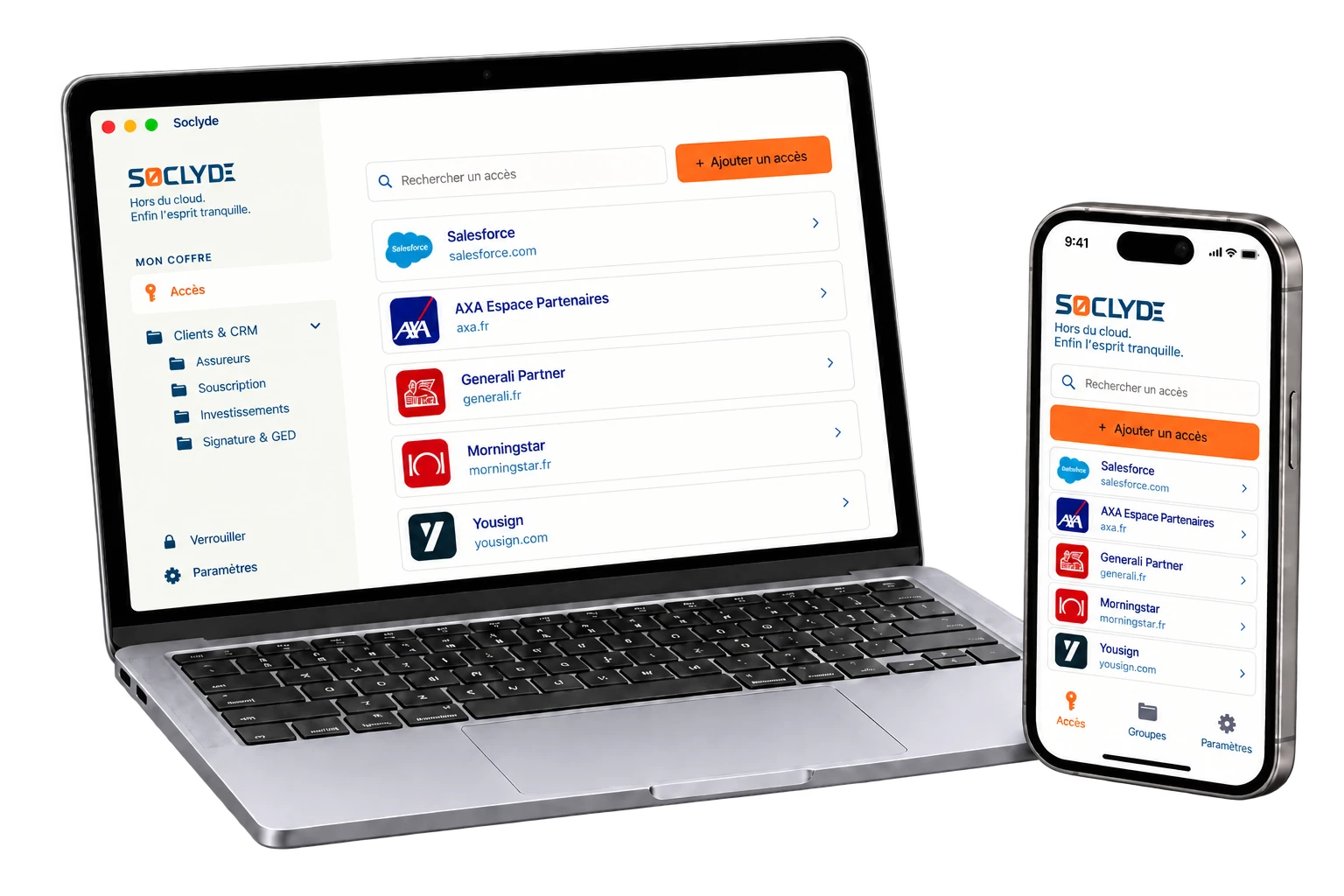




100% LOCAL0% CLOUD
Keep client portfolios accessible without exposing every access to the whole team
Wealth advisors, assistants, compliance managers and leadership do not always use the same services. CRMs, insurer portals, subscription platforms, banks, funds, aggregators, e-signature and document spaces must remain accessible according to portfolios and assignments.
Soclyde organizes shareable secrets in a locally kept vault. Permissions can evolve with portfolios, partners, arrivals and departures, while everyone finds only the access needed for their work.

Your wealth access on every device.
Soclyde works on Android, iOS, Windows and Mac. Find your credentials at the firm, with a client or on the move.
Android
Native app
Mobile optimized
iOS
Native app
iPhone and iPad
Windows
Desktop app
System integration
Mac
Native app
macOS optimized
Your credentials open portfolios, contracts and sensitive data: storage can remain in your environment
With a cloud manager, the firm’s credentials also rely on an external infrastructure. Soclyde keeps the vault on authorized devices and synchronizes the team without a global cloud database.
With a cloud manager, the firm’s credentials also rely on external infrastructure: the vault is no longer kept only in your environment.
Services such as 1Password, LastPass or Dashlane synchronize passwords through their own servers. This model may suit many organizations, but a wealth firm adds access to partner portals, investment platforms, client spaces and subscription tools.
A vault gathering many wealth-management credentials concentrates accounts with high financial and operational value.
Cloud model (hosted)!
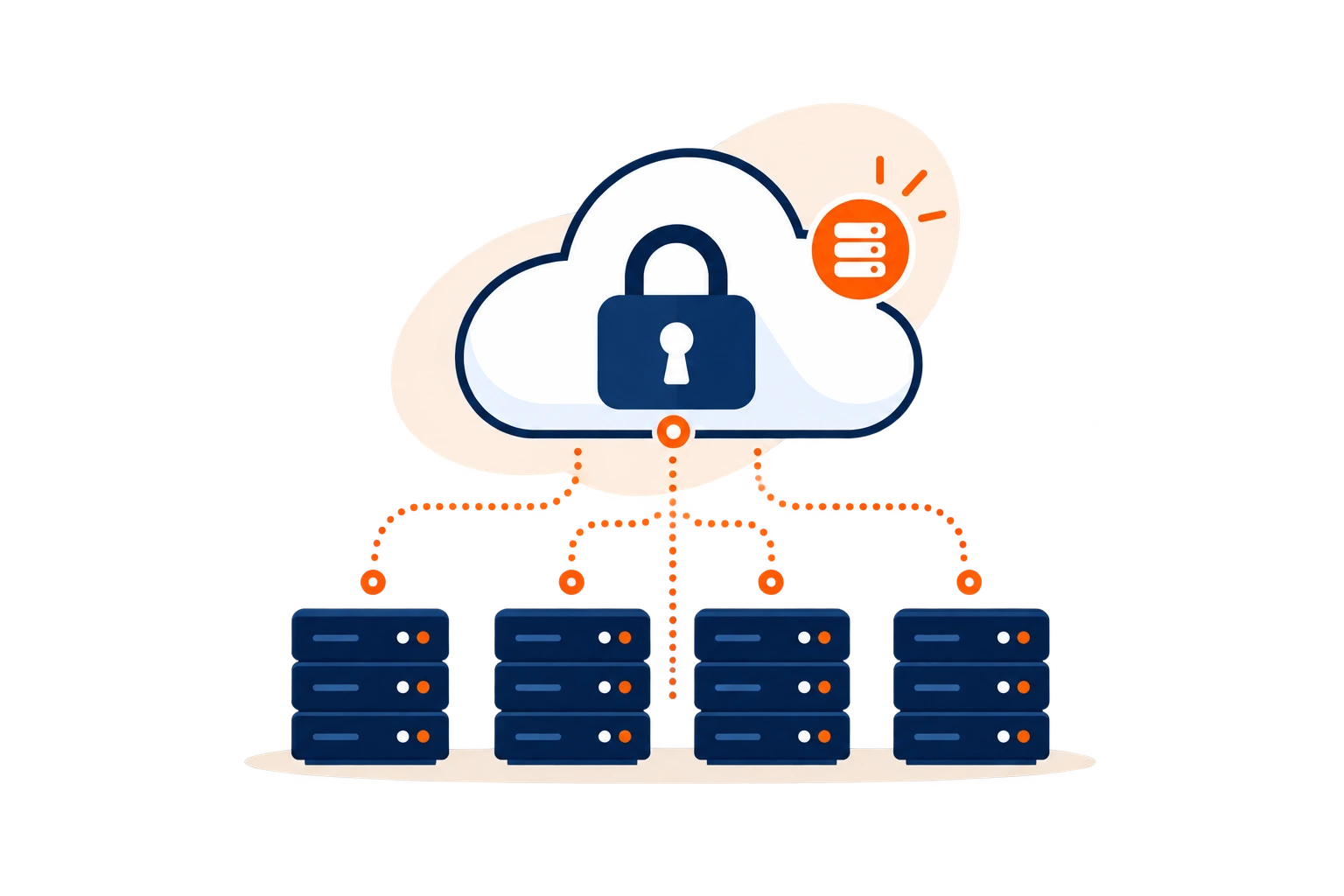
- The vault is kept on infrastructure outside the firm.
- A provider incident can affect several sensitive accesses at once.
- Hosting adds another party to the firm’s chain of trust.
Concentration of sensitive accessInsurer portals, investment platforms, CRMs and document spaces gathered in one vault represent a high-value target.
Soclyde model (local)✓
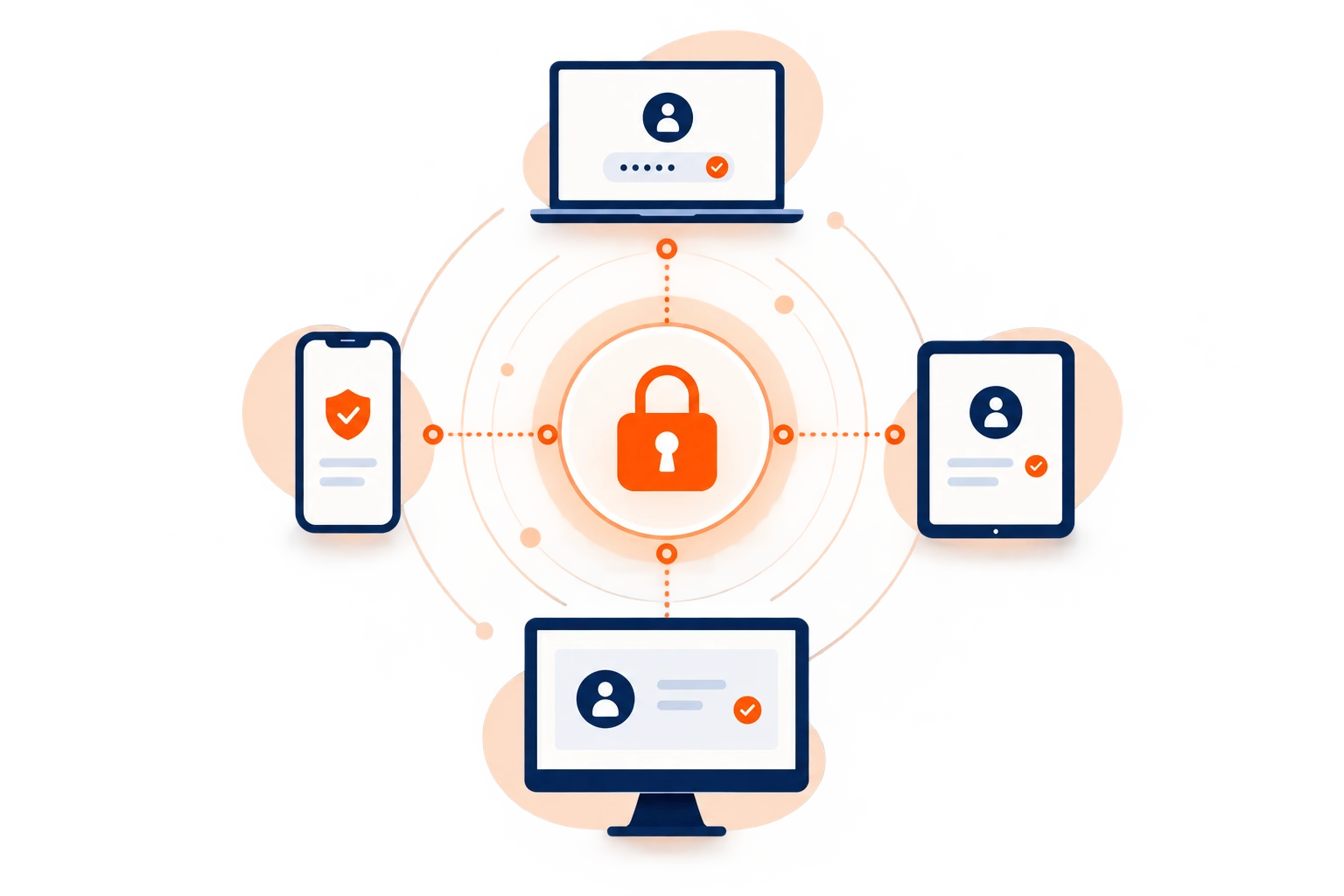
- Passwords stay on the firm’s authorized devices.
- Soclyde does not host a global database containing its users’ vaults.
- The firm keeps direct control over where its credentials are stored.
Your wealth vault stays in your environment.
Your wealth vault stays in your environment. Access to partner portals, subscription platforms and business tools does not have to be deposited in a remote database managed by Soclyde.
No global cloud vault
Less reliance on a host
Business access kept locally
Direct control of storage
When every partner has its own portal
Life insurance, pensions, funds and securities: access grows faster than portfolios
CRMs, insurer portals, subscription platforms, banks, asset managers, funds, signing tools, aggregators and document spaces multiply across partners. Without a shared reference, firms lose track of who has which access and where the latest password is stored.
An advisor takes over a portfolio, an assistant prepares a subscription, a colleague covers an absence or a new partner is added: needs change quickly. Over time, credentials follow people rather than portfolios.
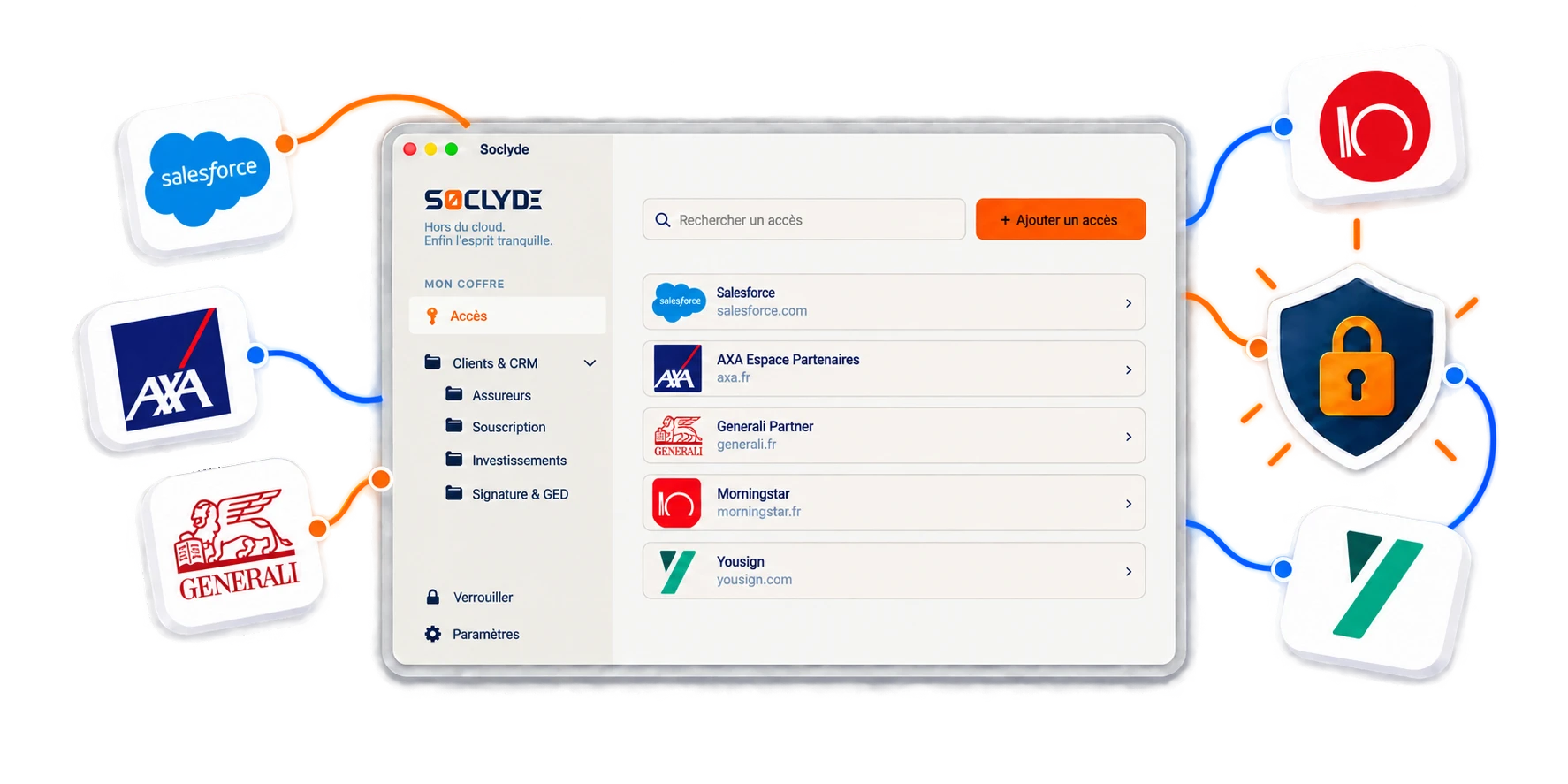
A portfolio changes hands
Partner access does not always follow the new owner.
A shared portal remains known
Access can remain in use after the need has ended.
A critical access depends on one person
An absence or departure can block an urgent operation.
A compromised access can expose more than a password
Portals, subscriptions and client data: some keys unlock highly sensitive information
A partner account can expose personal, wealth, contractual or financial information, as well as subscription, tracking or document-management functions.
For a wealth firm, protecting credentials also protects file confidentiality, service continuity and client trust.
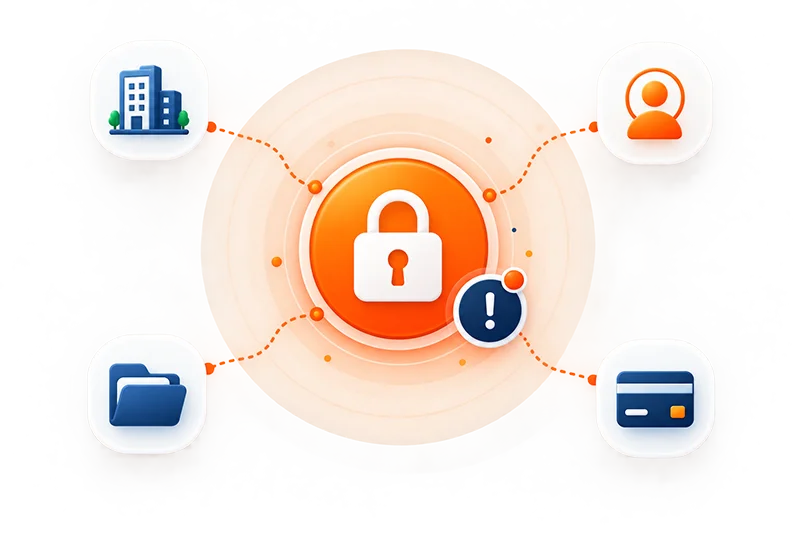
Sensitive wealth access
Risk grows when credentials are spread across advisors, assistants and partners.
Mobility and portfolio changes create sensitive moments. Four common situations require a clear system.
Wealth confidentiality also depends on continuous control over the accounts that provide access to business tools.
Highly sensitive client data
Family situation, income, wealth, investments and objectives may appear in several business tools.
Many partners
Insurers, banks, asset managers and specialized platforms multiply portals and credentials.
Frequent mobile usage
Client meetings, travel and remote work require access to the right credentials across devices.
Regular team changes
Arrivals, departures and portfolio handovers make permissions difficult to maintain without a shared reference.
The firm’s business access
Every partner adds another entry point: keep one system for managing them all
A wealth management firm relies on an ecosystem of partners and platforms. The challenge is not only storing passwords, but distinguishing named access, genuinely shareable secrets and critical accounts.
CRM and client tracking tools
A CRM often centralizes personal information, meeting history, documents, tasks and data related to wealth objectives.
Named accounts and roles should be preferred. Genuinely shared secrets should remain limited to the people concerned.
Insurer portals and subscription platforms
These portals may provide access to contracts, simulations, subscriptions, supporting documents and client information.
Individual access and MFA should be used when available. The vault complements these mechanisms for secrets that genuinely need to be kept.
Banks, asset managers, funds and partners
Each partner may have its own portal, access rules and recovery methods.
A shared reference helps prevent credentials from remaining scattered across browsers, emails or personal notes.
Signing, document management and collaboration tools
These services support the preparation, transmission and archiving of advice-related documents.
They should follow the same access-management policy as financial and insurance platforms.
When an advisor leaves the firm
A departure should transfer portfolios without leaving old access behind
When someone leaves or a portfolio changes hands, identify the accounts actually in use, remove permissions that are no longer needed and reassign access to the person taking over.
An advisor may know access to the CRM, insurer portals, investment platforms, banks, aggregators, signing tools or document spaces. Closing their mailbox is not always enough.
When passwords are saved in a browser or sent through messaging, revocation becomes difficult to verify. A shared system makes it clear what must be removed, changed or transferred.
Access to review when a portfolio changes hands
- List the portals and tools actually in use
- Remove permissions that are no longer needed
- Reassign access to the advisor or assistant taking over
- Review recovery methods for critical accounts
- Change genuinely shared secrets when necessary
Credentials copied into browsers, emails or internal documents make this review uncertain: an old copy may remain usable after someone leaves.
The goal is to make access follow portfolios. Necessary secrets are reassigned, while permissions that are no longer needed are removed methodically.
Use case
Prepare a wealth management client review without hunting for logins
Before a portfolio review, you check your CRM and partner portals to prepare the information for the meeting.
The situation
Between the CRM and insurer portals, remembering every password gets in the way of preparing for the client.
Find the credential
Find your wealth management logins in an encrypted vault you can organize and access on your devices.
Sign in to the service
Sign in to the relevant services and focus on the client’s portfolio, not on tracking down credentials.

Your passwords stay encrypted in a vault on your devices, without a centralized Soclyde cloud vault. Keep business logins available and better organized day to day.
Choose for your wealth organization
The right manager should follow your portfolios without adding infrastructure to your firm
Soclyde combines local storage, device synchronization and team sharing without requiring a central server to operate.
For a wealth firm, the choice depends on the number of advisors, partners, devices and the desired level of control over the vault. Cloud, local and self-hosted solutions answer these needs differently.
| Criterion | KeePass | Bitwarden / LastPass / 1Password |  |
|---|---|---|---|
| Vault stays on your devices | ✓ Yes | × No | ✓ Yes |
| Synchronization between devices | ▲ To organize | ✓ Yes | ✓ Automatic |
| No server to administer | ▲ Depends on organization | ✓ Yes | ✓ Yes |
| Control over storage location | ✓ Local | × With provider | ✓ Local |
| Offline access | ✓ Yes | ▲ Depends on service | ✓ Yes |
| Use without dedicated IT team | ▲ Requires organization | ✓ Yes | ✓ Yes |
Cloud makes collaboration easier, but hosts credentials outside your environment
Cloud managers offer smooth synchronization and fast sharing, which can suit distributed teams. In return, access to portals, subscription platforms and other wealth tools also relies on third-party infrastructure. The key question is whether the firm wants to outsource the vault or keep its secrets directly on its devices.
A local file keeps control, but can be difficult to share between advisors
Tools such as KeePass keep the database local and provide direct control over the credential file. With several advisors and devices, synchronization, backups, version conflicts and permissions still need to be organized. Without a shared method, access can end up spread across files, browsers and internal notes.
The 4 Soclyde principles
A well-organized vault should disappear into the background while advisors focus on clients
Soclyde starts from a simple principle: an advisor should find the right access for a portfolio without opening every secret in the firm. Security must remain compatible with meetings, subscriptions, follow-up and organizational changes.
Organize by portfolio
Credentials can be structured around partners, clients and the tools they use.
Each team member finds the required secrets without browsing the entire vault.
Keep the vault on your devices
Access stays on the firm’s authorized devices, without a remote database hosted by Soclyde.
The firm keeps direct control over where its secrets are stored.
Synchronize without a central server
Changes follow authorized devices without vault infrastructure to install and maintain.
Teams avoid manual file copies and version conflicts.
Evolve permissions with team changes
Permissions can follow portfolios, arrivals, departures and delegations.
A colleague does not have to keep access to a portfolio they no longer manage.
When portfolios evolve
New client, new subscription, new advisor: access should follow the work
The value of a manager appears during transitions: client onboarding, subscriptions, departures, portfolio handovers, external meetings and partner changes.
New client onboarding
Access to the required tools can be organized from the start of the relationship.
The firm avoids letting secrets begin their life in an email or personal note.
New subscription
Insurer portals, signing, document management and other services can be grouped around the relevant case.
The team finds the required access at the right time.
Portfolio handover
The new advisor can receive the required access without relying on the predecessor’s browser.
The handover becomes clearer and old permissions can be reviewed.
Client meeting
Already synchronized credentials remain available on authorized devices.
The advisor does not need to ask the firm for a password during a meeting or follow-up.
Colleague departure
Permissions can be reviewed alongside portfolios and responsibilities.
Genuinely shared secrets can be changed when necessary.
New partner
Every new portal or platform adds accounts. Soclyde helps keep one shared system.
The firm can expand its offering without turning access into a collection of files and messages.
Wealth data, confidentiality and compliance
Family situation, income, investments: access keys are part of the security perimeter
A wealth firm processes personal, financial and family information that can be highly detailed. Credentials providing access to CRMs, documents, contracts and partner platforms must therefore be managed with the same rigor.
Protection is not only about storage: the firm must know who holds access, where the secret is kept, how it is transmitted and when the right should be removed.
A local architecture does not automatically make a firm compliant with GDPR, professional obligations or partner requirements. It can reduce the intermediaries involved in storing the vault and make credential organization clearer.
What local storage helps you control
- Vault not hosted by Soclyde
- Clearer separation of access by portfolio
- Fewer secrets sent by email or messaging
- Clearer permission management when teams change
GDPR does not prohibit cloud services, and compliance is not reduced to password storage. The firm must also manage permissions, processing, providers, retention and other security measures.
CRMs, banks, insurers and partner platforms often offer named accounts, roles and MFA. Those mechanisms should be preferred when available. Soclyde complements them for secrets that genuinely need to be stored or shared.
The value of the local model is precise: it does not add a password-vault hosting service to the technical chain. The firm keeps an architecture that is easier to understand and supervise.
Compare solutions for a wealth firm
Cloud, local file or local-first: the vault architecture changes portfolio management
SoclydeVSKeePass
What to know about KeePass
KeePass keeps the database in a local file and provides direct control over its location. With several advisors and devices, synchronization, backups and version management become more complex.
The Soclyde approach
Soclyde keeps local storage while adding a team-oriented workflow. Authorized devices synchronize without manually handling a shared file, and access can follow portfolios without a central server.
SoclydeVSBitwarden
What to know about Bitwarden
Bitwarden offers collaboration through its cloud or a self-hosted deployment. Self-hosting adds control but requires a server, updates, backups and supervision.
The Soclyde approach
Soclyde avoids that administration layer while keeping the vault local. Authorized devices synchronize without a central password server to operate.
SoclydeVSLastPass
What to know about LastPass
LastPass relies on a cloud architecture designed for multi-device use. CRM, portal and other sensitive access also rely on external infrastructure.
The Soclyde approach
Soclyde does not gather its users’ vaults in a global database. Credentials stay on authorized firm devices while synchronization remains available.
SoclydeVS1Password
What to know about 1Password
1Password offers a premium collaborative experience around a cloud vault. This model suits many teams but externalizes the vault.
The Soclyde approach
Soclyde targets firms that want collaboration without outsourcing their vault. Rights, sharing and synchronization are organized around authorized devices.
Wealth management FAQ
What wealth management firms ask before centralizing passwords
Are passwords hosted by Soclyde?
No. The vault stays on authorized devices rather than in a centralized cloud vault operated by Soclyde.
Can Soclyde work offline?
Vault data remains available locally on authorized devices, each of which keeps a complete copy of the vault.
Can advisors and assistants share access?
Yes. Sharing access between users is part of Soclyde Premium. Roles and the revocation process should be defined around the firm’s organization.
Does Soclyde guarantee GDPR compliance?
No. The firm must also manage its processing, permissions, devices, backups and providers.
Which manager should a wealth firm choose?
Choose a solution that handles multiple users, devices, portfolios and permission levels while considering where the vault is stored.
How should a wealth firm organize access?
Classify secrets by partner, tool, portfolio and criticality: CRM, portals, subscription platforms, banks, signing and document management.
What should happen when an advisor leaves?
List the tools used, remove unnecessary permissions, reassign access and review recovery methods for critical accounts.
Is KeePass suitable for a wealth team?
KeePass can work for local storage, but a team must organize synchronization, backups, file versions and permissions.
Are browser-saved passwords enough?
They can help individuals, but a firm also needs a shared view of permissions, clean handovers and a clear revocation process.
Can a partner account be shared between advisors?
When a partner offers individual accounts or roles, those should be preferred. A manager should not bypass a rule requiring named access.
Does Soclyde require an administered server?
No. Soclyde is designed to synchronize authorized devices without a central password server to install or maintain.
Where are passwords hosted with Soclyde?
The vault is not hosted by Soclyde: it stays on authorized devices, unlike a traditional cloud password manager.
How should access follow a portfolio handover?
Prepare an inventory of accounts, assign them to the advisor taking over and review shared secrets and recovery methods.
How do you protect wealth data with a password manager?
A password manager protects credentials, but it does not replace permissions management, device security, MFA, backups, procedures or compliance.
How do you protect insurer portal access?
Prefer named accounts and MFA when available, then limit shared secrets to the people who genuinely need them.
Your clients’ projects change. Your access, however, should stay perfectly organized.
Group CRMs, insurer portals, banks, subscription platforms, funds, signing and document tools in a vault stored on your devices, designed for portfolios, advisors and team changes.
Between cloud managers that host the vault, local files that require manual organization and self-hosted solutions that add infrastructure to maintain, Soclyde takes a different approach: keep passwords on authorized devices, synchronize them simply and manage permissions without a central server.
- Access organized by portfolio and partner
- Off-cloud vault on authorized devices
- Synchronization across firm workstations
- Clearer permission management when teams change
CRMs, portals, banks, subscription platforms, aggregators and document tools shape a wealth firm’s daily work. With Soclyde, shareable credentials stay organized in your environment without a global cloud vault.