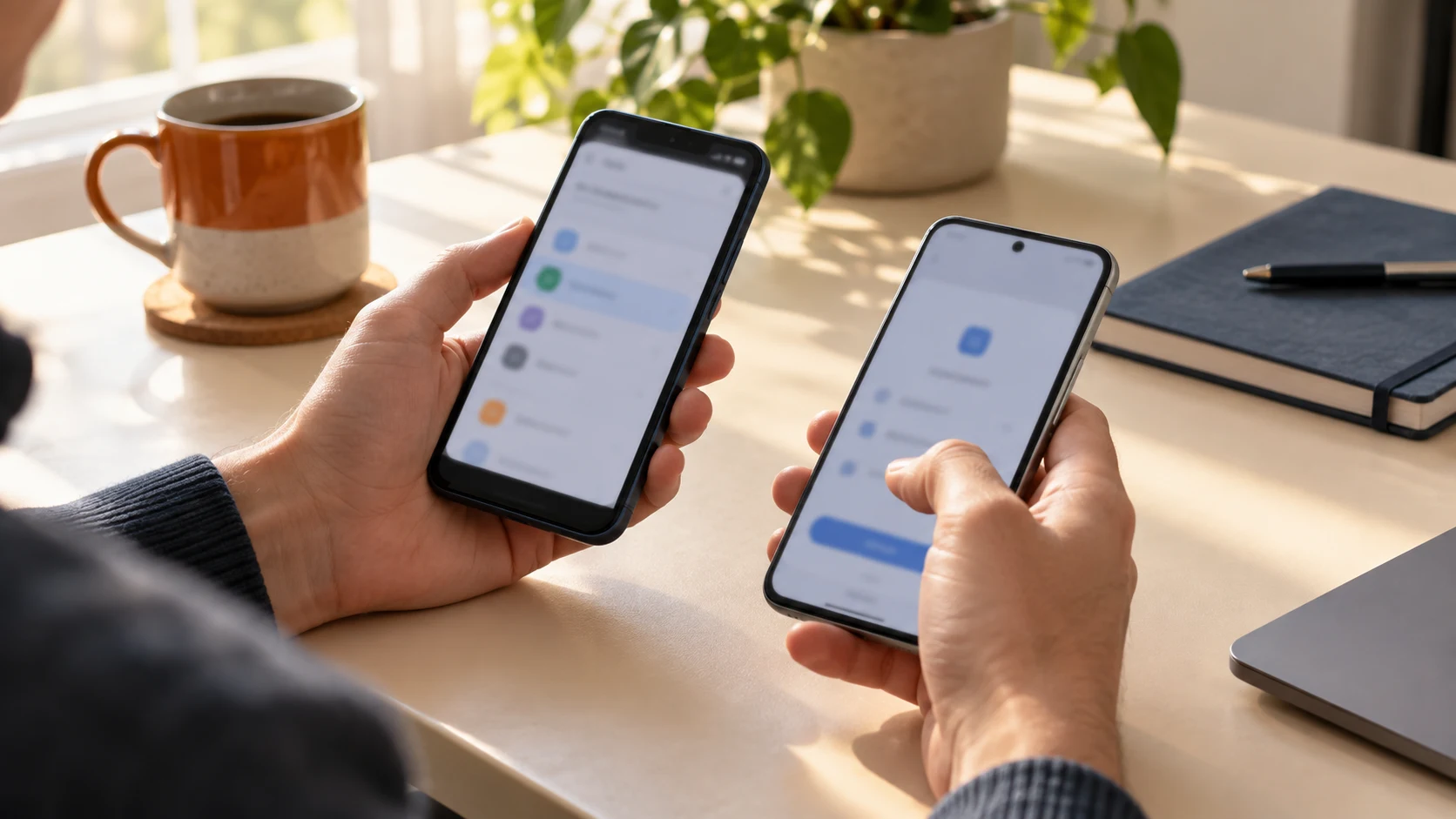
On September 10, 2026, Google announced a new Android flow for moving passwords and passkeys from one password manager to another without manually exporting a file. Android coordinates the exchange: users start in the destination app, choose a compatible source, and authorize the transfer in their current manager.
For people switching apps, this reduces reliance on a manually created export file that could remain on the device. It is a practical step toward credential portability, but it does not make every manager compatible. Soclyde's product scope includes import and export; compatibility with this Android flow, specific formats, and passkey transfer should not be assumed.
A simpler transfer to authorize
Until now, moving passwords often meant creating an export file, sometimes in readable text, and importing it into the new manager. That step created another sensitive copy to find and delete afterward. Passkeys, meanwhile, did not always fit traditional export methods.
With the new flow, users start the import in the destination manager. Android detects compatible providers on the device, then sends users to the source app to review and authorize the credentials to move. The person who owns the vault remains in control of the transfer.
Compatibility depends on the apps
The feature builds on Android credential-transfer APIs and standardized exchange formats. For a transfer to work, password managers must implement the relevant mechanism and support exporting or importing the data types involved. Android’s documentation describes support for passwords, passkeys, addresses, and custom fields.
Google named Google Password Manager, 1Password, Bitwarden, and Dashlane as available in the new flow at launch. Google says the flow works on Android 8 and later. That list does not guarantee compatibility between every pair of apps or for every data category; each provider's implementation still matters.
To compare protections beyond portability, see our password-manager security audit framework.
Passkeys make portability more important
Passkeys replace passwords with authentication based on a cryptographic key pair. Moving one is not as simple as copying a line of text into a file. A structured way to transfer passkeys between managers can reduce the friction people face when changing providers.
It does not mean every passkey can be transferred in every situation. Apps need to support the exchange, and some data types may be excluded. Before migrating, check the compatibility information from both managers and keep a way to sign in to your accounts during the transition.
What users can do now
If you are considering a switch, first check that both apps support Android credential transfer and that your important data types are included. Start the process in the destination app, review the selection in the source app, and authorize only the credentials you want to move.
After the transfer, check your essential accounts and sign-in methods before deleting your old vault. Keep recovery options for important services as well. The new flow avoids a manual export file when the apps support it, but it does not replace checking the result.
During a switch, a vault backup and recovery plan helps keep a tested fallback available.
How this relates to Soclyde
Soclyde's product scope includes importing and exporting credentials, but the specific compatibility of Android Credential Transfer and passkey migration is not confirmed. Check support for the exact source and destination apps before relying on this flow. Learn more about Soclyde’s local-first approach in our guide to local-first password managers.
Key takeaway
Google’s Android transfer flow makes it easier to move passwords and passkeys between compatible managers without a manual export file. Before switching, confirm that both apps support the required credential types and verify the result before removing the old vault.