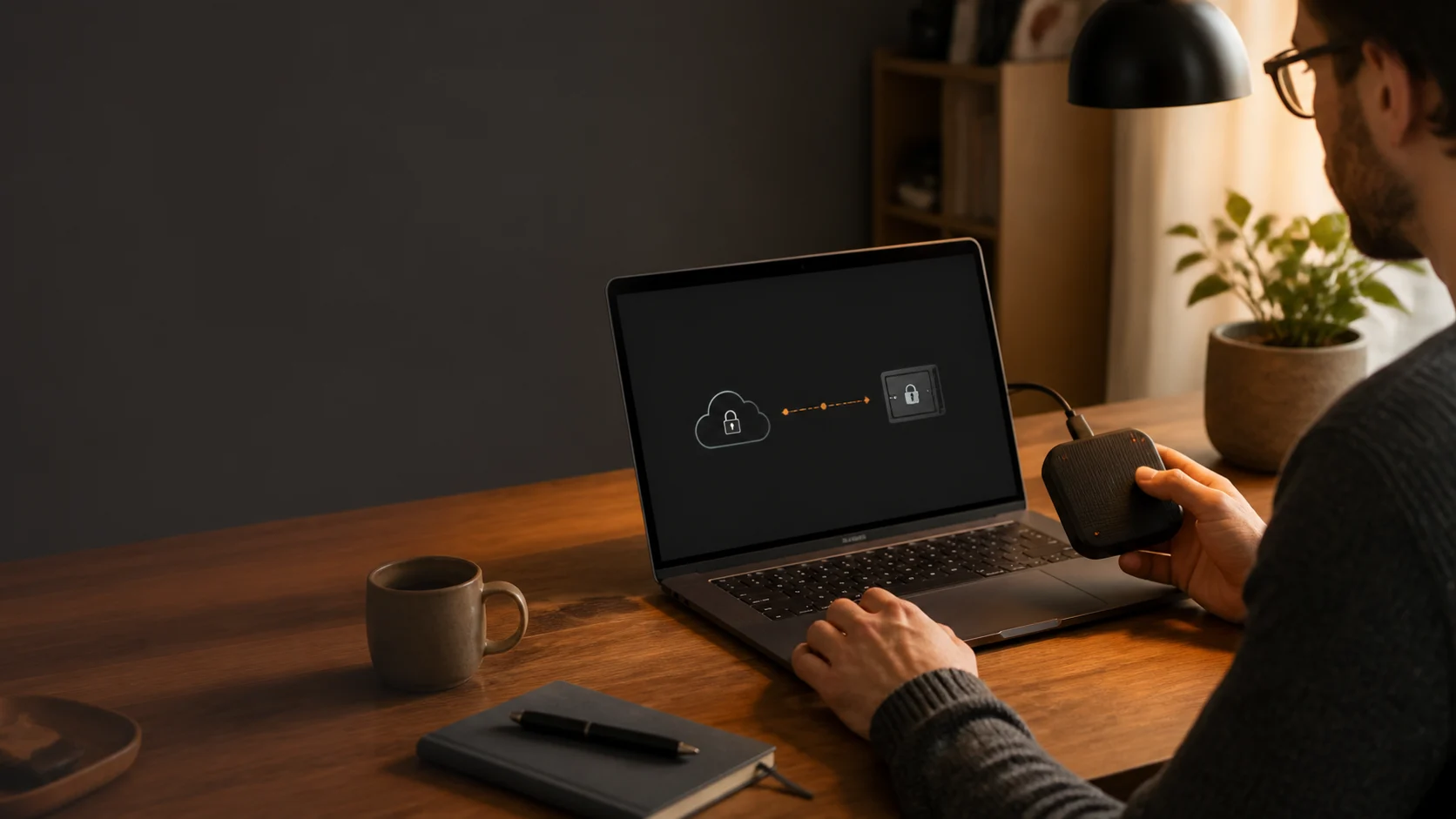
Reclaiming Control: The Rise of Local-First Password Managers
In an era dominated by cloud services, the concept of a "local-first" application is gaining traction, especially for sensitive data like passwords. A local-first password manager operates on a fundamental principle: your encrypted password vault resides exclusively on your own devices, under your direct control, rather than being stored on a third-party server.
This approach represents a significant philosophical and architectural departure from traditional cloud-based password managers, prioritizing individual digital sovereignty and minimizing reliance on external infrastructure.
How a Local-First Password Manager Works
In a local-first architecture, the primary vault copy stays on the user’s devices. Some cloud password managers also sync a copy to the provider’s infrastructure; storage and encryption details vary by product.
- Your data stays on your devices: The encrypted vault is kept on authorised devices rather than in a central cloud vault operated by Soclyde.
- No central vault at Soclyde: Soclyde does not keep a central copy of your vault. This reduces exposure to a breach of that type of repository without removing risks involving devices or their backups.
- Direct synchronisation: With Soclyde Premium, authorised devices synchronise the vault directly, without a central synchronisation server operated by Soclyde.
- Offline access on authorised devices: Each authorised device keeps a complete copy of the vault, so you can access it on that device without an internet connection.
The Unparalleled Benefits of a Local-First Approach
- Reduced central exposure: Soclyde does not keep vaults in a central cloud repository. This avoids that point of concentration without protecting against a compromised device by itself.
- Privacy and local control: The vault stays on your authorised devices rather than in a central cloud vault operated by Soclyde. Protect those devices and any copies you create as well.
- Local data control: You retain operational control of your most sensitive information without relying on a cloud provider to store the vault.
- Access independent of a central cloud vault: Access to a vault already stored on a device does not depend on the availability of a central cloud storage server.
- A different trust model: You rely on the software installed on your devices and on the security of those devices. It remains important to assess the software and protect every endpoint.
Local-First vs. Cloud-Based: A Fundamental Distinction
| Feature | Cloud-Based Password Manager | Local-First Password Manager (like Soclyde) |
|---|---|---|
| Data Storage | Depending on the service, a vault copy may be synchronised on the provider’s servers | Encrypted vault on user's devices |
| Trust Model | Trust in provider's infrastructure and security team | Trust in client-side software and user's own device security |
| Synchronization | Via central cloud servers | Direct peer-to-peer between user's devices |
| Central Target? | A central copy can be a point of concentration that needs protection | Soclyde does not keep a central copy of the vault |
| Offline Access | May be limited or require prior syncing | Each authorised device keeps a complete copy that is available offline |
| Data Sovereignty | Limited, subject to provider's policies | Local control, user keeps the vault copy on their devices |
Soclyde keeps the vault on authorised devices and synchronises it directly between them. This architecture limits the centralisation of secrets; device and backup protection remain essential.