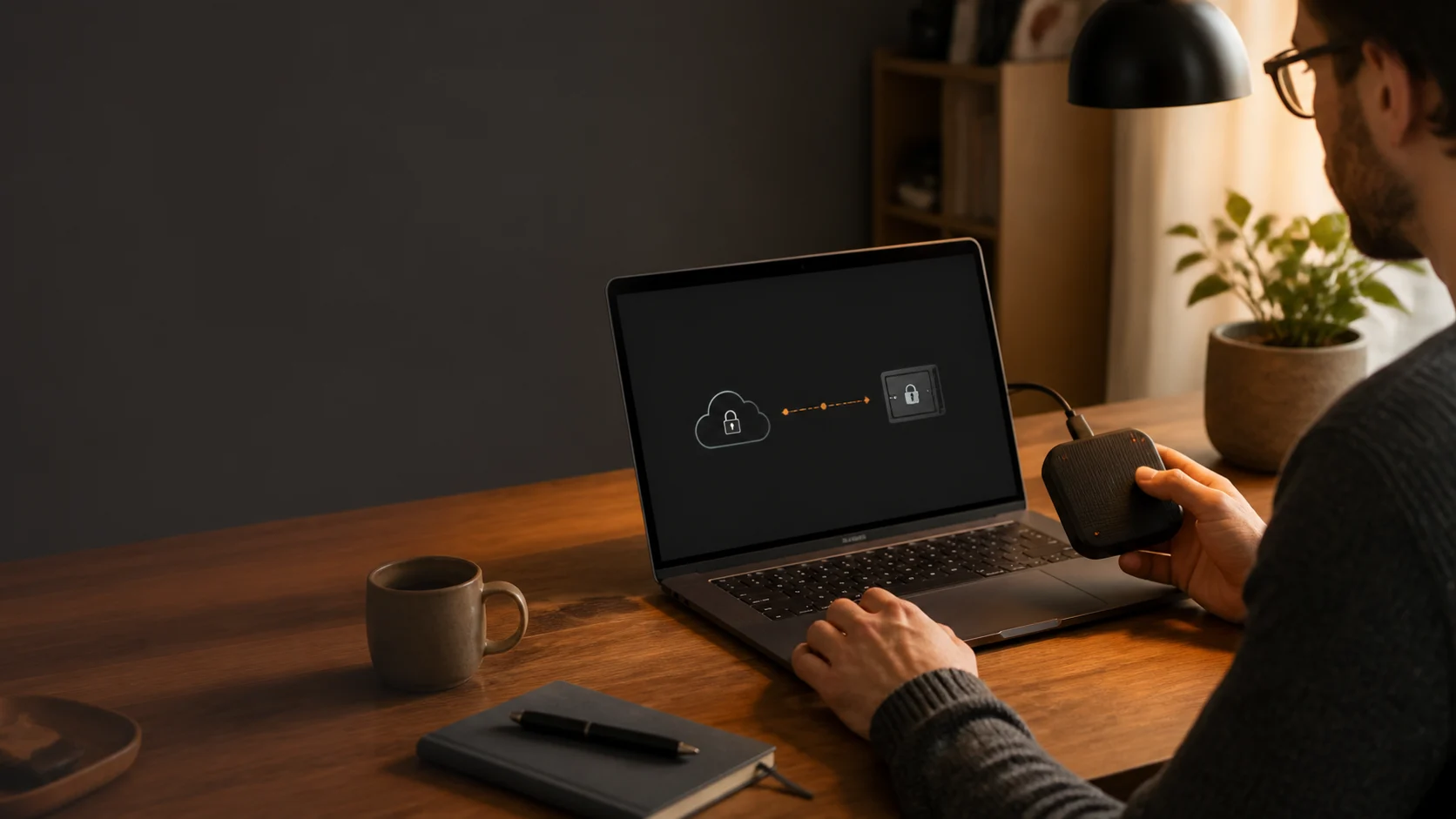
Understanding Your Password Manager Options
When it comes to safeguarding your digital life, a password manager is an indispensable tool. But not all password managers are created equal. The primary distinction often lies in how they store and synchronize your sensitive data: locally on your devices or in the cloud. Understanding these differences is crucial for choosing the solution that best fits your security and privacy needs.
Cloud-Based Password Managers: Convenience with Caveats
Most popular password managers operate on a cloud-based model. Your encrypted password vault is stored on their servers, and data is synchronized across your devices via the internet.
Pros of Cloud-Based:
- Ubiquitous Access: Access your passwords from any device, anywhere, as long as you have an internet connection.
- Effortless Sync: Synchronization happens automatically and seamlessly in the background.
- Managed Backups: The service provider typically handles backups of your vault.
Cons of Cloud-Based:
- Third-Party Trust: You must trust the service provider with your encrypted data. While encrypted, a breach of their servers could expose your vault, even if the encryption holds.
- Privacy Concerns: Your data traverses the public internet, and while encrypted, metadata or usage patterns might still be collected by the provider.
- Dependency on Service: If the service goes down, you lose access to your passwords.
Local Password Managers: Security Through Sovereignty
Local password managers, like Soclyde, take a fundamentally different approach. Your encrypted vault is stored exclusively on your devices, and synchronization (if any) occurs directly between your devices, often over a local network, bypassing the internet entirely.
Pros of Local-Based (Soclyde's Approach):
- Reduced central exposure: Soclyde does not keep vaults in a central cloud server, eliminating the specific risk of a breach of that central vault. Your data stays under local control.
- Privacy and local control: Your vault contents remain on your authorised devices rather than in a Soclyde cloud vault.
- Data control: You manage your data on your devices without relying on an external provider to store the vault.
- Offline Access: Full access to your passwords even without an internet connection.
Cons of Local-Based:
- Synchronization: Requires a mechanism for local syncing between devices (e.g., local network detection), which might be less "invisible" than cloud sync for some users. (Soclyde aims to make this as seamless as possible).
- Manual Backups (potentially): Depending on the implementation, you might be more responsible for managing your own backups (though Soclyde offers local backup solutions).
Making Your Choice
The choice between a local and cloud-based password manager boils down to your personal priorities:
- Choose Cloud if: Convenience and ubiquitous access are your absolute top priorities, and you are comfortable with the inherent trust in a third-party provider.
- Choose Local (like Soclyde) if: Local control, reduced exposure to a centralised cloud, and offline access are paramount to you.
Soclyde is engineered for people who want local control of their credentials and less reliance on centralised cloud infrastructure.