CaptiveCrunch is a campaign that Microsoft attributes to Storm-2945, a sub-cluster of Midnight Blizzard. Since early May 2026, the actor has manipulated traffic on captive-portal Wi-Fi networks to redirect travelers to phishing pages, device-code prompts, or fake software updates. The targeted data can include passwords, session cookies, and Microsoft 365 tokens. Microsoft also says it observed AI use in a significant portion of the operations, without detailing every task involved.
The immediate advice: use a mobile hotspot for sensitive work where practical, never run an update offered by a portal, and reject any unexpected device-code or MFA request. A legitimate venue’s portal can be compromised; that does not mean every hotel Wi-Fi network is.
What Microsoft observed
On July 31, 2026, Microsoft Threat Intelligence named CaptiveCrunch a campaign it had observed since early May on hospitality networks that use captive portals. Microsoft attributes the activity to Storm-2945, which it assesses as a sub-cluster of Midnight Blizzard. Its analysis says business travelers may be targeted at hotels, conference centers, and other venues using this shared infrastructure.
Microsoft also cites ReliaQuest’s July 23 report as describing part of the activity involving device-code phishing. ReliaQuest separately notes tradecraft similarities to FrostArmada, a campaign associated with Forest Blizzard/APT28, but says it has not established a direct technical link. That comparison should therefore be distinguished from Microsoft’s attribution of CaptiveCrunch to Storm-2945.
A Lumen report published on August 20 adds a view from its network telemetry: it counts nearly 70 IP addresses associated with different observed stages, including about 30 communicating with adversary-in-the-middle phishing infrastructure. These are IP-address observations, not a confirmed count of hotels, people, or infected devices. Lumen assesses with moderate confidence that IT service providers may have been compromised upstream; Microsoft does not present that as an established initial-access vector.
The lesson is not that every hotel Wi-Fi network is dangerous. It is that a network can be genuine and provided by the right venue while still presenting an attacker-controlled page if the equipment managing the portal has been compromised.
The captive portal as a trust boundary
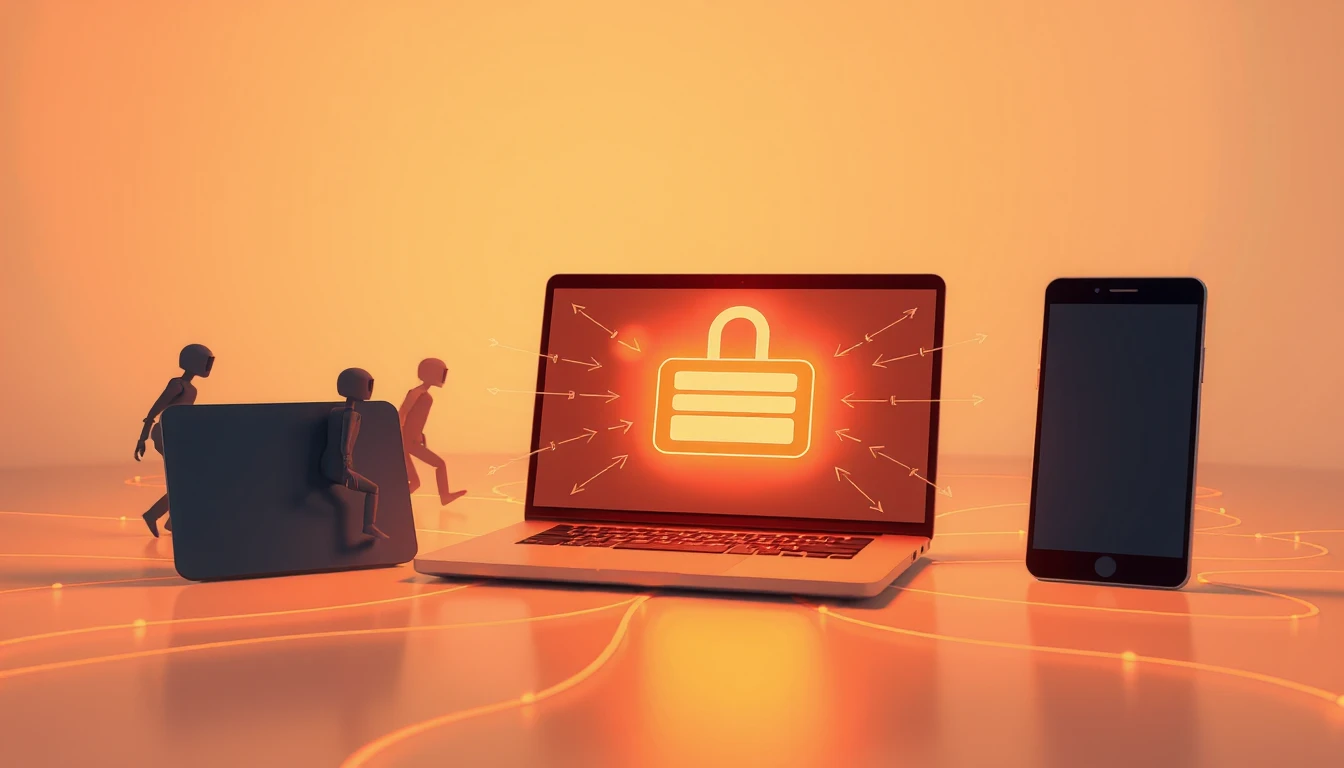
When a laptop or phone joins public Wi-Fi, the network tells it where to find certain services, including the sign-in page. Normally this is invisible. In CaptiveCrunch, Microsoft observed DNS and HTTP manipulation that redirected users to attacker-controlled infrastructure.
Several follow-on actions were observed: fake browser or operating-system updates, Microsoft 365 pages designed to capture credentials, and, since July 16, abuse of the device-code authentication flow. Microsoft says it has not determined the initial compromise vector for the captive-portal networks. ReliaQuest hypothesizes, with low-to-medium confidence, exposed management interfaces and weak or reused administrator passwords; its visibility limits prevent it from confirming that theory.
Simply joining a network therefore does not establish that malware was installed. Microsoft describes lures intended to persuade a user to download and execute a file or command, while credential theft and device-code authentication follow separate paths.
Microsoft describes CornFlake, a Windows remote-access implant, and ChocoShell, an in-memory data stealer. The latter targets session cookies, browser-saved passwords, Microsoft 365 SSO tokens and Wi-Fi credentials. The incident therefore goes beyond a password typed into a fake page: an already-open session can also become exploitable.
Why the page can feel legitimate
A page that appears immediately after joining Wi-Fi benefits from the context. The user expects to click, accept, or wait, so a software update can look like a normal part of getting online.
The device-code flow is even more deceptive. It is a legitimate Microsoft feature for signing in to some devices, but an attacker can start a request and persuade the victim to enter the code on the real sign-in site. The page is genuine; the authorized session belongs to the attacker. MFA may be satisfied within that process, so it does not by itself identify who initiated the request. Microsoft recommends blocking device-code flow if the organization does not use it, or restricting it through Conditional Access after reviewing legitimate use cases.
Rules worth sharing with a team
While traveling, one simple rule blocks most of the scenarios described: a captive portal may request network access, but it should never request a work password, a system update, a Microsoft device code, or an unexpected MFA approval.
In practice:
- Use your phone’s hotspot for sensitive work, or a full-tunnel VPN already configured by your organization.
- Do not install software or run commands suggested by a page that appeared after joining Wi-Fi.
- Reject any device-code or MFA request that you did not initiate yourself.
- If you must sign in, open the usual bookmark directly from an up-to-date device and verify the domain and the context of the request.
- Report unusual pages to IT immediately, even if you did not install anything.
What to do after a fake update or device-code prompt
If someone installed a file, ran a command, or approved an unexpected device code, treat the device and accounts used on it as potentially compromised. Isolate the workstation under your organization’s procedure; from a clean device, revoke relevant sessions and tokens, reset secrets that may have been collected, and contact IT. Have the device examined before reconnecting it. Infostealers can take cookies and tokens as well as passwords, so changing only the password may not revoke an active session.
Our infostealer guide explains containment and revocation. For another example of browser credential theft, read our analysis of an infostealer bypassing Chrome’s data encryption.
How Soclyde relates
For an SMB, a laptop used while traveling may hold access to email, invoicing, CRM, and administration tools. A stolen session token can let an attacker reuse an already-open sign-in; a reused password can also expose multiple accounts.
Soclyde can help generate distinct passwords and keep them in an encrypted local-first vault rather than a centralized cloud vault operated by Soclyde. Unique secrets prevent a reused password from opening other accounts. However, the vault does not secure public Wi-Fi, prevent a device infection, or block cookie or token theft while they are used on a compromised device. To compare storage models, see our guide to local-first password managers.
Key takeaways
CaptiveCrunch chains guest Wi-Fi, traffic redirection, trust in a portal, and a user being persuaded to run or approve something. Reject unexpected updates and sign-ins; if someone acted, isolate the device and revoke sessions from a clean device. Contact Soclyde to discuss access management.