
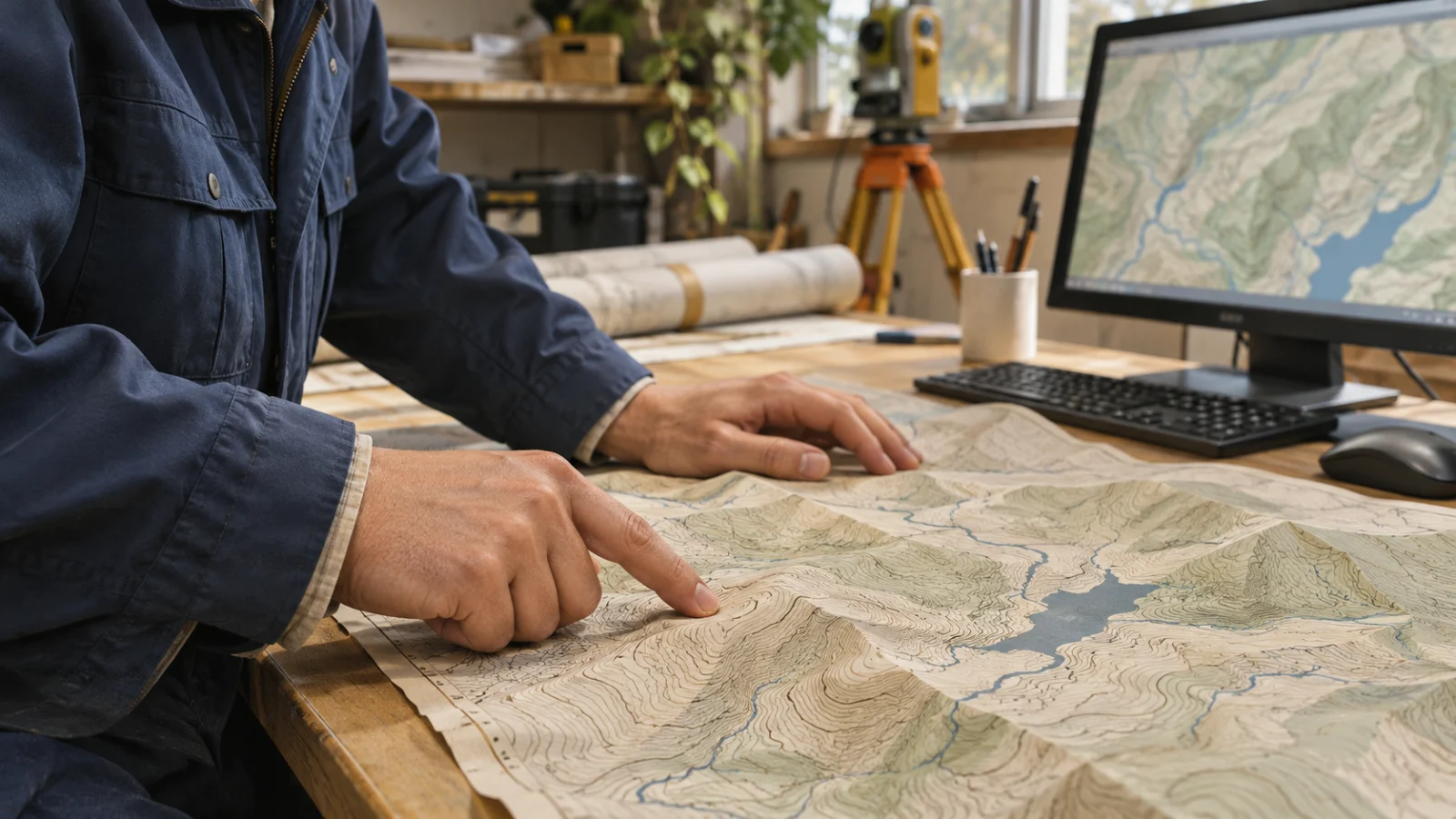
GeoServer’s November 2026 advisories detail vulnerabilities addressed in releases already available. On November 25, The Hacker News also reported direct watchTowr observations of attempts against exposed servers. For teams publishing maps, the concern includes configuration files as well as geospatial data.
File reads without a prior login
The official CVE-2026-120705 advisory describes an unauthenticated WFS request that can read text files accessible to the GeoServer process or make a request to an attacker-selected address. Whether contents are returned depends in part on a layer being published to anonymous users.
Public access to a map and the server process’s file permissions are different boundaries. Inventory the instances serving public maps and identify which configuration files those processes can read.
Secrets that can become a session
A second advisory, CVE-2026-129245, explains how a signing key and an administrator password digest can be used to forge a “remember me” session. Recovering the plaintext password is unnecessary. Replacing the key alone does not resolve the problem if file disclosure also exposes the replacement.
The project describes a chain involving several vulnerabilities, including a service-rule bypass and deserialization. This does not mean each individual flaw provides code execution on its own.
What the public observations establish
The Hacker News obtained details from watchTowr’s Yordan Ganchev about the creation, verification and immediate deletion of stored queries. These observations add operational context to the maintainers’ advisories.
SecPod’s separate analysis explicitly distinguishes reported attempts from successful completion of the full code-execution chain on production systems. Your team needs to establish what happened on its instance from logs and observed changes.
Update and then review exposure
GeoServer recommends 3.0.2, 2.28.6 or 2.27.7, which contain the fixes. Its publication identifies 3.0.x as stable and 2.28.x as maintenance. Check the running version after the change and review embedded GeoTools components where other applications use them.
For a potentially exposed instance, preserve logs and investigate changes to queries, accounts or configuration. After closing the file-disclosure path, work with the administrator to determine which secrets readable by the process need replacement. Changing a human password alone does not address every authentication element described in the advisories.
The connection with Soclyde
For a mapping team or its service provider, Soclyde keeps human credentials in an encrypted vault on devices. Premium sharing reduces password copies sent between people responsible for hosting.
GeoServer configuration, signing keys and technical accounts still require remediation in their own environment. A vault cannot replace patches or investigation of possible file reads.
What to remember
Patch instances, check access traces and review the secrets actually exposed. To organize access between your team and its provider, read our guide to sharing passwords securely.