
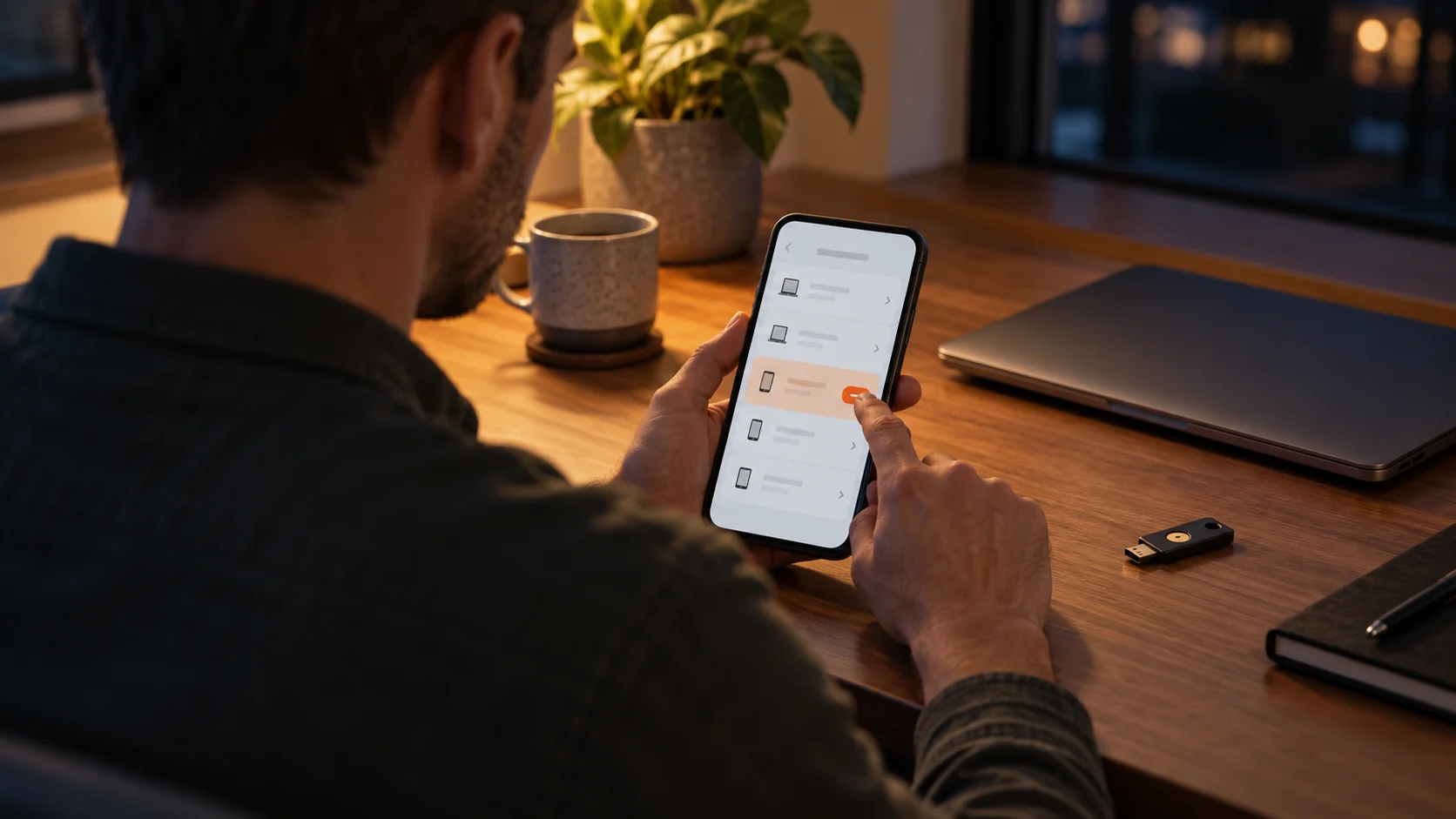
Finding an unfamiliar login or discovering that a password has leaked can make you want to change everything immediately. A more reliable response is to regain control in a deliberate order. Protect the account that can recover others, remove unauthorised access and then deal with every account that used the exposed secret. Changing a password is important, but it is not the entire incident-response process.
This guide covers both a known password exposure and an account that is already being used without your permission. If money, business data or a suspicious device is involved, use the relevant provider, bank or workplace support rather than handling the whole incident alone.
Start with the access that controls other accounts
Your main email address often receives reset links for other services. If it is compromised, secure it as a priority from a device you trust. Where appropriate, include your identity-provider account and important administrative services in the first group. The order should reflect your actual recovery dependencies, not merely how often you use each website.
Go directly to the provider's application or a known address. Do not follow an urgent reset link in a message whose authenticity you have not checked. If you still have access, review the recovery details, replace the password with an independent value and use the service's options to close unfamiliar sessions. Confirm each action before moving on.
If you cannot sign in, use the official account-recovery process. Keep the case reference and legitimate support messages. Never give an unsolicited caller a login code or remote access to your computer in exchange for a promise to recover the account.
Organise the first urgent checks
- Choose a trusted device for recovery and password changes.
- Open the service independently and check whether you can still sign in.
- Inspect recovery addresses, phone numbers and authentication methods.
- Set a new unique password and save the confirmed value.
- Review sessions and connected applications, using the provider's documented controls.
- Identify other accounts that used the old password.
A short action log helps when several accounts need attention. Write the account name, time and action status, not the new password. Distinguish a planned change from one confirmed by the service and a login tested afterwards. This avoids overlooking a secondary account or assuming that a failed form submission completed the operation.
Do not wait to gather a perfect explanation before protecting access. You can preserve useful information while acting, without continuing to use a suspicious link or leaving an unknown session connected just to observe it.
Inspect a compromised mailbox beyond its password
After recovering email access, examine forwarding settings and filtering rules. An unexpected redirect may expose future messages, while a rule can hide security notifications in an archive or deleted folder. Remove unauthorised settings using the provider's guidance, but do not delete your legitimate configuration blindly.
Check sent, deleted and archived messages to understand whether fraudulent requests went to your contacts. If they did, warn the relevant recipients through a dependable channel. Identify the affected period or message subject so they know what not to trust. Avoid sending a vague alarming announcement that gives no practical way to distinguish genuine correspondence.
Look for password-reset messages from other services during the suspicious period. Recovering the mailbox does not automatically undo changes to those accounts. Review each one separately, including its recovery contacts and authorised devices. An attacker may have used your email once and then established a different recovery route elsewhere.
Also check any unfamiliar authentication method added to the mailbox. The number of configured methods is less important than whether every one belongs to an authorised person and has a current purpose.
Close access that may survive a password change
A session already established on a browser can behave differently from a new login. Whether changing the password ends it depends on the service. Look for an explicit session list or sign-out control and verify what the provider says it invalidates. Do not infer that every device was disconnected because your own browser asked you to sign in again.
Connected applications need their own review. An application can hold permission to read documents, send email or access a calendar without presenting your password each time. Withdraw permissions that you cannot justify. For business integrations, involve the owner before removing a connection that may run an important workflow.
If the service has application passwords or technical keys, inspect those too. Their relationship to the main password varies. Use the documentation to decide what must be revoked or renewed, and record what actually changed. Updating a vault entry by itself cannot invalidate credentials held by an external service.
Contain exposure on other accounts
Replace the old value everywhere it was reused, including accounts that seem unimportant. A shopping account can carry the same password as your mailbox without having the same business impact. Prioritise recovery and financial accounts, but schedule the remaining changes rather than leaving them permanently outside the response.
Do not create a new shared base and add a different suffix for each website. Generate unrelated values and keep them in a protected manager. Similar passwords based on the disclosed value deserve attention too: changing only the year or punctuation may preserve a recognisable recipe.
If you are unsure where the password was used, consult saved entries and old registration messages without producing a readable spreadsheet of all secrets. Record services to review and mark the ones completed. Our password reuse guide explains how to make this inventory manageable.
Avoid exposing replacements on a suspicious device
If several independent accounts are affected, or the incident followed the installation of doubtful software, consider whether the computer itself needs attention. Entering every new password on that machine could expose the replacements. Carry out urgent recovery from a trusted device and have the suspicious one assessed before returning to sensitive activity.
Security scans and extension reviews can provide information, but a reassuring scan is not an absolute proof that nothing is wrong. On a work device, contact IT before deleting files or reinstalling the system. They may need to preserve evidence, protect other systems and plan a safe return to service.
Be wary of social-media replies offering paid account recovery. Someone who claims to know a hacker or requests authentication codes does not replace the provider's official recovery process. Keep communication inside verified channels even when the legitimate process is frustrating.
Keep useful evidence and involve the right people
Maintain a simple chronology: the first warning, unfamiliar activity, changes observed and actions taken. Keep relevant transaction references and support case numbers. If screenshots are useful, avoid including recovery codes, newly generated passwords or unrelated personal documents. Evidence storage should not become another source of secret exposure.
For unauthorised payments or changed banking details, contact your bank or payment provider using its official channel. For a business account, notify the person responsible for administration or security promptly. They can assess whether customers, colleagues, documents or other access are affected. A general guide cannot determine every reporting obligation for a particular organisation.
The Cybermalveillance account-hacking guidance describes useful response steps and assistance options. Use the relevant official resources for your jurisdiction when legal action or reporting is necessary.
Confirm that control has been restored
Once the urgent work is complete, recheck the account instead of continuing an unstructured series of password changes. Recovery contacts should be correct, authorised devices recognised and connected applications justified. Verify purchases, posts, subscriptions and payment settings where those features exist. Check that the new value saved in your vault is the one that successfully signs in.
Return to the security history after a few days. The absence of another warning is encouraging, not an absolute guarantee. If unexplained settings or activity return, contact the provider with your chronology. You may need help investigating an access route that the initial password change did not remove.
Separate known facts from assumptions in your notes. An unfamiliar location may be a clue, while a reset you did not request followed by changed recovery details is a more concrete event. Our guide to checking suspected password compromise explains these distinctions.
Warn affected contacts with a concrete message
If the compromised account sent a false payment request or a malicious attachment, identify the recipients and the relevant message. Tell them that the request was unauthorised, specify the subject or time where useful and ask them not to act on it. Use a reliable channel, particularly if control of the mailbox is still uncertain.
A business may need a coordinated response rather than several colleagues sending different explanations. Involve the person responsible for customer communication and security. Keep the message factual: describe what is confirmed, what recipients should do and where legitimate follow-up will come from. Do not speculate about the attacker or promise that no information could have been accessed.
If a contact has already made a payment or entered credentials, they may need to contact their own bank or service provider. Your account reset does not undo their separate transaction or exposure. Give them the useful context without requesting their passwords or attempting to manage their accounts on their behalf.
Record that the warning was sent and keep the relevant references. Communication is part of containment when impersonation has occurred, not a substitute for finishing the technical checks on the original account.
Finish the response, not just the reset
A successful response combines account recovery, independent replacement passwords, session and permission checks, and follow-up. Prepare the storage of new secrets before creating temporary notes in the rush. Soclyde's encrypted device-held vault can help organise account information, but provider recovery and access revocation still happen in the affected services. Finish every reused-password change and retain a clear record of the actions completed.
After containing the incident, use the complete guide to securing your passwords to strengthen the storage, authentication and recovery practices behind your remaining accounts.