Centralise client access with a local-first password manager for web agencies
A web agency may manage websites, hosting, domains, DNS, CMS platforms, databases, analytics accounts, staging tools and third-party services for dozens of clients. When credentials circulate in Slack, Teams, a browser or project management tool, a single poor handover can block maintenance or expose a client’s digital asset.
Soclyde helps web agencies, digital studios and development teams organise professional secrets in a local vault for team use. Passwords stay on authorised devices, without a remote vault hosted by Soclyde, with synchronisation and permissions adapted to clients, projects and contributors.
- No cloud vaultClient secrets stay on your devices
- Team synchronisationNo central password server
- Project-based accessDevelopers, project managers and support
- No dedicated infrastructureNo vault server to maintain
- Permissions follow engagementsFreelancers, interns and external providers
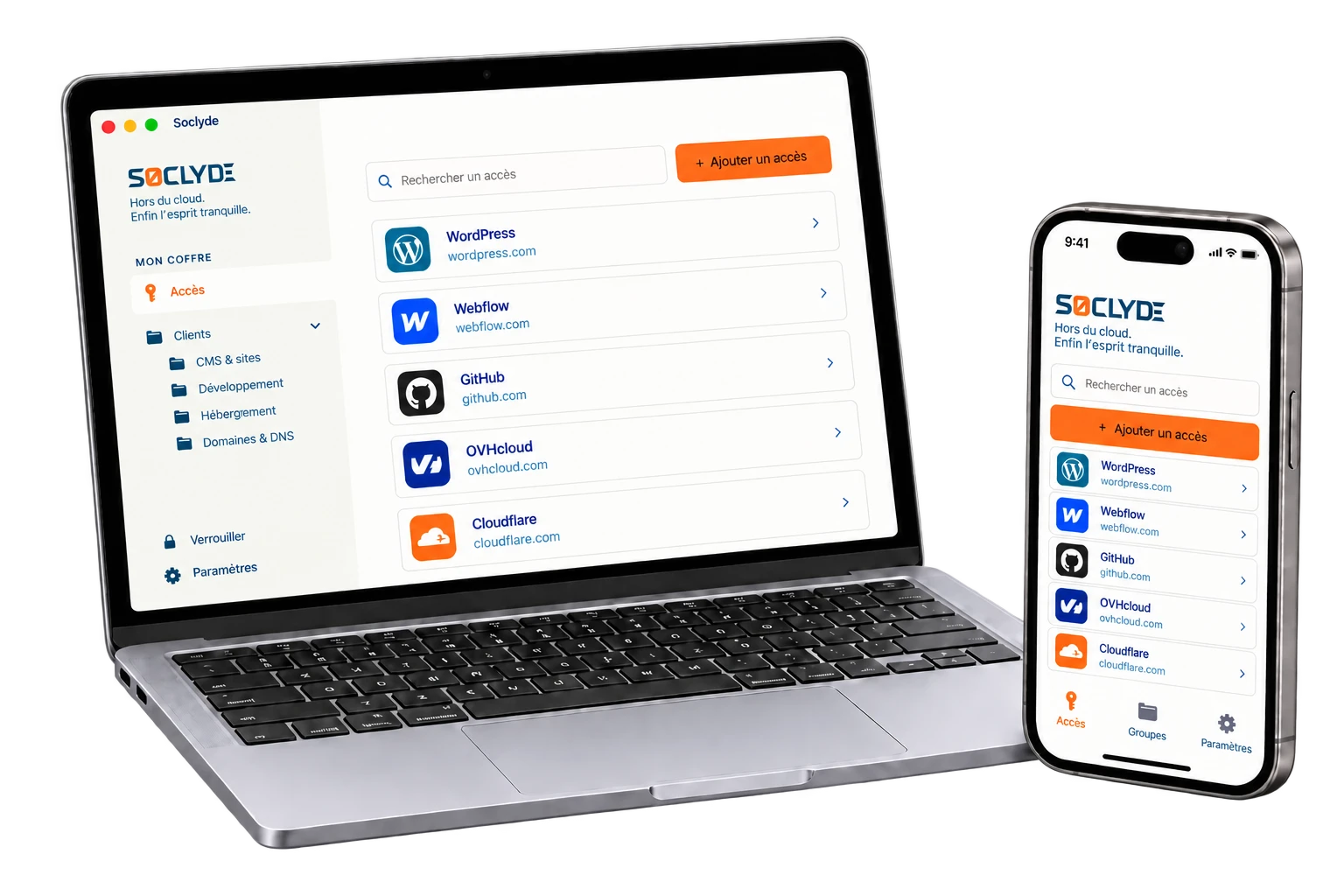




100% LOCAL0% CLOUD
A client website can change developers without losing credentials in the handover
Front-end and back-end developers, project managers, integrators, designers, SEO, support and leadership do not use the same accounts. CMS, hosting, registrars, DNS, FTP/SFTP, databases, Search Console, Analytics and staging tools must remain available by project without giving the entire client portfolio to everyone.
Soclyde organises shared secrets in a locally stored vault. Permissions can change with projects, teams, maintenance work, freelancers and ownership changes, while each person finds access for their scope.

Client access across
your devices.
Soclyde works on Android, iOS, Windows and Mac. Find credentials in the office, at a client site or while working remotely.
Android
Native app
Mobile optimized
iOS
Native app
iPhone and iPad
Windows
Desktop app
System integration
Mac
Native app
macOS optimized
You already manage client infrastructure: their password vault can stay outside a third-party cloud
With a cloud manager, an agency’s technical and business credentials also rely on external infrastructure: the vault is no longer stored only in your environment.
Services such as 1Password, LastPass and Dashlane synchronise passwords through their own servers. This model suits many teams, while a web agency may also place access for many clients there: CMS, hosting, domains, DNS, FTP, databases and SaaS consoles.
A vault containing access for many client websites concentrates credentials with significant technical and commercial value.
Cloud model (hosted)!
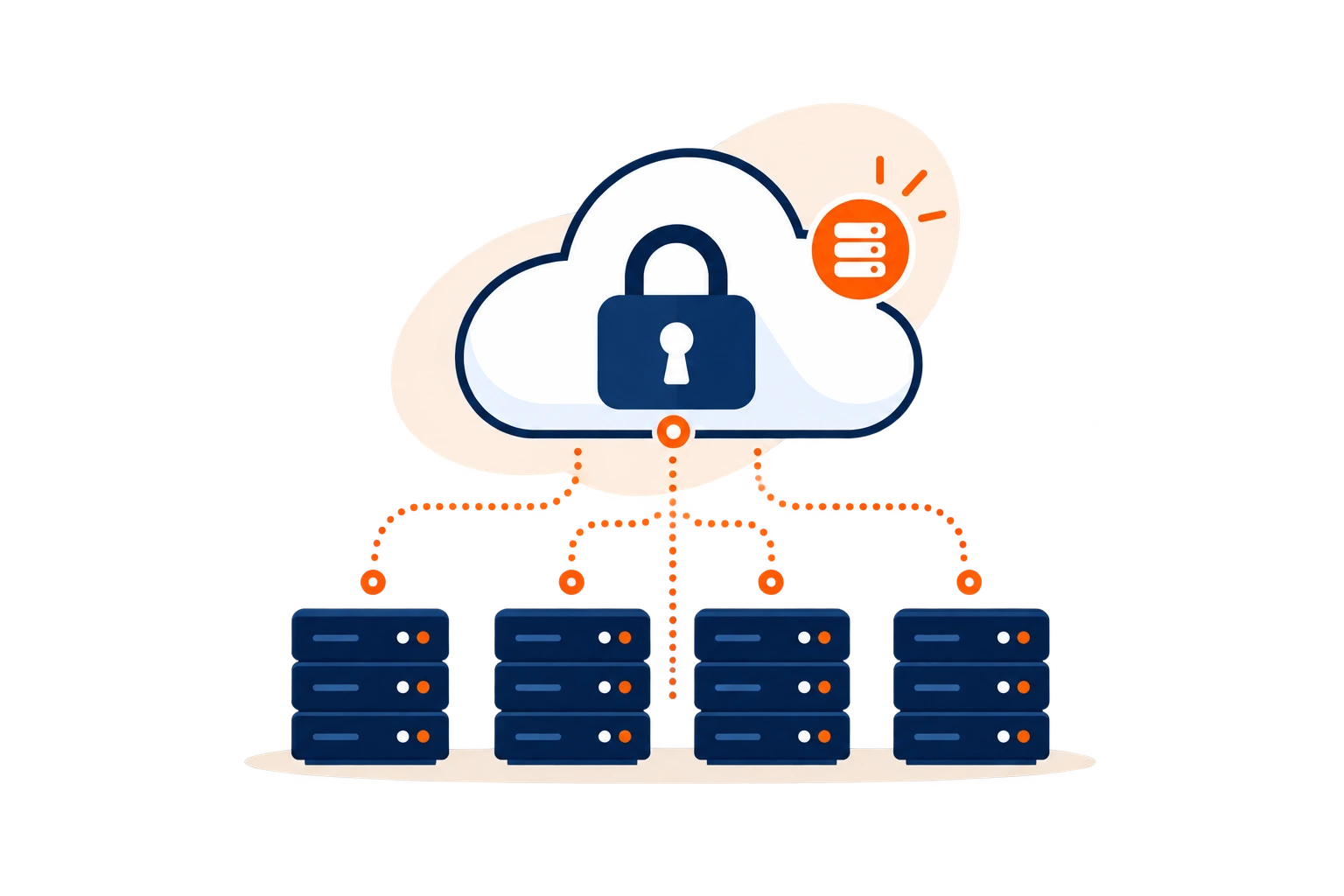
- The vault is stored on infrastructure outside the agency.
- A provider incident may affect access for several clients at once.
- Hosting adds another party to the technical trust chain.
Concentrated privilegesWebsites, domains, servers and client administrator accounts gathered in one place form a strategically valuable target.
Soclyde model (local)✓
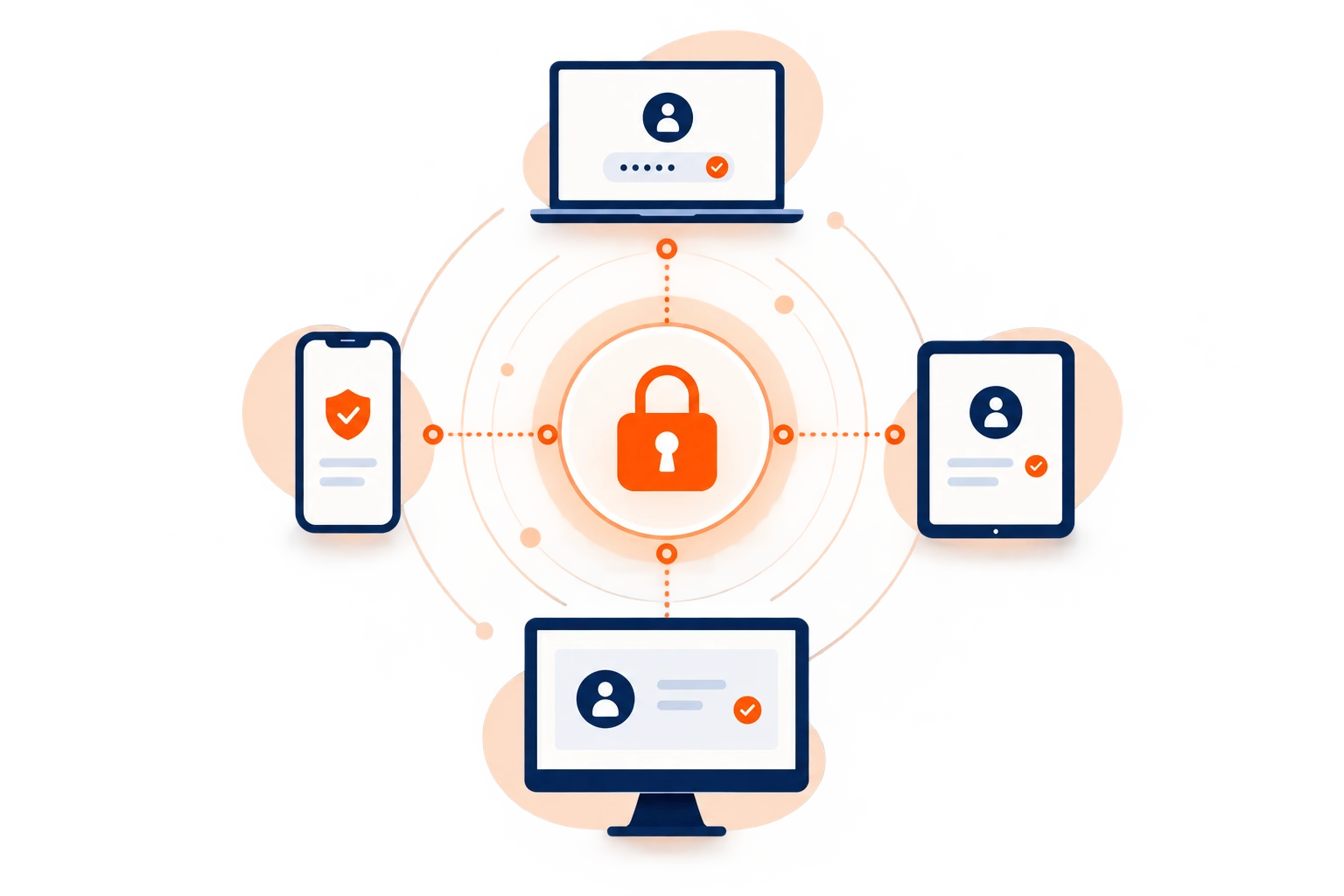
- Passwords stay on the agency’s authorised devices.
- Soclyde does not host a global database of user vaults.
- The agency retains direct control over where client secrets are stored.
The technical vault stays with the agency.
CMS, hosting, DNS and FTP credentials do not need to be stored in a remote database operated by Soclyde. The vault stays on authorised devices, reducing the intermediaries involved in its storage.
No global cloud vault
Less dependence on a host
Client secrets stored locally
Direct control over storage
When every client has its own technology stack
One website, ten services, several contributors: access spreads faster than project documentation
WordPress, PrestaShop, Shopify, Webflow, hosting, registrars, DNS, FTP/SFTP, databases, Cloudflare, Search Console, Analytics, Git, email and SaaS tools: accounts accumulate across projects. Without a shared reference, the agency may no longer know who has access or whether a saved credential is still valid.
A developer takes over maintenance, a project manager changes, a freelancer joins for three days, or a client requests an urgent migration: needs keep changing. Over time, passwords end up following conversations instead of projects.
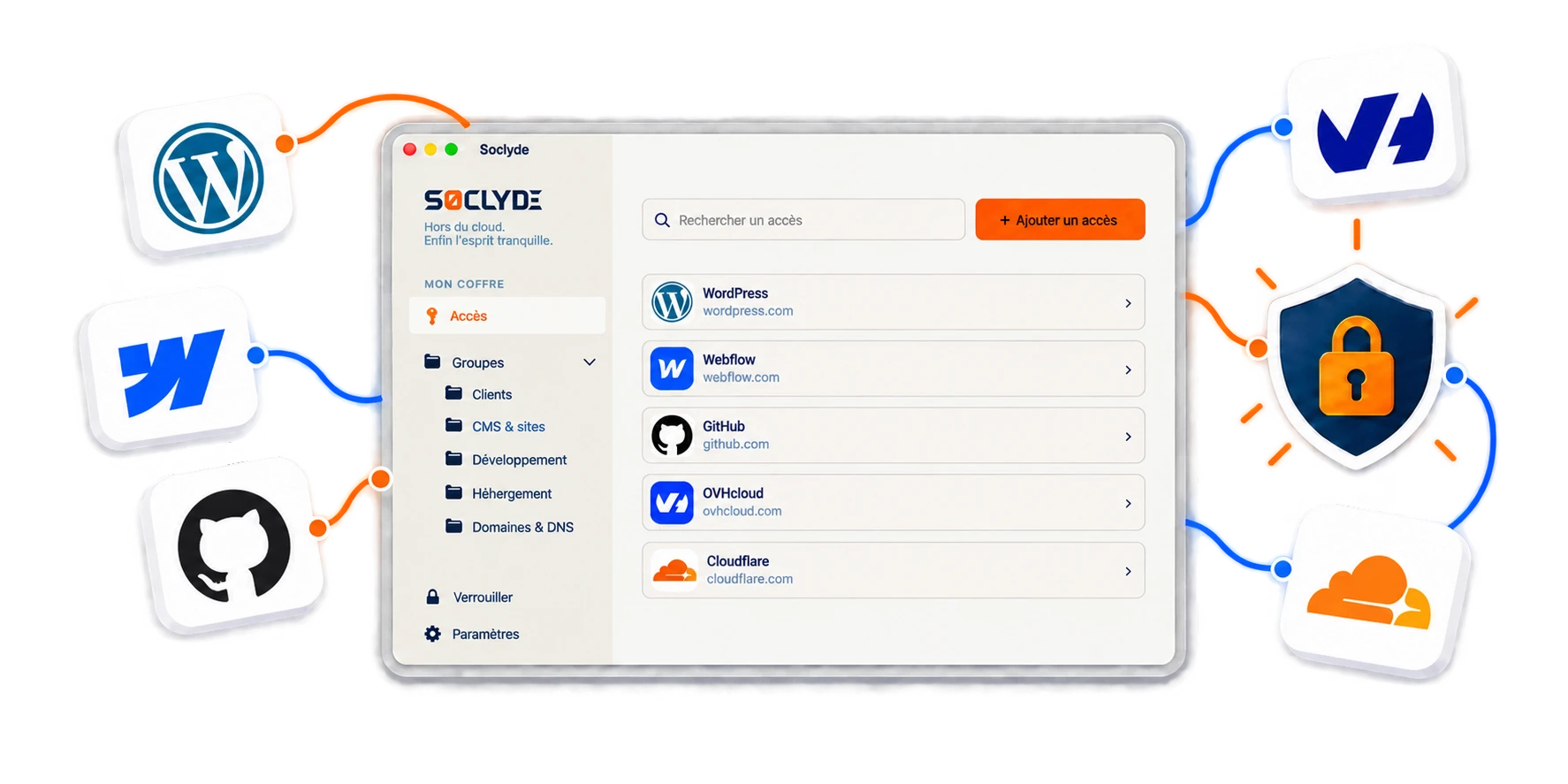
A website needs maintenance, but the FTP access is still in a former developer’s browser
When an incident occurs, the team can lose time finding the right account or asking the person who used it before. Technical continuity also depends on access being immediately available to the person taking over.
A shared registrar or DNS account may remain known after a project ends
A secret shared in Slack, Teams, a ticket or a document can remain accessible long after delivery. Without permission management, it is hard to know who can still change a domain or DNS configuration.
A freelancer needs a precise scope, not the entire client portfolio
Developers, integrators, SEO specialists and consultants may only need a few tools. The agency must be able to grant and remove the right access without exposing other projects.
One technical account can affect several assets at once
Domains, hosting and CMS: some keys can put an entire website in the wrong hands
A WordPress administrator account, registrar account, hosting console or Cloudflare credential may allow someone to change a website or DNS, access a database or disrupt a service.
For a web agency, protecting these secrets also protects project continuity, the client’s reputation and sometimes digital assets essential to its business.

Everyday risks
Risk grows when privileged access is spread across developers, partner agencies and clients.
Maintenance, production launches, migrations and outsourcing create sensitive moments. Four common situations need clear organisation.
Website security also depends on continuously controlling the accounts used to administer it.
High-privilege accounts
CMS, hosting, registrars and DNS may allow someone to change or disrupt a client service.
Projects handed between several people
Developers, integrators, project managers and support may successively work in the same environment.
Regular external providers
Freelancers, SEO specialists, hosting providers or partners may need occasional access.
Overlooked recovery methods
An old email address or personal phone may still be used to reset a critical account.
Which access should a web agency protect first?
From launch to DNS, each project layer has its own credentials
An agency rarely manages only one account per client. CMS platforms, servers, domains, analytics, code repositories and third-party tools form a technical landscape. The challenge is to distinguish individual accounts, shareable secrets and critical access.
CMS and client back offices
WordPress, PrestaShop, Shopify, Webflow and other CMS platforms can change content, users, extensions and sometimes website configuration. Prefer individual accounts when available and limit genuinely shared secrets to the people working on the project.
Hosting, FTP/SFTP, SSH and databases
This access can reach a website’s files, configuration or data. Treat it as critical technical access, enable MFA where available and limit its distribution.
Domains, registrars, DNS and CDN
OVHcloud, Gandi, Cloudflare and other providers manage services that can immediately affect availability or routing. Keep the authorised group small and recovery methods under the relevant organisation’s control.
Analytics, Search Console, email and SaaS
These accounts expose performance data, marketing settings, forms, campaigns or services integrated with the website. Prefer native roles and individual accounts; use the vault to organise secrets that genuinely need to be stored or shared.
WHEN A DEVELOPER OR PROVIDER LEAVES A PROJECT
A clean handover includes taking over and closing technical access
When someone leaves or an engagement ends, identify the accounts actually used, remove permissions that are no longer needed and reassign access to the people taking over maintenance or the client relationship. A developer or provider may know CMS, hosting, FTP/SFTP, registrar, DNS, Git, database or third-party credentials. Closing their Slack account or retrieving their computer may not be enough. When passwords are saved in a browser, copied into a ticket or sent by message, revocation is difficult to verify. A shared system makes it clearer what must be removed, changed or transferred.
Review before closing an engagement
- List the CMS, hosting and tools actually used
- Remove permissions from the relevant environments
- Reassign access to the incoming developer or project manager
- Check recovery methods for critical accounts
- Change genuinely shared secrets when needed
Credentials copied into browsers, project tools or messaging make this review uncertain: an old copy may remain usable after an engagement ends.
Access should follow projects. Necessary secrets are reassigned, while permissions that are no longer needed are methodically removed.
Use case
Manage web agency passwords before a site launch
Before launch, the team needs the client’s CMS, hosting account, and sometimes domain registrar.
The situation
Credentials multiply across projects, and getting them to the right colleague can become the bottleneck.
Find the credential
Organize logins in groups in the Soclyde vault to find the credentials for each project.
Sign in to the service
With Premium sharing, share access with a colleague in Soclyde instead of a shared document, then focus on delivery.

Your passwords stay encrypted in a vault on your devices, without a centralized Soclyde cloud vault. Keep business logins available and better organized day to day.
CHOOSE FOR YOUR CLIENT PROJECT MODEL
One vault for ten clients or ten separate vaults: architecture changes how access is managed
Soclyde combines local storage, device synchronisation and team sharing without requiring a central server to operate.
For a web agency, the choice depends on the number of clients, developers, providers, devices and the level of control desired over secrets. Cloud, local and self-hosted solutions meet these needs differently.
| Criterion | KeePass | Bitwarden / LastPass / 1Password |  |
|---|---|---|---|
| Vault stored outside the cloud | ✓ Yes | × No | ✓ Yes |
| Device synchronisation | ▲ Must be organised | ✓ Yes | ✓ Automatic |
| No server to administer | ▲ Depends on setup | ✓ Yes | ✓ Yes |
| Control over storage location | ✓ Local | ▲ At provider | ✓ Local |
| Offline access | ✓ Yes | ▲ Depends on service | ✓ Yes |
| Use in an agency without a dedicated IT team | ▲ Requires organisation | ✓ Yes | ✓ Yes |
Cloud simplifies sharing but adds a host for client access
Cloud managers offer smooth synchronisation and quick sharing, which can suit distributed teams.
In return, CMS, hosting, domain and other client secrets also rely on third-party infrastructure.
This model can be suitable. The main question is whether the agency wants to outsource its vault or keep its secrets directly on its devices.
A local file controls storage but can become difficult with several developers
Tools such as KeePass let teams store the database locally and directly control the file containing credentials.
Across projects, devices and freelancers, the team must organise synchronisation, backups, file versions and permissions.
Without a shared method, access can end up spread across several files, browsers, tickets and conversations.
The four Soclyde principles
Four principles for managing project keys without adding administrative overhead
Soclyde starts from a simple principle: a developer should find the right secret when needed without access to every agency client. Security must remain compatible with maintenance, production releases and emergencies.
Organise by client and project
Credentials can be structured around the relevant websites, hosting, domains and tools. Each contributor finds the necessary secrets without browsing the entire portfolio.
Keep the vault out of the cloud
Access stays on the agency’s authorised devices, with no remote database hosted by Soclyde. The agency retains direct control over where its clients’ secrets are stored.
Synchronise without a central server
Changes follow authorised devices without vault infrastructure to install and maintain. Teams avoid manual file copies and version conflicts.
Organize access by engagement
Permissions can follow projects, freelancers, interns and ownership changes. Contributors need not retain a client’s access after their engagement ends.
When a project changes pace
Launches, migrations and incidents: the right access must arrive before the problem
A password manager proves its value when a website changes developers, an emergency occurs or a new provider steps in. Soclyde helps prepare these transitions without returning to messages containing passwords.
New client onboarding
CMS, hosting, domain and third-party access can be organised at the start of a project. The agency creates a clean reference before secrets begin circulating in conversations.
Production launch
Deployment teams find the access they need at the right time. Delivery depends less on a password remembered by one developer.
Urgent maintenance
The on-call developer can quickly find the credentials for the relevant website. The team spends less time asking who still has server or registrar access.
Freelance engagement
Necessary secrets can be assigned only to the scope of the engagement. When the work ends, permissions can be removed more cleanly.
Hosting migration
Access to the previous host, DNS, FTP and database can be grouped for the transition. The handover stays clearer and old access can then be reviewed.
Growing client portfolio
Every new website adds accounts. Soclyde helps preserve a shared approach as the agency grows, keeping access organised instead of scattered across files, browsers and messages.
Client data, providers and responsibility
Protecting a web project also means controlling the accounts that administer it
A web agency may access forms, customer databases, marketing tools, administrator accounts and technical environments belonging to clients. These accounts can expose personal data or sensitive functions.
Protection is therefore about more than code or hosting: the agency must know who holds access, where each secret is stored, how it is shared and when permission should be removed.
Local storage does not automatically make an agency GDPR-compliant or satisfy client contracts. It can, however, reduce the intermediaries involved in vault storage and make credential flows easier to explain.
What local storage helps clarify
- Vault not hosted by Soclyde
- Separate access by client
- Fewer secrets sent through tickets and conversations
- Review permissions when teams change
GDPR does not prohibit cloud services, and compliance is not limited to password storage. Agencies must also manage processors, devices, permissions, processing activities and appropriate security measures.
CMS platforms, hosts, registrars, Google tools and SaaS services often offer named accounts, roles and MFA. Prefer these features when available. Soclyde complements them for secrets that genuinely need to be stored or shared.
The local model has a specific benefit: it does not add a vault-hosting service to the technical chain. The agency keeps an architecture that is more direct to understand and explain to clients.
Compare solutions for a web agency
One vault for ten clients or ten separate vaults: architecture changes how access is managed
SoclydeVSKeePass
What to know about KeePass
KeePass stores its database in a local file and gives direct control over its location.
In a web agency, several developers, devices and freelancers make synchronisation, backups and version management more complex.
The Soclyde approach
Soclyde keeps local storage while providing an approach better suited to teamwork.
Authorised devices synchronise without handling a shared file. Access can follow projects without a central server to administer.
SoclydeVSBitwarden
What to know about Bitwarden
Bitwarden offers a mature collaborative experience through its cloud or a self-hosted deployment.
Self-hosting gives more control but involves a server, updates, backups and monitoring.
The Soclyde approach
Soclyde avoids this administration layer while keeping the vault local.
Authorised devices synchronise without a central password server to operate, reducing internal technical overhead.
SoclydeVSLastPass
What to know about LastPass
LastPass uses a cloud architecture designed to simplify use across devices.
In return, CMS, hosting, domain and other client accounts also rely on external infrastructure.
The Soclyde approach
Soclyde does not gather user vaults in a global database.
Credentials stay on the agency’s authorised devices, reducing dependence on central storage while retaining synchronisation.
SoclydeVS1Password
What to know about 1Password
1Password offers a premium experience with extensive collaboration features around a cloud vault.
This model suits many teams. An agency that wants client secrets to stay directly in its own environment must, however, accept external vault hosting.
The Soclyde approach
Soclyde is for agencies that want to collaborate without outsourcing their vault.
Permissions, sharing and synchronisation are organised around authorised devices, without a password database hosted by Soclyde.
Web agency FAQ
Web agencies: essential answers for managing client access
Which password manager should a web agency choose?
Choose a solution that supports multiple clients, devices and project-level permissions. Soclyde keeps the encrypted vault on authorised devices instead of operating a central cloud password vault.
How should an agency organise passwords for several clients?
Group secrets by client, project and sensitivity: CMS, hosting, domains, DNS, FTP, databases, analytics and third-party tools. Limit access to the people who need it.
How can client WordPress or PrestaShop access be protected?
Use named accounts, enable MFA where available and limit administrator privileges. Keep genuinely shared secrets in a dedicated manager.
Where should FTP, SFTP, SSH or database credentials be stored?
Avoid tickets, email and project documents. Treat these as sensitive technical credentials and keep them in a vault with restricted permissions.
How should domains and DNS access be secured?
Prefer individual accounts and MFA when available, and control recovery methods. A DNS change can affect a website or its email.
What should happen when a freelancer’s engagement ends?
Review the tools used, remove permissions, rotate genuinely shared secrets where necessary and reassign access to the person taking over.
Can an off-cloud manager support remote work?
Yes. Authorised devices can synchronise directly. Endpoint security, backups and authentication methods remain essential.
How can we stop sending passwords in Slack or Teams?
When sharing is appropriate, grant access through a team vault instead of copying the secret into a conversation.
Can we share hosting or Cloudflare accounts?
Prefer separate users, roles or delegated access when the service supports them. A password manager should not bypass rules requiring individual accounts.
Is KeePass suitable for a web agency?
KeePass supports local storage. The team must still organise synchronisation, backups, file versions and permissions.
Are passwords saved in Chrome or Edge enough?
They can help individuals, but an agency also needs a shared view of permissions, clean handovers and a clear way to remove access for former contributors.
How should access be handled when taking over maintenance?
Prepare an inventory of the client’s critical accounts and assign them to the team taking over the website. Avoid relying on the browser or the former developer’s memory.
Does Soclyde require a server to administer?
No. Soclyde is designed to synchronise authorised devices without a central password server to install or maintain.
Where are passwords hosted with Soclyde?
The vault is not hosted by Soclyde: it stays on authorised devices. This differs from a conventional cloud password manager.
Is Soclyde enough to guarantee GDPR compliance for a web agency?
No password manager can guarantee compliance alone. The agency must also manage processing, vendors, contracts, endpoints, permissions and other security measures.
Clients trust you with their websites. Keep control of the keys that open them.
Bring CMS, hosting, domains, DNS, FTP/SFTP, databases, analytics and SaaS tools into a local-first vault built for projects, maintenance, freelancers and handovers.
Cloud managers host the vault, local files need manual coordination and self-hosted solutions add infrastructure to maintain. Soclyde keeps passwords on authorised devices, synchronises them directly and manages permissions without a central server.
- Organise access by client and project
- Vault stays on authorised devices
- Synchronise across agency devices
- Review permissions as teams change
CMS, hosting, DNS, domains, databases and third-party tools are part of everyday agency work. Shared credentials stay organised in your environment without a global cloud vault.