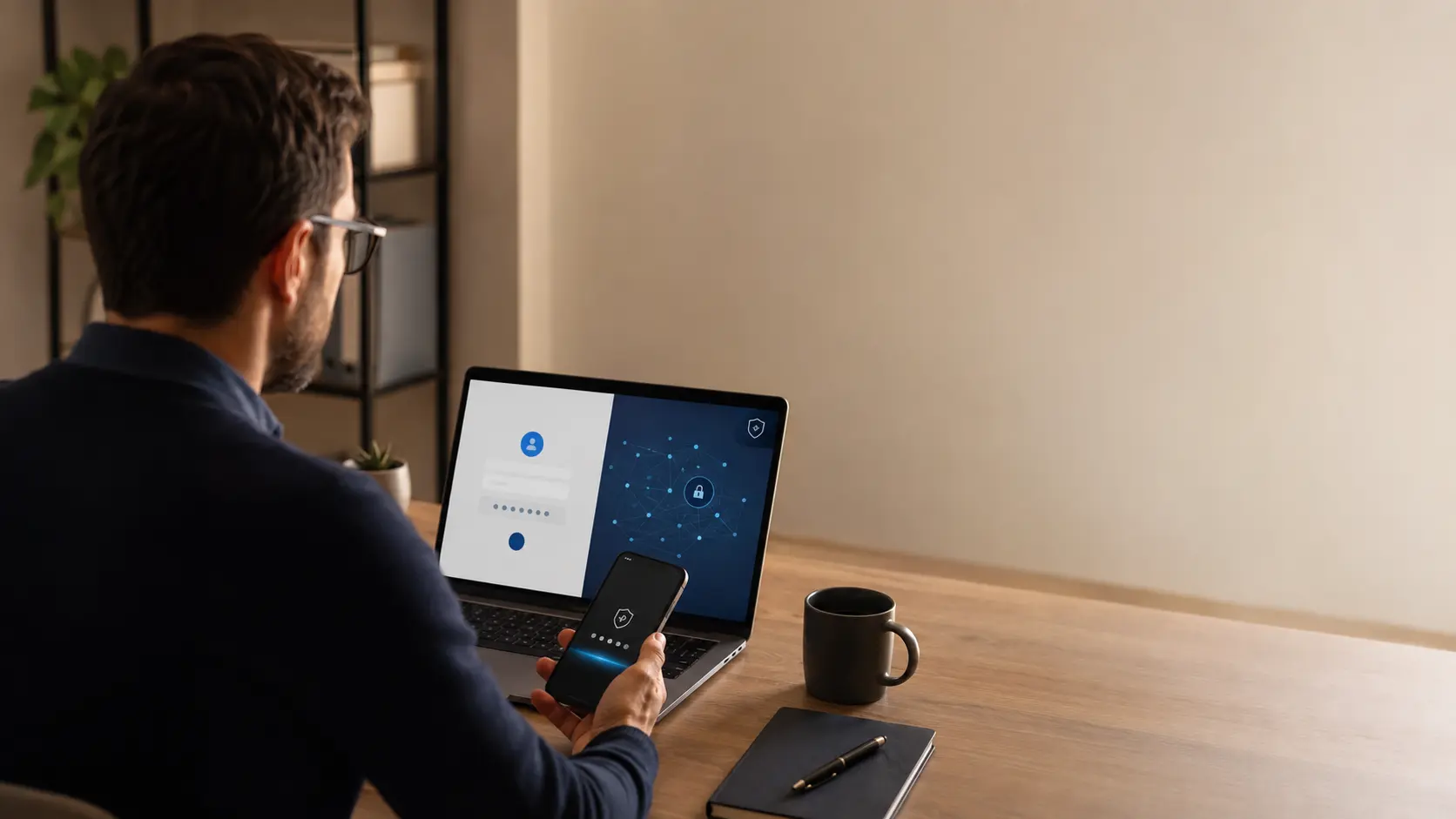
EvilTokens is a device-code phishing kit that abuses Microsoft's legitimate OAuth flow. On 13 July 2026, Bangladesh's government CIRT, BGD e-GOV CIRT, described the kit as a service targeting Microsoft 365 accounts: a victim can sign in on the real Microsoft website and complete MFA, yet authorize the attacker's session and hand over access and refresh tokens. The password does not necessarily need to be stolen.
To reduce the risk, block device-code flow in Microsoft Entra if no business use requires it, and reject any code you did not request yourself. After a suspicious approval, revoke sessions and tokens through your organization's incident-response process; do not assume every active token becomes invalid immediately.
The trap: the page is real, but the request is not
Classic phishing imitates a sign-in page to collect a password. EvilTokens exploits a subtler confusion: a victim may reach the real Microsoft website, enter their password, and complete MFA normally. They still authorize the session prepared by the attacker.
The kit, described by BGD e-GOV CIRT in July 2026 and analyzed by Microsoft, turns OAuth device-code authentication into a phishing service. The feature is designed for TVs, command-line tools, and devices that cannot offer a full sign-in interface. It asks a user to enter a short code on another device.
The context is the weakness. The attacker can request the code, then show it to the victim through a fake document preview, invoice, or urgent request. The Microsoft domain is genuine, but the authorization is pointed at the wrong session.
How EvilTokens redirects the flow
The scenario commonly has several steps:
- A credible message asks the person to open a document, invoice, or signing request.
- An intermediate page asks for an email address and dynamically prepares a device code.
- The page redirects to the real Microsoft address and asks the user to enter the code.
- The victim completes sign-in and MFA, believing they are opening their own session.
- The attacker’s backend receives access tokens for the session it initiated.
Recent kits generate the code when the victim clicks, so a static code does not expire before use. Some also manipulate the clipboard or encrypt the page until it is rendered in the browser. These details complicate detection, but the key rule stays simple: a device code must match an action the user deliberately started.
Why MFA is not enough here
MFA verifies the person’s identity. It does not always verify who started the request or which application context will receive the token. In this scenario, the attacker does not break MFA; they persuade the victim to approve a request the attacker controls.
An authentic page is therefore not sufficient evidence. Check the application, the expected action, and where the request came from. An unexpected invitation to enter a code at microsoft.com/devicelogin, or to approve a sign-in, should be cancelled and reported.
Practical measures for an SMB
For administrators
- Block device-code authentication in Microsoft Entra ID when no business device or tool requires it, and document necessary exceptions.
- Prefer phishing-resistant methods such as passkeys or FIDO2 security keys, and disable legacy authentication protocols.
- Enable the anti-phishing and safe-link protections available in your security suite.
- Monitor device-code sign-ins, new device registrations, newly added mailbox rules, and unusual Microsoft Graph activity.
- Rehearse revocation: sessions, tokens, newly registered devices, mailbox rules, and related secrets.
For users
- Never enter a code received in a message or displayed by an unexpected page.
- Reject any MFA prompt you did not initiate, even when the notification looks familiar.
- Open Microsoft 365 from a known bookmark instead of an urgent link.
- Tell IT as soon as something feels wrong; do not wait to find out whether the sign-in succeeded.
Respond quickly, without assuming tokens are immediately invalidated
After a suspicious approval, alert the administrator, temporarily disable the account if needed, revoke refresh tokens and sessions, remove recently registered devices, and inspect mailbox rules and Microsoft Entra logs. BGD e-GOV CIRT warns that an access token already issued may remain valid for up to an hour after standard refresh-token revocation. Follow your organization's Microsoft 365 incident-response procedure and continue monitoring sign-ins during this window; changing only the password is not enough.
Our infostealer and session-theft guide helps organize containment for a potentially infected device. For an attack starting on travel Wi-Fi, see our analysis of CaptiveCrunch and compromised captive portals.
How Soclyde relates
Secret management supports this response but does not replace it. Unique passwords per service prevent a reused secret from opening other accounts. Soclyde keeps an encrypted vault on users' devices rather than in a centralized cloud vault operated by Soclyde; that architecture does not block a hijacked OAuth flow or the theft of a Microsoft 365 token. Our guide to local-first password managers explains what this model changes and which controls remain the organization's responsibility.
Soclyde does not protect the Microsoft 365 tenant, block OAuth flows, or replace MFA and endpoint detection. Its role is narrower: keep account passwords in an encrypted vault on users’ devices rather than in a centralized cloud vault operated by Soclyde. Management and revocation of Microsoft 365 tokens remain the organisation’s responsibility. Against EvilTokens, effective defense combines identity controls, human caution, logging, and the ability to revoke access quickly.
Key takeaways
A Microsoft page can be genuine while the code entered authorizes a session started by an attacker. Reject unexpected requests, block the flow when it is not needed, and after a suspicious approval respond to tokens, sessions, devices, and mailbox rules. Talk to Soclyde about your team’s access management.