A password can be exposed even when it was generated carefully. Two-factor authentication adds another proof to an authentication process so that knowing the password is not the only requirement. It is particularly valuable for email and administrative accounts that provide routes into other services. However, “2FA enabled” is not a complete description of the protection: the method and the recovery process matter.
This guide compares common options, explains how to activate them without locking yourself out and covers phone replacement and unexpected approval requests. It does not treat every code or notification as equally resistant to phishing.
Protect recovery and administrative accounts first
Start with your main mailbox, identity accounts and important business administration. Choose an appropriately supported phishing-resistant method when practical; an authenticator app is a useful common alternative. Prepare recovery before closing setup. If SMS is the only available option, consider its limitations rather than abandoning additional protection altogether.
What makes authentication two-factor?
Authentication factors concern something you know, something you possess or, within an appropriate device-based mechanism, something you are. A password and a second memorised answer are not automatically two different factor categories. A password followed by a code produced by an authenticator device is a common two-factor workflow.
MFA is the broader term for multi-factor authentication; 2FA refers to two factors. Biometric recognition also needs context: it is not a standalone online authenticator simply because an interface asks for a fingerprint. A device may use a biometric or PIN locally to activate a cryptographic authenticator.
Some passkey workflows avoid entering a password entirely. Whether a particular configuration satisfies multi-factor requirements depends on its activation and implementation. Distinguish the familiar password-plus-code journey from these other supported authentication arrangements.
Compare SMS, apps, notifications and security keys
SMS codes
SMS is easy to understand and widely offered, but depends on your line and the service's implementation. Fraud involving the phone number is a relevant risk. Do not assume a text message is phishing-resistant. If it is the only available additional method, prepare line protection and recovery while considering stronger options if they become available.
Authenticator applications
A TOTP application generates temporary codes using a configured secret and time-based mechanism. Codes can be produced without mobile reception, but a fake page can still persuade a user to enter one. Protect the application and understand its transfer or backup process before relying on it.
Approval notifications
A notification can be convenient, but repeated unexpected requests may lead a user to approve out of frustration. Read the context and use the service's supported checks. Never accept a request just to stop it appearing.
FIDO security keys and passkeys
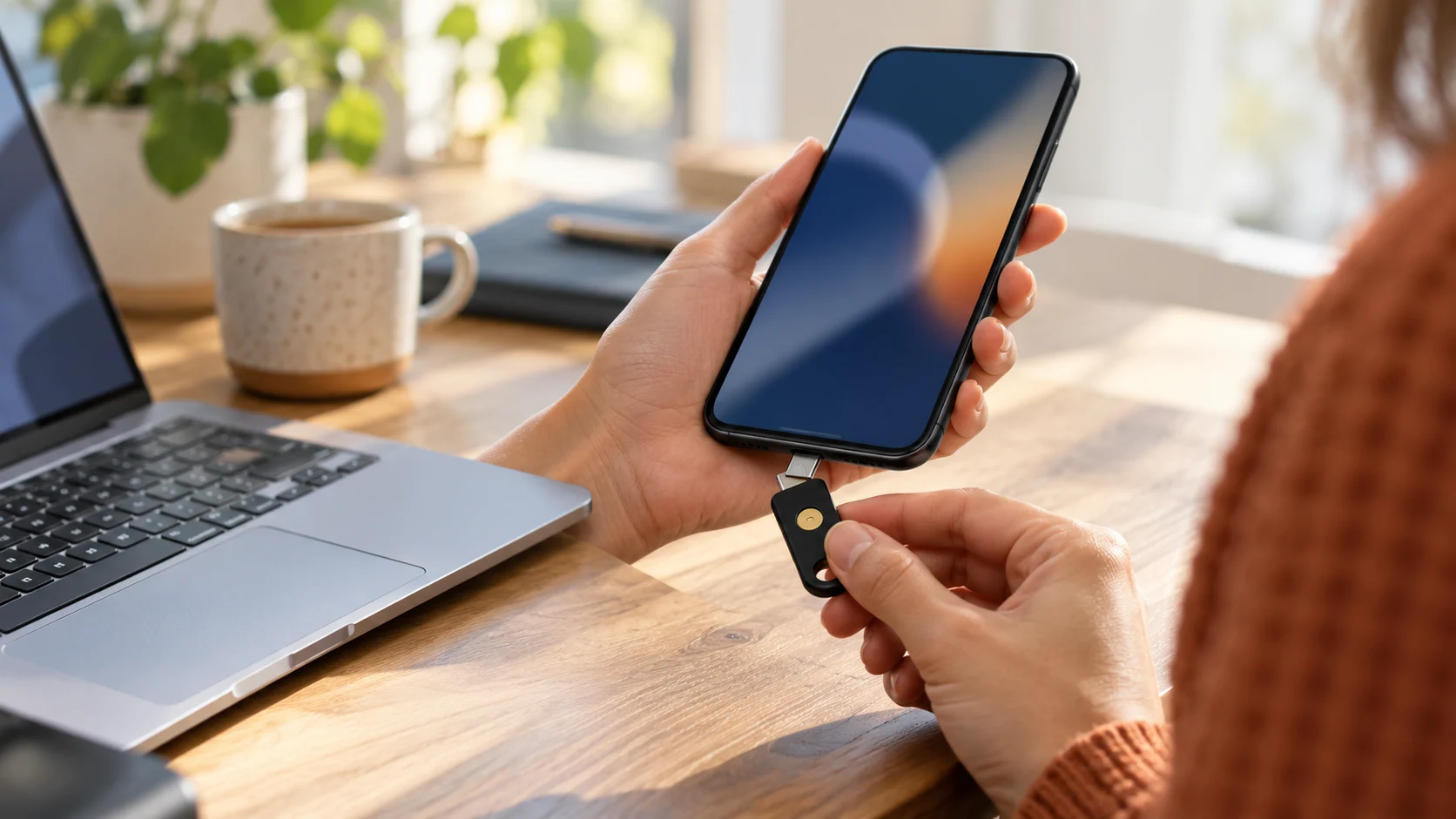
Appropriate FIDO/WebAuthn authentication binds its proof to the legitimate site, addressing phishing differently from a manually entered code. Check the provider's support, activation and recovery details. Passkey storage and synchronisation arrangements vary by ecosystem; the word alone does not describe all dependencies.
Prepare the account before adding a factor
Open the official security settings from a known route. Confirm the current password and check recovery addresses and phone numbers. If an old number or inaccessible mailbox is still registered, fix that before adding another authentication dependency.
Choose the method you can maintain on your actual devices. Read the authenticator application's backup and transfer documentation. Some arrangements retain secrets on a device; others include backup or synchronisation features. The fact that codes appear today does not tell you what survives after that phone is lost.
For a work account, check the organisation's requirements and support process. A business should not unexpectedly depend on a single employee's personal phone for its sole administrative access. Arrange authorised recovery and continuity without casually distributing every factor.
Treat setup information as a secret
During TOTP setup, a QR code usually conveys the secret required to generate codes. Do not publish it in a screenshot or send it to somebody claiming to verify installation. Scan it through the intended application, enter a code to confirm setup and check that the provider lists the new method.
With a security key or another supported method, follow the provider's registration flow and verify the intended device is recorded. Names and menus differ; avoid an unsolicited tutorial that directs you to register an unknown authenticator.
Perform a login test before considering the work complete. Do not remove the only functioning method during an untested transition. Setup is more than seeing digits appear in an application or receiving one successful notification.
Build a backup route independent of the lost phone
Recovery codes can restore access according to the provider's rules. Keep them in a protected location available when your ordinary phone is missing. A screenshot stored only on that phone does not meet this goal. A cloud folder whose login depends on that same unavailable factor can also create a circular dependency.
If the service permits an additional authenticator or a spare key, examine that option. Test the official recovery instructions without disabling protection just to make access easier. The backup route should remain controlled, not become an unprotected door left open in fear of lockout.
Do not assume a used recovery code remains valid. Follow the provider's instructions and replace your reference copy when generating a new set. Avoid keeping obsolete codes beside current ones without labels that distinguish them.
For organisational access, define who is authorised to carry out recovery and how an absence is handled. The procedure should be known before an incident, with the sensitive material kept separately from the ordinary task log.
Replace a phone before erasing the old one
Read the application's supported transfer procedure before selling, resetting or discarding the old device. Check every important account on the new device. A successful transfer of contacts and photographs does not prove authenticator secrets were transferred as well.
Keep a known session available when practical and prepare recovery codes before beginning. Confirm the replacement method before removing the old one. If an account was missed, use its official recovery route rather than disclosing codes to an outside helper.
If the phone was stolen, restoring your own access and preventing use of the old device are separate tasks. Review registered authentication methods and sessions from a trusted device using each provider's controls. Buying a new phone does not automatically invalidate every session or method on the old one.
Choose stronger methods where the impact is higher
A main mailbox, administrator console or sensitive business tool deserves special attention. Examine the most protective authentication options the provider actually supports. Suitable security keys or passkey configurations may help address phishing resistance, but compatibility and recovery must remain usable.
The NIST guidance distinguishes authenticator properties and assurance levels. Do not infer that all methods labelled MFA are interchangeable. A code you can manually submit to a fake form and a site-bound cryptographic proof have different behaviours.
When only SMS is offered, make a practical choice based on available protection and your recovery needs. Continue protecting the underlying account password and line. Upgrade the method when an appropriate supported option becomes available.
Respond to approval requests you did not trigger
Refuse a request when you are not trying to sign in. Open the real account independently and inspect events. Someone who calls saying they need your code to cancel the requests should not receive it. Contact support yourself through known details if necessary.
Check whether the password may be exposed and review sessions, recovery methods and connected applications. For a workplace account, notify the responsible team. Repeated requests deserve investigation even if you have refused them all.
If unauthorised access is confirmed, follow the account recovery guide. An enabled second factor is not evidence that every other route into the account remains safe.
Keep passwords, devices and sessions protected
A fake site can collect a TOTP code in real time, a malicious program can target an authenticated session and a mistaken approval can authorise access. MFA does not make an account invulnerable. Keep updates, verify login destinations and use independent passwords wherever passwords remain part of the journey.
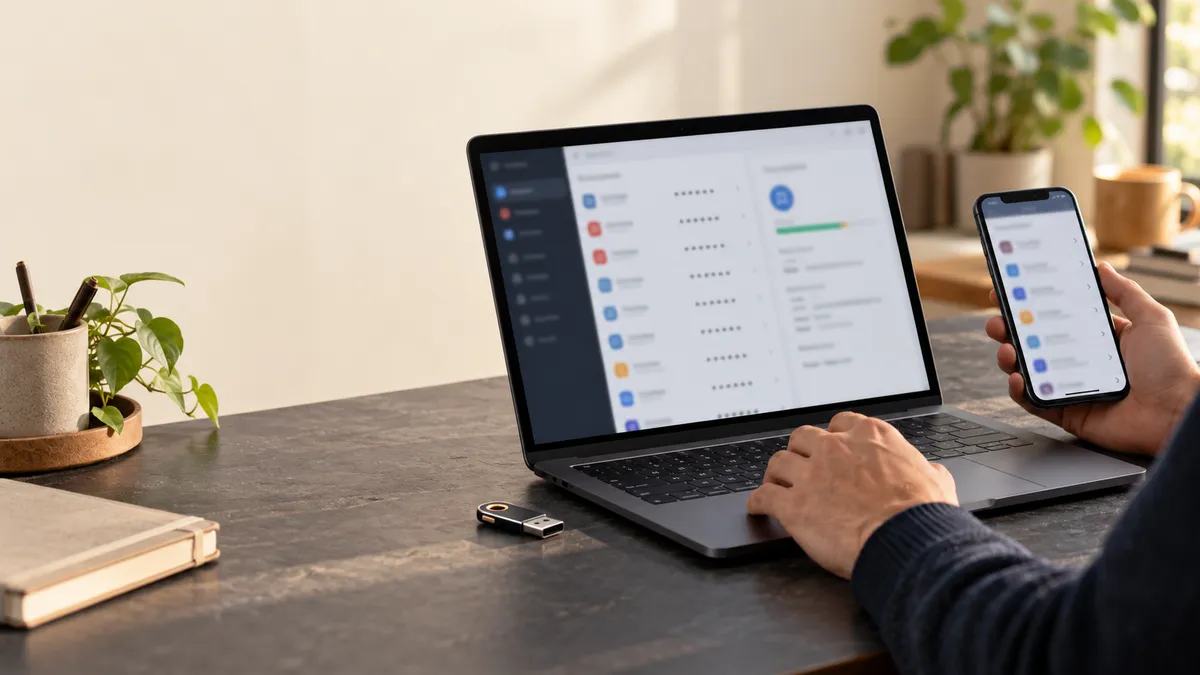
A manager can organise those independent secrets, but factor setup and recovery must still be checked in the relevant service. Soclyde provides an encrypted device-held vault for account information. Using a vault does not change which authentication methods the external service supports or complete their registration for you.
Keep the distinction between account storage and authentication configuration clear. The password creation guide complements this setup, and the complete security guide connects it to device and recovery practices.
Respond to a missing factor without accepting outside help blindly
If your usual factor becomes unavailable, start with the recovery procedure you prepared for that specific service. Use a recorded spare method or recovery code where supported, and keep the provider's official support route as the fallback. Do not enter backup material into a page linked by an unsolicited helper.
After access is restored, review the lost method and any sessions associated with the missing device. Follow the provider's documented removal process and verify a replacement before leaving only one untested route. If theft is involved, coordinate device handling with the relevant support or workplace process.
Do not assume that another account's recovery rules apply here. Services differ in how they accept spare methods, which actions require extra verification and what a reset invalidates. Keep the task specific to the affected account rather than disabling factors across every service in frustration.
Once the replacement works, refresh your protected backup information and record the action without copying codes into the incident log. This closes the lifecycle begun during initial setup: registration, normal use, loss and recovery should all remain understandable. A factor is only convenient protection if you know how to maintain access when everyday circumstances change.
Enable protection you can maintain and recover
Choose an appropriate method, verify registration and prepare a backup before the usual device disappears. Refuse unexpected prompts and investigate unexplained activity. Good MFA is not just a setting switched on once: it is an authentication and recovery arrangement you understand throughout device changes and account incidents.