On October 22, 2026, TeamUpdraft renewed its call to check WordPress sites connected to UpdraftCentral Cloud before its security incident. Following unauthorized access to teamupdraft.com over October 17–18, stolen connection keys were used to install malicious plugins on customer sites. Nethemba investigated its own affected websites; Patchstack also observed installations.
For a small business, there is a specific question to ask its web agency: which connections can still administer our website remotely? The WordPress password is only one possible entry point.
A maintenance connection becomes hostile access
UpdraftPlus provides WordPress backups. UpdraftCentral provides remote management of multiple sites. Patchstack explains that the attacker held genuine dashboard keys: plugin installation commands were correctly signed and accepted by the sites. There was no need to enter the business owner’s password into the WordPress login form.
Researchers observed 99 malicious plugin names. Some backdoors created an account displayed as an Editor but granted additional permissions to install plugins. Checking only the administrator list therefore misses part of the risk. An account created by a backdoor can also remain after the plugin is removed.
Check the connection, not just the installed plugin
UpdraftPlus users are not automatically victims. TeamUpdraft distinguishes UpdraftCentral Cloud from its self-hosted version, which it says is unaffected. The vendor also says the UpdraftPlus plugin and its downloads were not altered.
However, do not stop at “we do not use UpdraftCentral.” Patchstack found that a preselected option during TeamUpdraft account connection could enroll the site. The vendor’s October 22 update recommends reviewing the sites listed in the UpdraftCentral account. Have that list and the connections in WordPress checked, including old sites or connections from a previous agency.
What your provider should check now
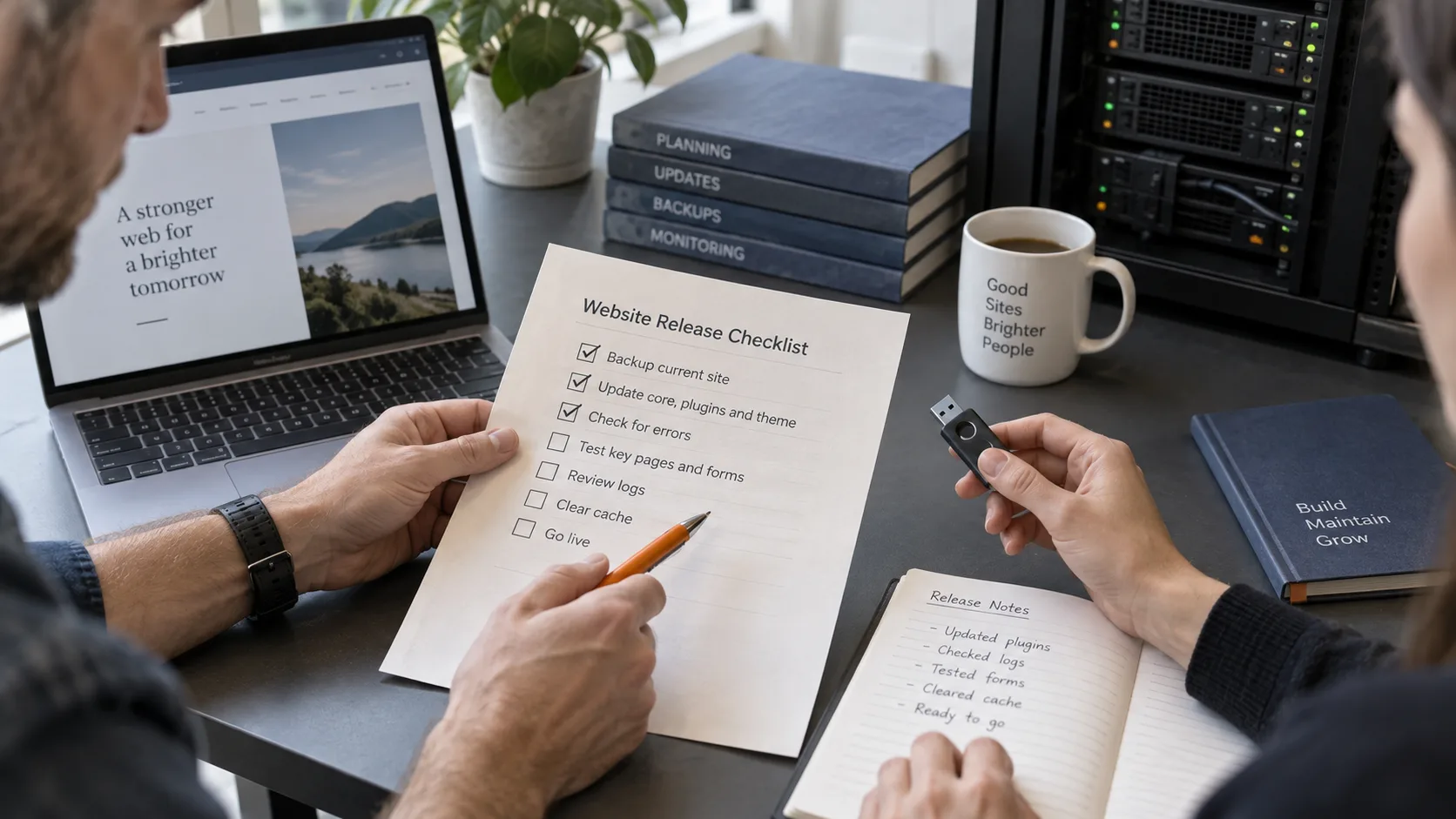
Ask for a result for each website: installed version, removed connections and investigation findings. A useful minimum is:
- Sign in directly to WordPress and install UpdraftPlus 1.26.13, Premium 2.26.13, or a later version recommended by the vendor.
- In UpdraftPlus Advanced Tools, inspect UpdraftCentral keys and remove old connections on the site itself. Removing a website only from the remote dashboard does not revoke the website’s trust in a stolen key.
- Examine plugins, users and their actual capabilities, plus available logs. Preserve evidence needed for investigation if anything unexpected is found.
Nethemba reports that versions 1.26.12 and 2.26.12 did not delete keys as intended, although those numbers still appear in part of the vendor’s instructions. Use at least the .13 releases and check the outcome: “update completed” alone does not close the review.
Reconnecting does not replace cleanup
If a backdoor or an unknown account is found, have the website treated as compromised. Nethemba describes several variants: a working website or a removed suspicious plugin does not establish that every unauthorized entry point is gone. Cleanup, session checks and credential rotation should come before reconnection.
TeamUpdraft asks customers to change their account password and set up two-factor authentication again. If a site was accessed through UpdraftCentral, the vendor also recommends reauthorizing remote storage and changing its access keys. Verify that backups work separately: securing website administration does not demonstrate that a recent backup can be recovered.
How Soclyde fits: keeping control of business access
For the business commissioning the website, this incident highlights a need beyond WordPress: knowing which credentials each provider holds and removing unnecessary access. An emailed password and a remote management key require different revocation steps.
Soclyde lets teams keep and share business credentials in an encrypted vault on their devices, without a centralized cloud vault operated by Soclyde. This helps organize team credentials and their handover to a provider. UpdraftCentral keys still need to be removed in WordPress; a vault does not disable an integration or clean a compromised website.
Key takeaway
If your website relies on UpdraftPlus or a provider who uses it, request an UpdraftCentral Cloud connection review. Keep three outcomes separate: a revoked key, an inspected website and working backups. Read our guide to securing passwords to organize maintenance credentials without scattering copies.