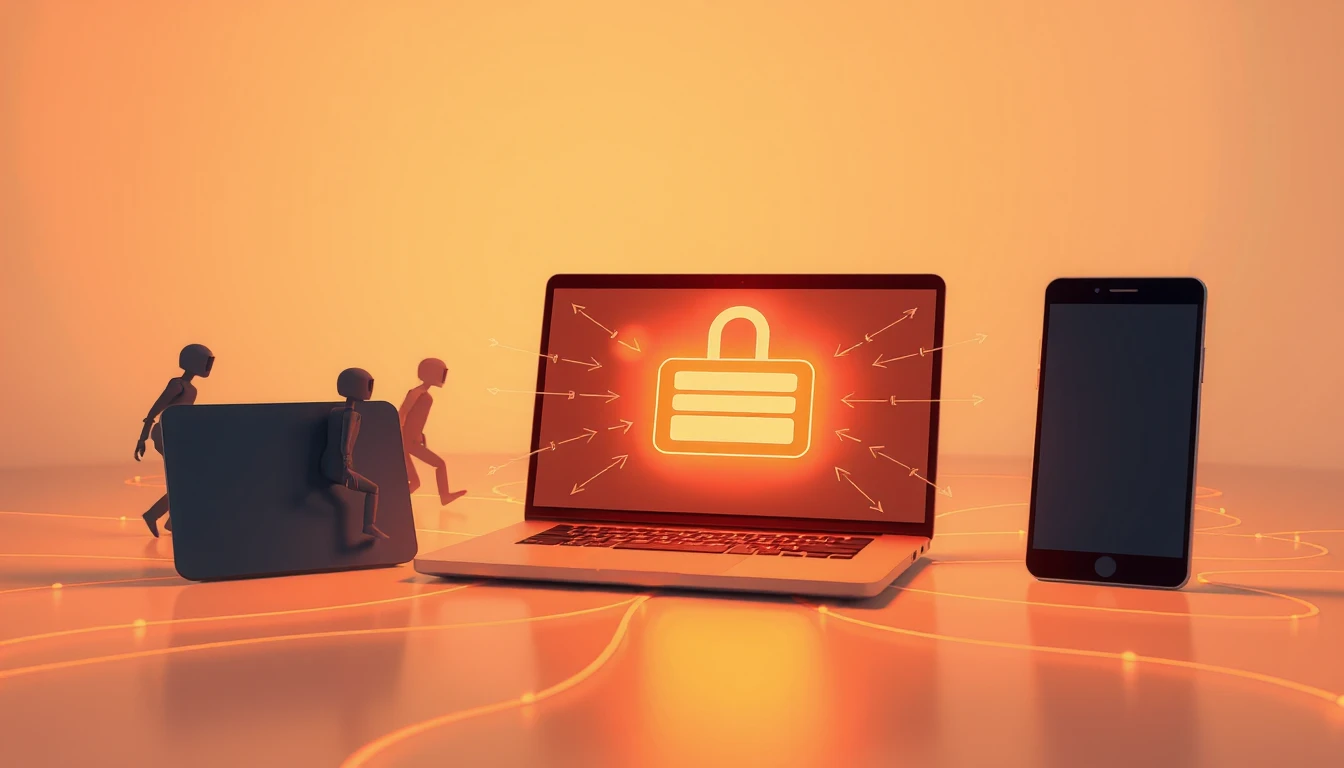
Looking for an alternative to a cloud password manager? Soclyde uses a local-first model: its encrypted vault stays on devices, without a centralized cloud vault operated by Soclyde. With Soclyde Premium, authorized devices sync directly. This changes where data is kept and which service dependencies exist; it does not prove that one architecture is always more secure than another.
Cloud and zero-knowledge describe different things
A cloud password manager can keep an encrypted copy of a vault for syncing while preventing its provider from reading the contents. Bitwarden says encryption happens on the device before data is sent to its servers. 1Password also documents end-to-end encryption. Google Password Manager lets you use saved passwords across devices signed in to the same Google Account. These examples show that “cloud” does not necessarily mean “the provider can read your passwords.”
Zero-knowledge describes who can access plaintext. Local-first describes where the vault resides and how copies are synchronized. A service can therefore be zero-knowledge and still use servers to host encrypted copies.
What Soclyde’s local-first model changes
The Soclyde vault stays on the user’s devices instead of a centralized cloud storage service operated by Soclyde. With Premium multi-device sync, authorized devices exchange vault data directly; each device keeps a complete copy that is available offline. This limits central vault copies and reduces dependence on a Soclyde synchronization server.
It does not make a device invulnerable or protect a vault if a device is compromised or unlocked. The guide to local-first versus cloud storage explains the trade-offs between the models.
Which model fits your needs?
A cloud manager may suit you if you prefer provider-managed syncing and a centralized account experience. Recovery options vary by service. Check its encryption model, account data, export options and recovery process before choosing.
A local-first model may suit you if you want the vault kept on your devices and want to avoid a centralized cloud vault operated by the provider. In return, plan for device availability, exports and backups: copies on other devices do not remotely revoke a lost device. See the vault backup guide and the guide to moving from a cloud password manager to local-first.
How Soclyde fits
Soclyde is designed for people and small teams who want the vault kept on their devices. With Soclyde Premium, they can sync authorized devices directly. The product does not store a centralized cloud vault operated by Soclyde. For more detail, read the guide to local-first password managers.
Takeaway
Cloud and zero-knowledge are not opposites, just as local-first does not mean “no network.” Choose based on where you want encrypted copies stored, how you want to sync, and how you will manage backups and devices. Soclyde serves the local-first use case without a centralized cloud vault operated by Soclyde.